3ds Max | Scripts

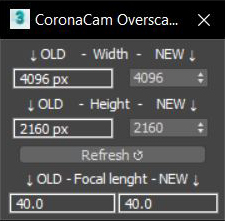
CoronaCam Overscan

1 vote

Delete Render Elements Output Path

0 votes

If you take a file that already had a defined save path, and you want to change the output path, it does not work with the path of the render elements and you have to use Asset Tracking and press the Strip Path option to delete them before putting the new path. .

Now with a simple button click you have it. Click on the button and you will see that the Output Path of your render elements will be deleted and now you can define the new path.

Works with Corona Renderer only.

Spline Shape to Function And Bitmap to Function

5 votes

-Spline Shape to Function-
This is a simple script which allows scripters to take a spline shape which was created by hand and convert the information from it into a workable maxscript function code.

-Bitmap to Function-
This is a simple script which will convert bitmaps into code which you could embed into code in order to not have extra files.

AutoPivot

0 votes


AutoPivot is a useful script for 3ds Max created to help you move easly object's pivot.

Description:

It includes two separate scripts that move the pivot to its center or to lowest point.
Unlike the standard 3ds command that uses the Selection Bracket, AutoPivot calculates the center of mass and moves the pivot accordingly.

Main features:

Viewport Toolbar

10 votes

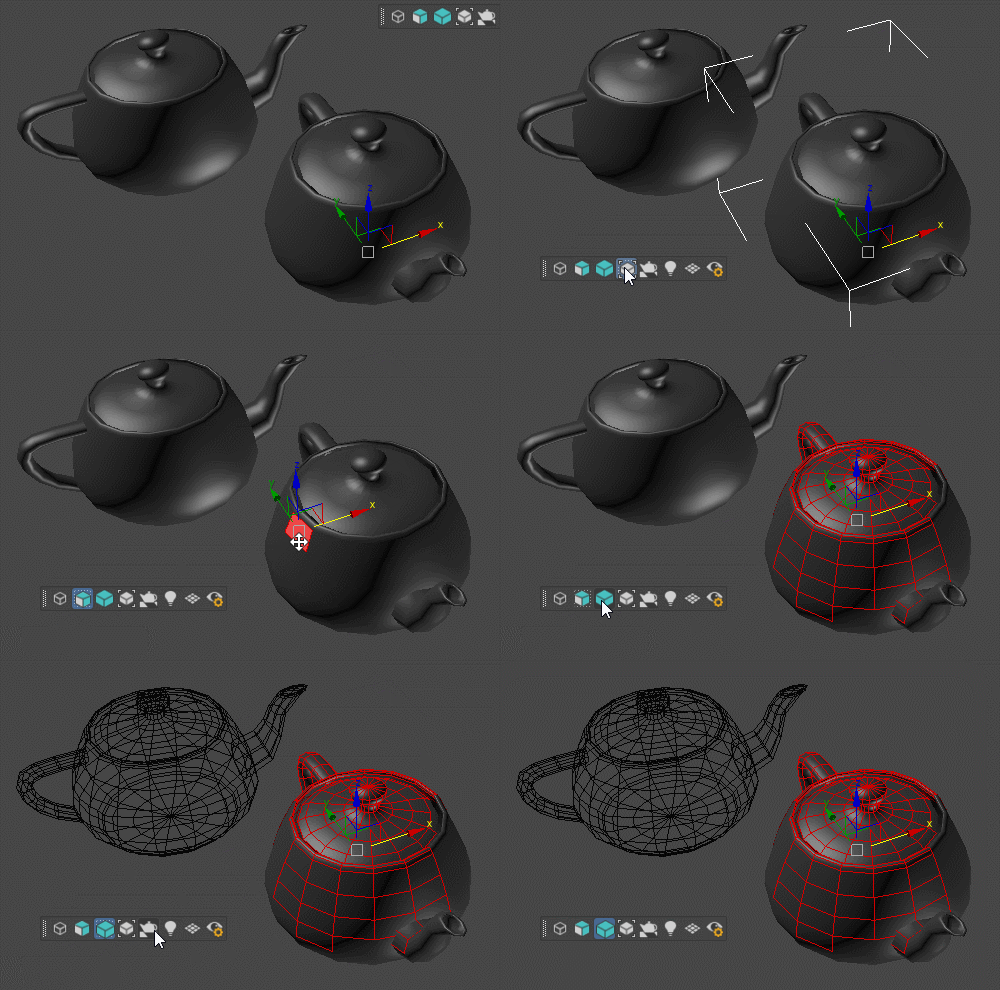
Floating toolbar with current viewport settings.

Viewport Toolbar

Attach Selected

0 votes

3dsMax Script for Attaching Selected Objects .

- Works on Geometries and Shapes .

- The First Selected Object will be the Main Object .

Sometimes when using Other Scripts for Attaching Objects you get wrong materials when containing Multi Sub Materials , So I made this Script to solve this Problem .

- After Installing , the script will be add to QuadMenu 1 (RightClick Menu) "Attach Selected" .

RemapPSD

8 votes

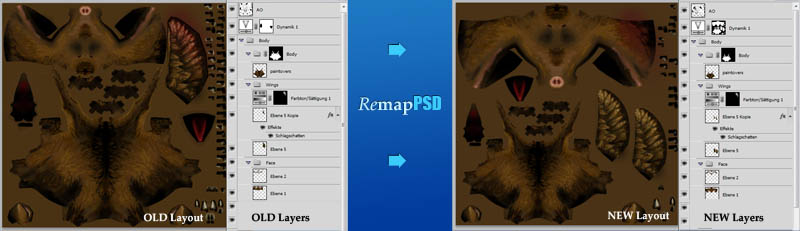
With RemapPSDyou can easily map your entire photoshop file to a different set of uvs. The script will handle any complexity in your photoshop files:


  • layers with masks
  • folders with masks
  • nested folders
  • adjustment layers with masks
  • layered tiffs


HOUSE GENERATOR

1 vote

A script make houses with a button

VRay Orthographic Rendering Camera Rig

68 votes

Simple VRay camera rig to produce orthographic renderings.

  • Front, Right, Left, and Rear Camera positions
  • Adjustable Rig - X, Y, Z, radius
  • Adjustable Camera Settings to fit object in VFB
  • Test Render button for preview

Detach Elements

69 votes

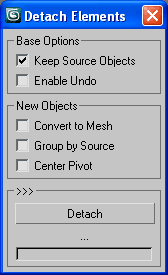
Detach all elements on multiple objects with a few options for better scene arrangement,
including convert to mesh, group by source or link to source or point helper.

Detach Elements

Syndicate content