3ds Max | All

TexTools: Toolbox for the texture artist

237 votes

Documentation: http://www.renderhjs.net/textools/

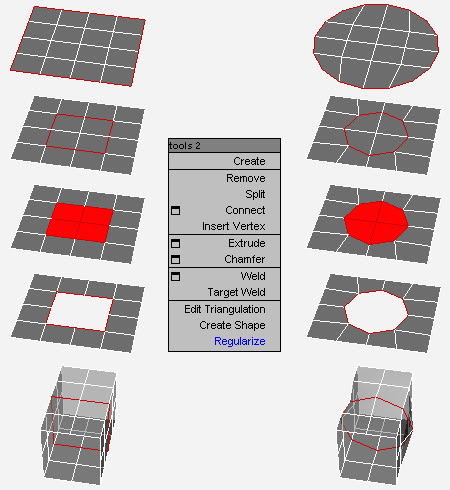
Loop Regularizer

102 votes

Rearranges loops in regular n-gons.

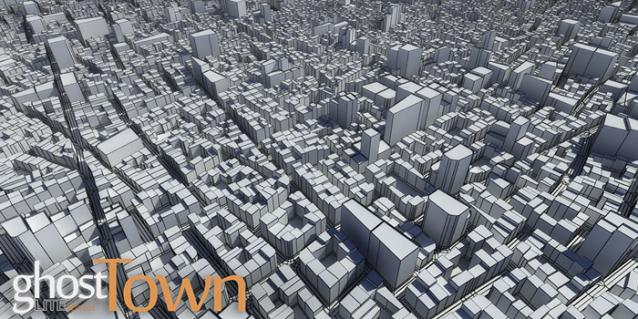
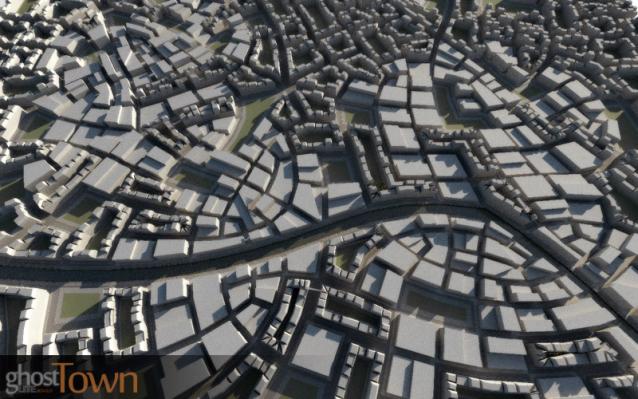
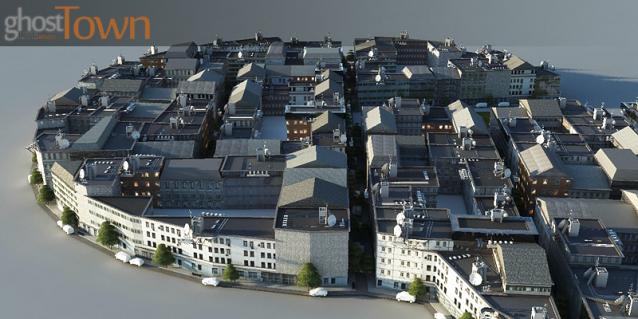
ghostTown Lite

491 votes


ghostTown 0.21 Lite Beta for 3ds Max 2011


Outliner

756 votes

 The Outliner 2.0 is a fast and easy to use scene management tool. It has a wide range of features, including selecting, hiding, freezing, linking and grouping objects in the "Hierarchy Mode". In the "Layer Mode" you can organize your scene by dragging&dropping objects from one layer to the other. What's more, the Outliner offers support for nested layers, to manage scenes more efficiently. The interface is nimble enough to keep it open constantly.

Stone Placement Tools

255 votes

This script creates stone walls, quad stones pavements and irregular stone patterns for various uses. It's suitable for both realtime and production.

Batch Camera Render

274 votes

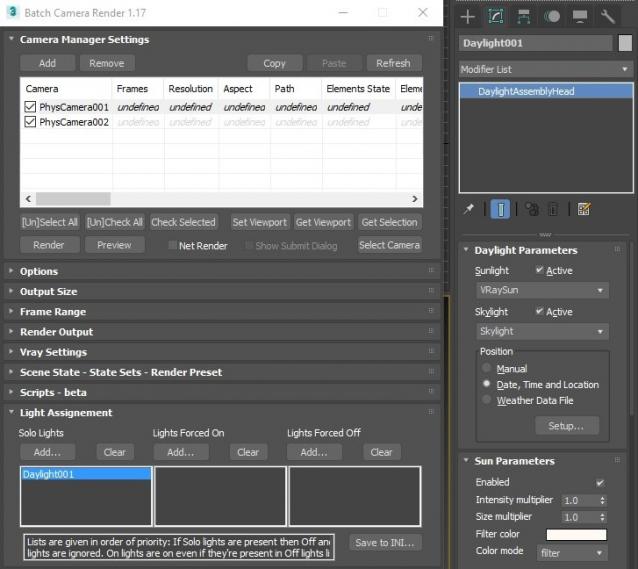
This script aims to replace standard 3dsmax's Batch Render and imitates Houdini Output Node workflow. Using it you can specify rendering parameters - frame size, frame number, output path - directly to camera object, so every camera in scene 'knows' what it intended to render. Additional functionality is Lighting Assignment - you can specify which light will be turn on or off for selected camera during the rendering.

1.19:

  • Support 3ds max 2026

1.18:

  • Support for 3ds max 2023 Update fixed

1.17:

  • Corona and Vray Sun inside Daylight System fixed (thanks to busseynova for reporting)

1.16:

  • CoronaSun supported inside Daylight System

1.15:

  • Don't Save Render Elements Checkbox (Thanks to antomor)
  • Limited support for camera objects in xref scene files (Only root objects in first level xrefs. Cameras in nested xrefs not supported)

1.13 Bugfix:

  • Deadline submission should work now

1.12 New Feature:

  • Deadline support.
    Very basic imlementation, it allows you to submit your jobs on a deadline server. Enter deadline repository address and check "Use Deadline" checkbox. Other checkbox doesn't matter in this case ("Net render", "Show Submit Dialog").
    Probably it requires Deadline 3ds max Submitter installed. I didn't have a chance to check it on a clean machine.

1.11 Features and fixes:

  • State sets support added
  • "projectname" keyword added which resolves to project's folder name
  • other fixes and improvements

1.10.3b Fixes:

  • Crash when vray ir/lcache maps are set to auto-save
  • Region render was not set properly during the rendering

This is major update of the script, so it may not be as stable as before. Backup scenes or cameras at least before running this version. More information can be found here - 1.10b Multiple presets for each camera

Previous updates:

1.10.2b Fixes:

  • Problems with render elements paths
  • Copy/paste of render region settings
  • Properly convert render region values when change resolution

New features:

  • Multiple presets for each camera
  • New keyword %presetname% to support multiple presets
  • Distributed rendering checkbox added to vray common settings
  • Bugfix - Net render not starting after cancelling during local rendering.
  • Improved performance with scenes with lots of cameras
  • Added support of Vray RT as a production renderer
  • Added support of using MFRender script to render scenes through BatchCamera script.
  • Bugfix - Error was popping up sometimes during drag-n-drop
  • Bugfix - Render elements didn't render in certain conditions
  • Bugfix - Pre-render/post-render scripts didn't work on network rendering
  • Bugfix - Select All and Toggle All buttons didn't work properly

Here are some details: http://usakhelo.github.io/batchcam/batchcam-1.9.20.html

RenderMask

374 votes

Render different types of masks (Luminance, RGB, Reflection, Lights/Shadows, ObjectsID, SSS, Texture, AO, ZDepth, Specular, Refraction). The script don't affect the scene materials, lights and render settings.
(this version support only V-Ray render engine)

Batch Export/Import

30 votes

This is a free script, for non commercial use.

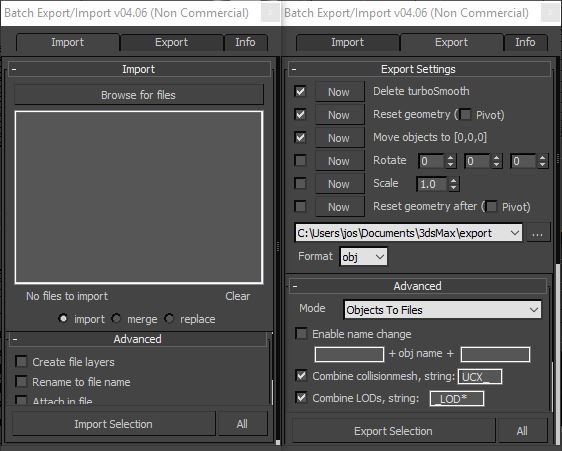
This is the perfect script to transfer your models from 3ds Max to ZBrush/Unity/UDK/...
Basically it batch exports objects to multiple files.
Supported formats : max, obj, fbx, 3ds, ase, dwf, dwg, dxf, dae, nif.

Project Manager

597 votes
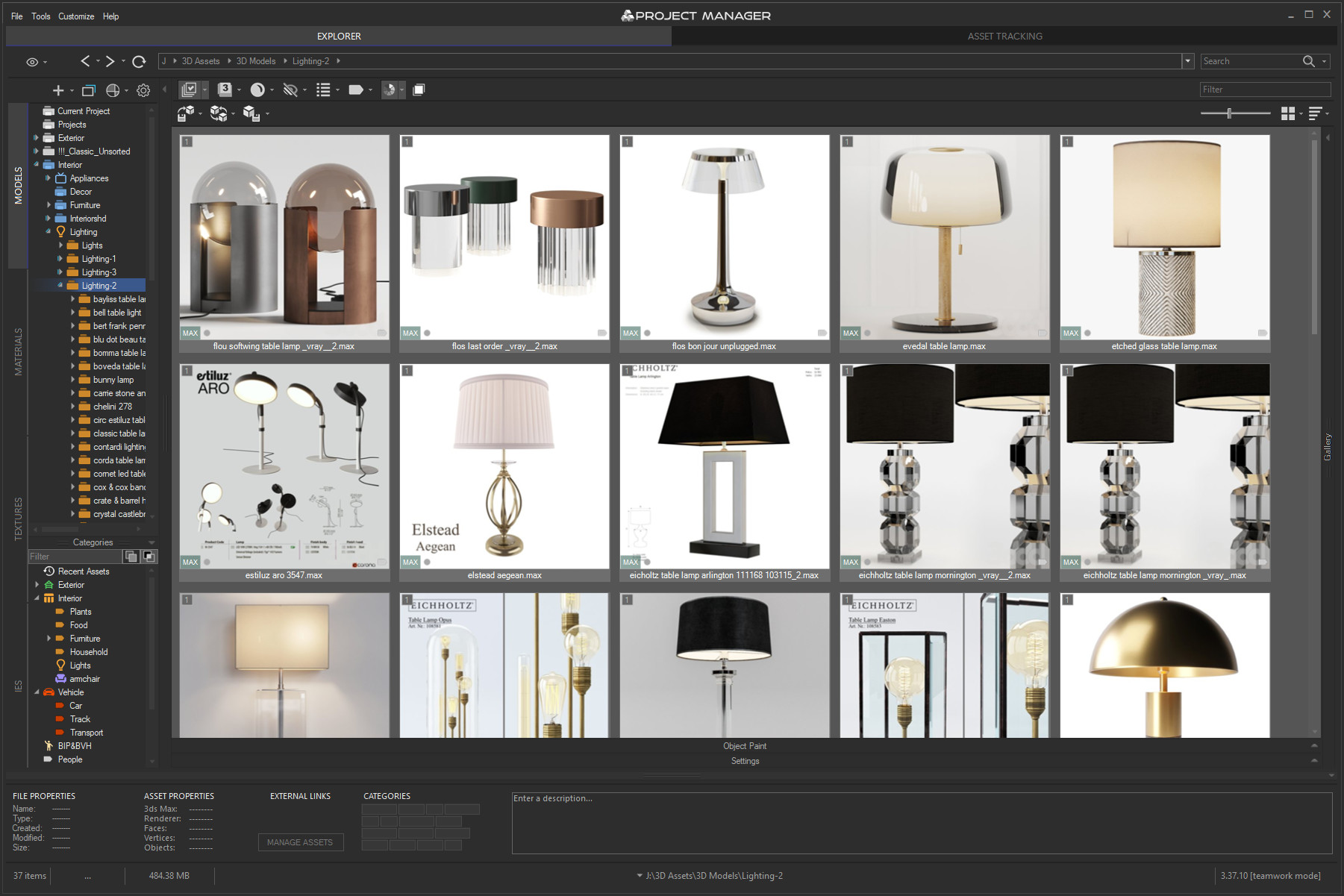
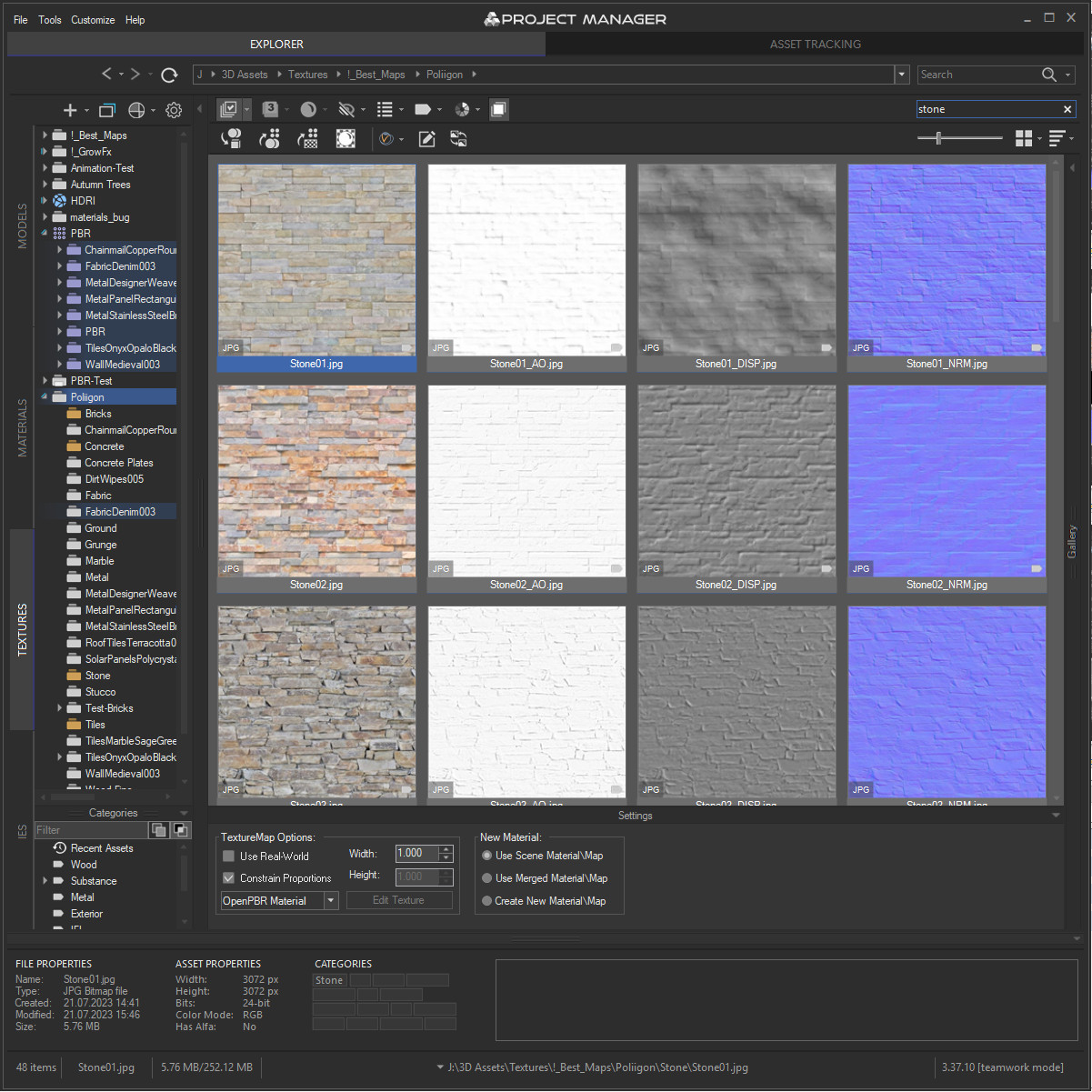
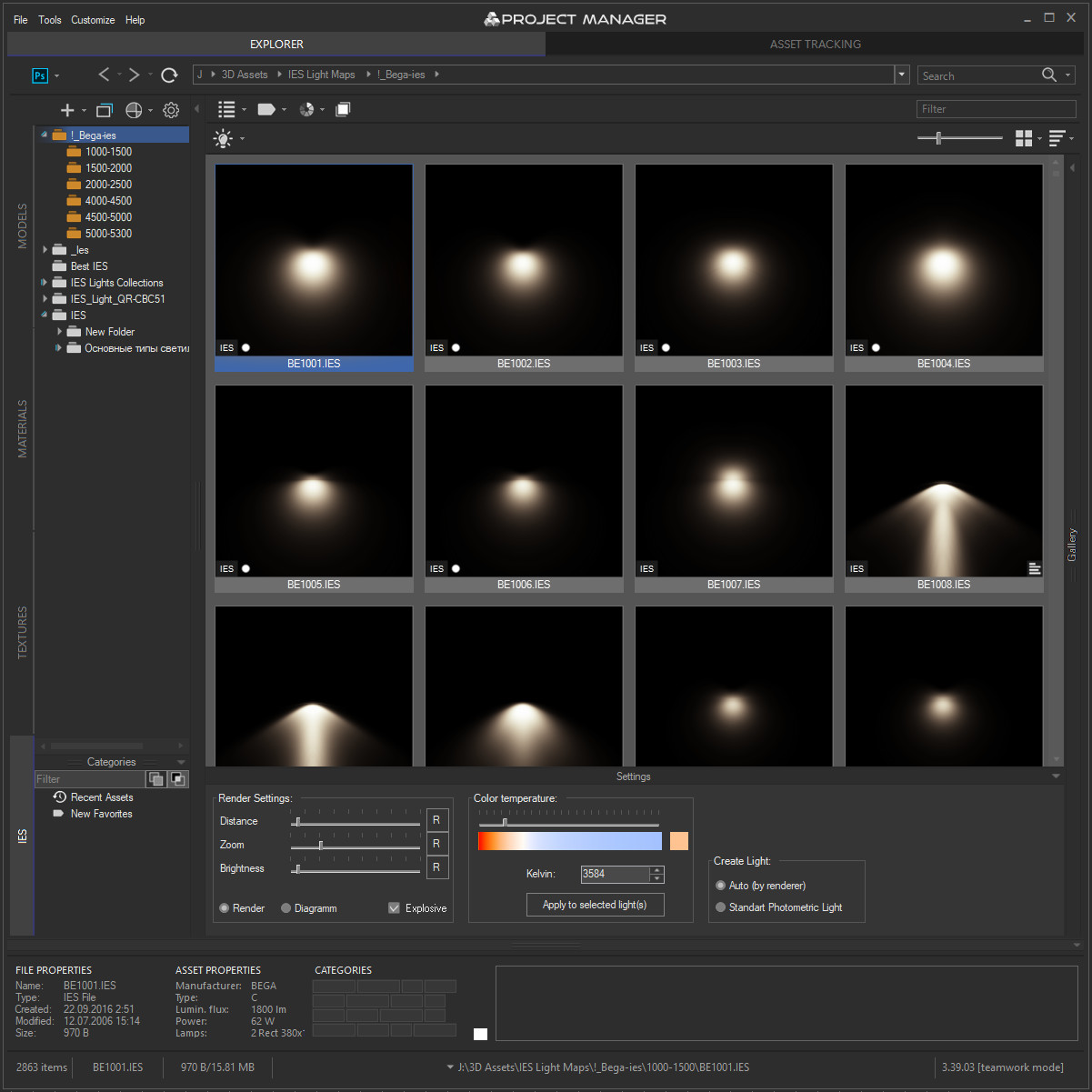
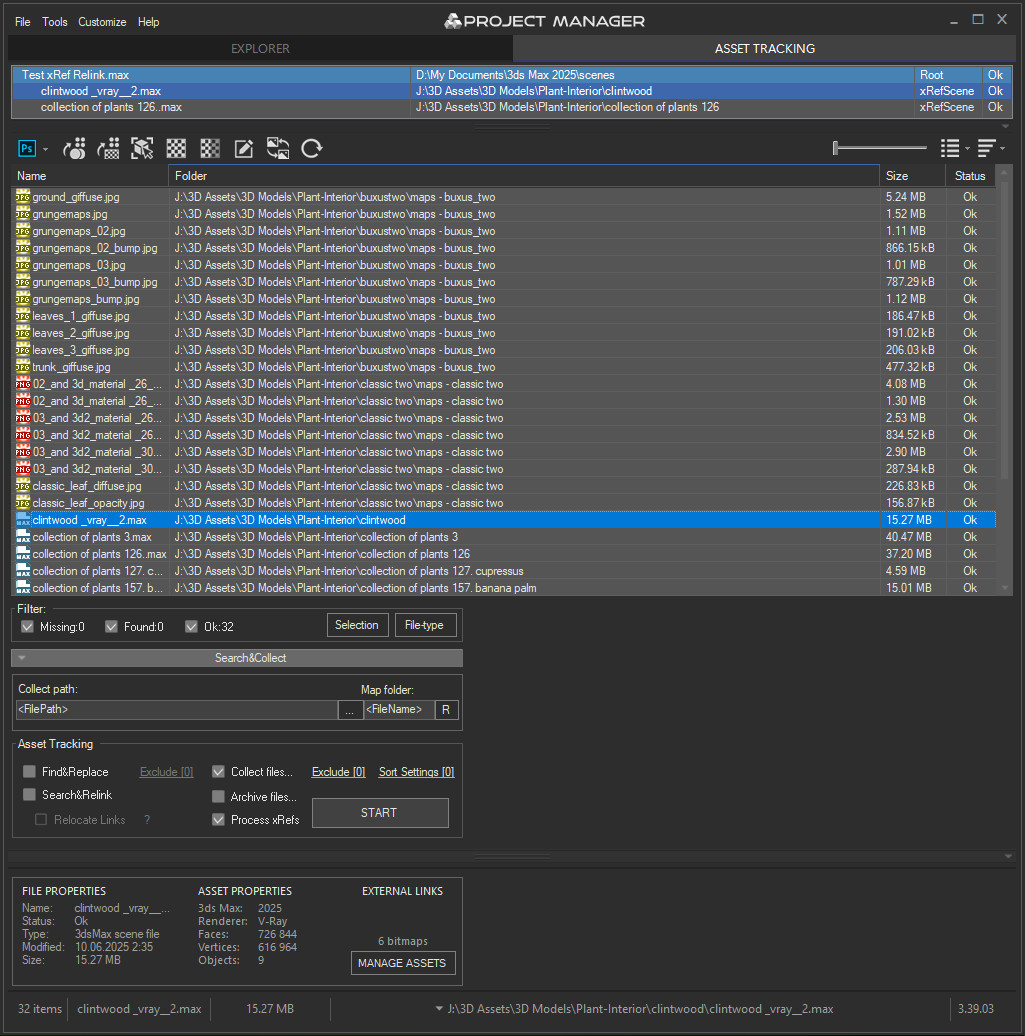
3rd version of Project Manager gains a lot of new features to manage 3D Assets. 
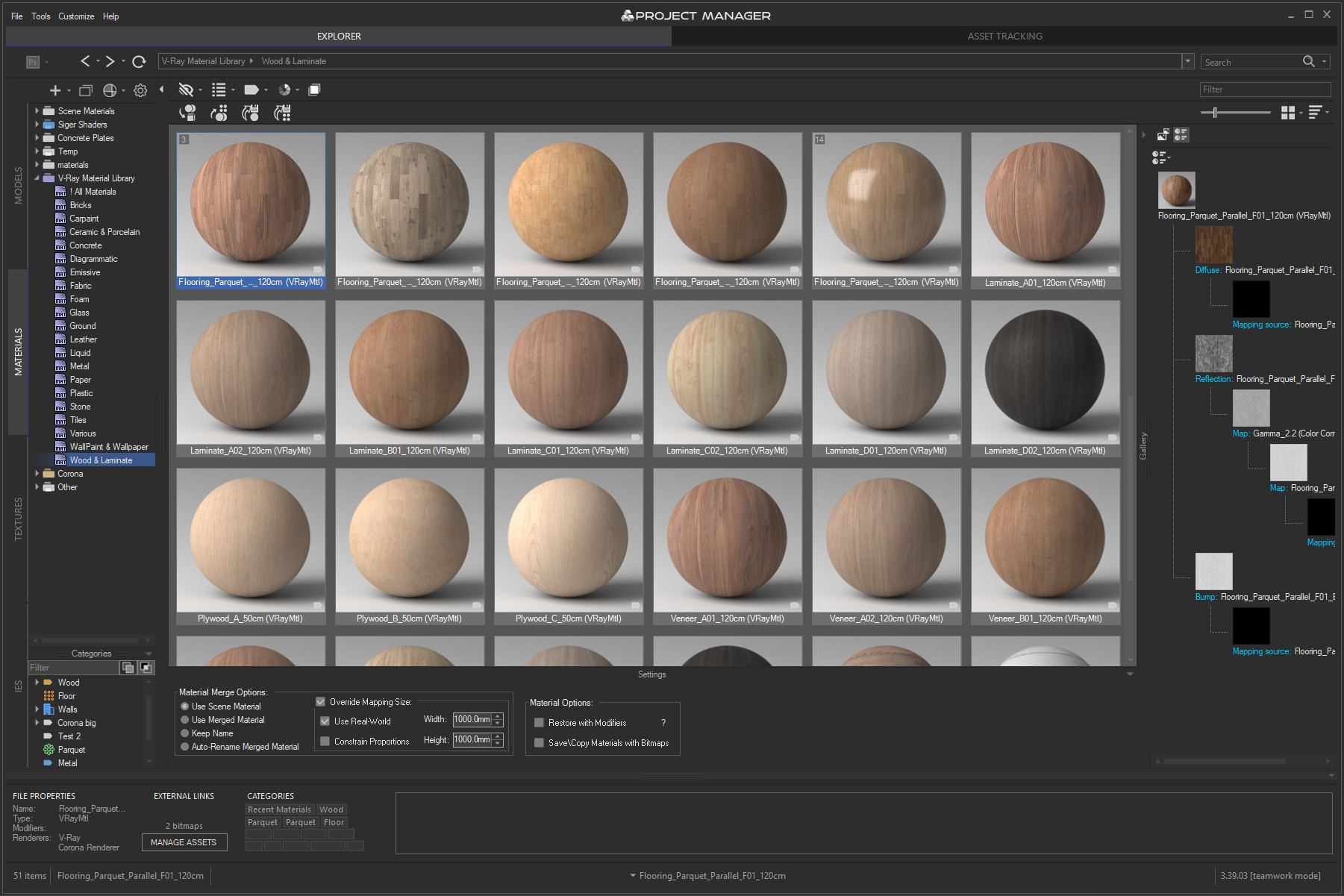
What is most unique to the new features – is the ability to assign custom previews to materials, associate files with materials, and create a gallery of files associated with any type of assets including materials. 
You can also write a description for materials and, of course, assign categories to materials.

Project Manager version 3.41.00

 Online Licenses – new activation system, one key for all computers, easy dashboard management.

 Import from Archives – use assets directly from .zip/.rar/.7z without unpacking.

 Custom Folder Colors & Color Labels – personalize your library with your own palettes.

 Category Filtering – filter assets by one or multiple categories in the current view.

 PBR Materials – added support for translucency maps and templates.

 Batch Import – merge multiple selected models into the scene at once.

 Other Improvements & Fixes – Redshift renderer support, new Extract command, 12 new folder icon sets, bug fixes and optimizations.


Project Manager version 3.40.00

What's new:
Instant interactive search across the entire database
Advanced filters with include/exclude options for filenames, descriptions, and categories
✔ Filter by complete folder path for precise asset selection
Color Labels: assign and filter assets by color for quick organization
✔ Isolate Selection filter for focused browsing
Significantly improved asset display speed for large file sets
✔ Smoother navigation and thumbnail caching — no more interface freezes
✔ Hide folders by relative path for fine-tuned library control
✔ Redesigned, collapsible bottom panel for more workspace
Batch Rename Tool: now with diacritic replacement, Cyrillic transliteration, and flexible numbering
✔ Custom exclude expressions for merging in 3ds Max
✔ High-DPI support, improved stability, and numerous bug fixes

More about new features ->  Project Manager version 3.40.00


Update History for all versions.

Models 3D Models Browser
Materials Materials Browser
 
Textures Textures Browser
IES IES Photometric Browser
Asset Files Asset Tracking

MultyConvertor

288 votes

MultyConvertor - allow to convert any materials, lights (objects) of any renders to any materials, lights (objects) and renders!!! It is all in one.

You can simple create *.mct (edit text file in any text editors and change extension) file for new render and facilities that support this type of rendering. See any *.mct in archive

Now you start the script and setup link properties from one render type to other. You can also use expression for translate value to other value or execute any max script expression.

Syndicate content