
Pivot Manager
Downloads
Version 1.0Listed version
Listing updated
Visit author’s download pagewww.professional3dstudio.com
Other files (3)
- 2.gif9.1 MB
- 1.gif743 KB
- pivotmanager.png4.0 KB


- 3ds Max compatibility
- See original listing claims
Community compatibilityNo compatibility reports yet
No reports yet for the available releases.
Community reviewsNo reviews yet.
Listing details
- Version
- 1.0
- From original requirements
- 2008
- Original version requirement
- 3ds Max 2008
- Author’s update date
- Legacy votes
- 3
- Listing created
How compatibility works
Compatibility comes from the author’s supported range or requirements in the original listing. A tested version records what the author tried.
“2020 unconfirmed” in the catalog means support for 3ds Max 2020 is still unknown.
Community reports record successful tests on specific releases.
Description
Setup & notes
General
This script contains all the basic functions of positioning and interaction with the pivot.
This is a very simple script that aims to cut down on the daily workload.
Images

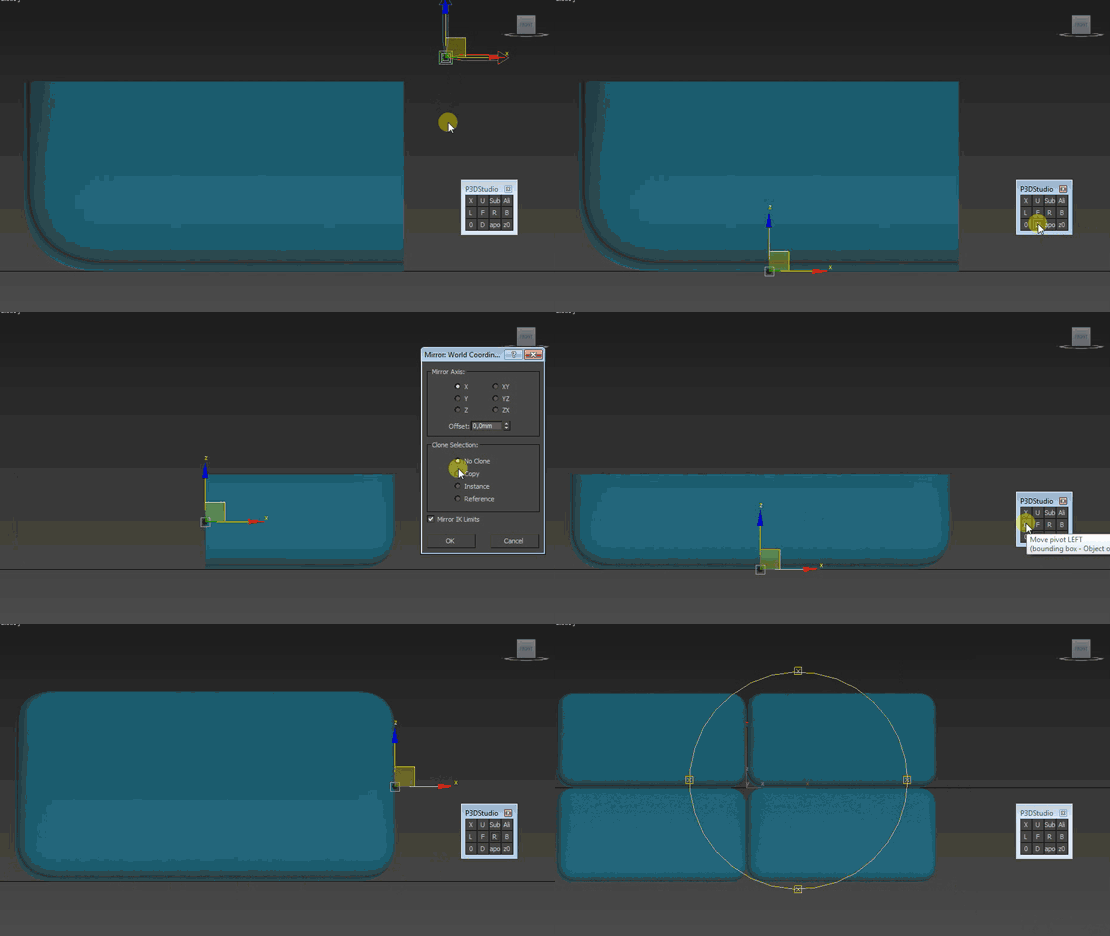
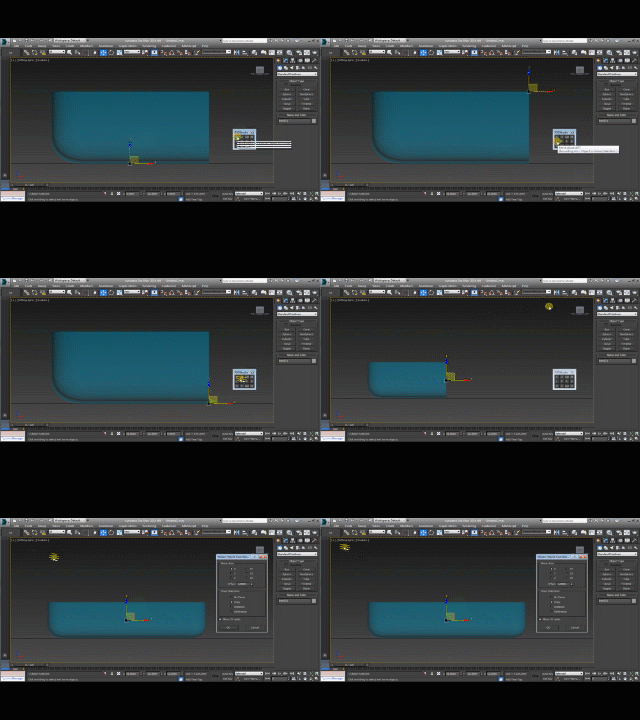
Functions
- X: Center the pivot to the center of the bounding box
- U: Move the pivot to the top [UP] of the bounding box
- Sub: Center the pivot in the center of the bounding box of the sub-object
- Ali: Aligna object to other once by pivots
- L: Move the pivot to the left of the bounding box
- F: Move the pivot to the front of the bounding box
- R: Move the pivot to the right of the bounding box
- B: Move the pivot to the back of the bounding box
- 0: Center the pivot point (0,0,0)
- D: Move the pivot to the bottom [DOWN] of the bounding box
- APO: Affect pivot only
- Z0: Move pivot z = 0
Package
- Interface pivotManager
- Botton for call user interface
Comments (4)
Comment policy
Download does not work
Where can I download this wonderful script?
very useful
many thanks for the script and for the quick support to make it work in Max 2016! Works fine :)
pivot manager
super useful ... thanks a lot.
small interface for my crowded workspace
a bit expensive
Nice script ! Very usefull. But I think it has an interface a little small! Thank you