
SplineBrancher
Tool to create branching geometry from a series of splines.

The Download URL is for the free version.
Follow the Homepage URL for the full version.
SETUP:
To install, simply extract SplineBrancher.zip into your 3DS Max directory.
After opening Max, select MAXScript from the top menu, and click "Run Script..."
Navigate to the KM folder in the Scripts directory. Select the file called "splineBrancher.mse" and click "Open".
HOW TO USE:
1) Create a series of linked splines approximating the shape of the branches.
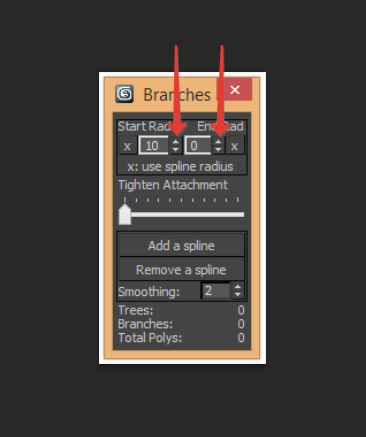
2) Set the starting radius for the initial branch.
3) Click "Add a spline" and select the initial branch. Repeat for all additional branches.
What do I get with the full version?
ADDITIONAL SPLINE RADIUS CONTROLS
- Set the starting radius of individual branches
- End branches with a radius other than zero
- Use the render radius of the source splines to determine branch thickness

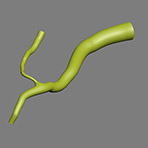

TIGHTEN SLIDER
- Move the starting point of the branch closer to the parent
http://www.versatileartist.com/images/sb_tighten.gif>
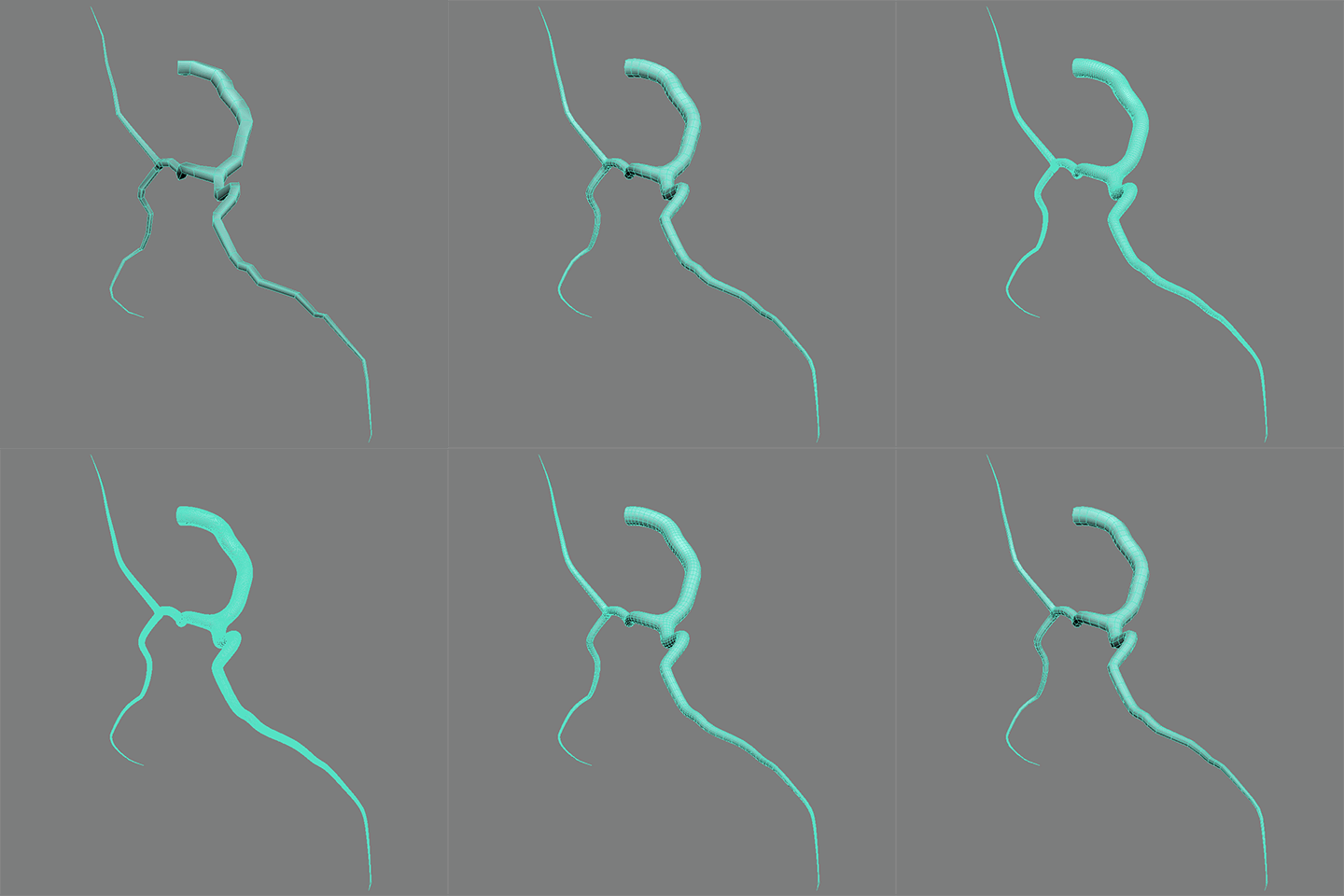
SMOOTHING SPINNER
- Increase or decrease the density of your branch geometry
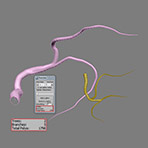
- Display total number of trees, branches, and polygons
UV MAPPING
- Generate UV Map coordinates that update as you adjust your branches

Comments
Much better it would be if
Much better it would be if there were float spinners.
Fixed!
Yeah, sorry about that. I accidentally sent out the internal version I was using to test, which was set to clear the scene on startup. The updated version should take care of that.
It looks like you've figured out how to make SplineBrancher do what you want. It's been my hope that the interface is user friendly. Please let me know if you have any further issues! :)
.
.
Why with start SplineBrancher - deleted objects in the scene?
Thanx for update!
Tahnx for undo instead crash max! )
Oh I understood!
This interpolation occurs if the spline stretched by Bezier. Need just have more knots as smooth.
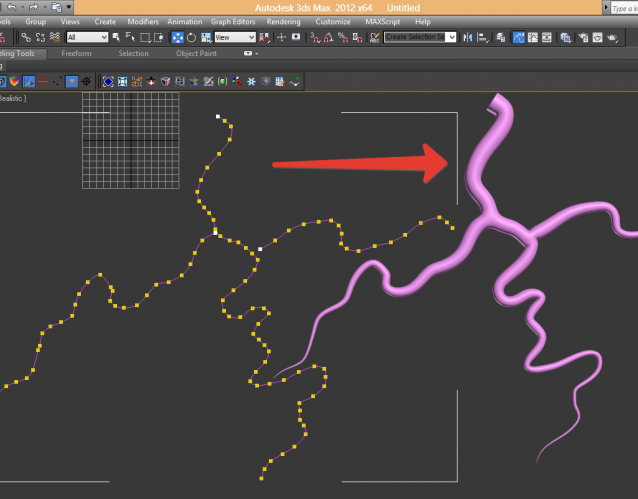
Why such interpolation?
On title image all right
Version 3.0 release
Just a heads up that the full version of SplineBrancher has now been updated to version 3.0. The program has undergone dramatic internal restructuring to make it faster and more stable, and to lay the groundwork for additional features in future releases. There have been no changes to the user interface, so the only difference you are likely to notice is that the program runs much more smoothly now.
The free and full versions of SplineBrancher can still be downloaded from www.versatileartist.com
Bug fix and news
Two items:
First, one of my users pointed out that the UV mapping was not working correctly in some versions of Max. I have tracked down the cause of the problem and fixed it.
I have already directly emailed those who have purchased the full version (the problem is not relevant to the free version), but I thought I should make it known here in case anyone does not typically check the email address associated with their PayPal account.
The old version of SplineBrancher has also been replaced with the new one at the home page link.
Second, as a result of the posts in this thread, I have gotten into contact with Eduard Danilov from Exlevel (the developer of GrowFX), who seems interested in helping to improve SplineBrancher, as well as incorporate some of its functions into GrowFX.
I am very excited about the possibilities that could potentially result from our collaboration, and would like to thank the posters here for being so proactive!
take a
take a look...
https://exlevel.com/forum/index.php?/topic/507-metamesh-question/#entry2962