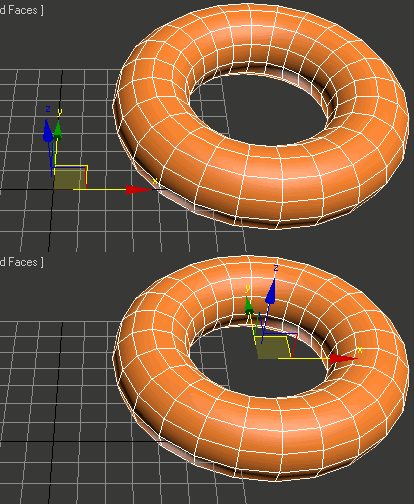
A simple Script for moving the selected object to 0,0,0 at the touch of a single button.
To install simply copy the downloaded macroscript file to
C:\Users\(Username...)\AppData\Local\Autodesk\3dsMaxDesign\2013\ENU\usermacros
You may need to enable show hidden files to access the folder.
After that you open 3ds max, go to customize> Customize User Interface> Toolbars. Under category find Oliver Emley and then drag Zero to an existing toolbar or create a new one.