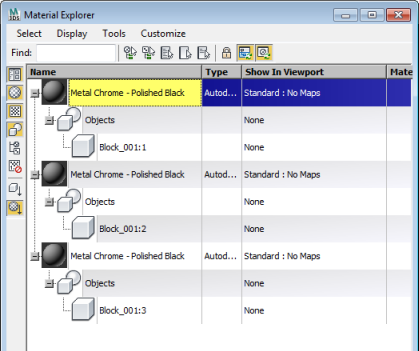
What it does:
Condenses material ID's Based on the texture name or material name.
How to use it:
Under Utilities Tab, hit the MAXScript button
then push run script, locate CondenseMaterialIDs.mcr and hit open.
Now in the Utilities drop down, choose Condense material ID's.
Here you may choose to
A:
condense it from the material name i use a script i found on Scriptspot called "OS3D_SetMaterialName_v01.ms" i cant seem to locate it again but it sets all material names to the Image names.
B:
Condense by the diffuse texture name eg Image1.jpg
When you are ready just hit condense Material IDs and voila, your done
if you want to double check it worked, re colour pick your object.
Good luck