Tagged 'object'

HollowCube

25 votes

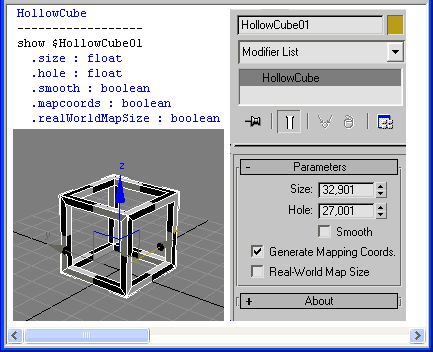
HollowCube is a simpleObject scripted plug-in.
Procedural primitive that I made today for fun.

HollowCube

Installation:
Copy this (.ms) to Max "stdplugs\stdscripts\" folder

Usage:
HollowCube is in the "Create/Geometry" tab in the "Scripted Primitives" menu

Note:

Mass Image Populate

17 votes

A Max Script to populate selected objects with a series of sequential images.


Piston Builder

24 votes

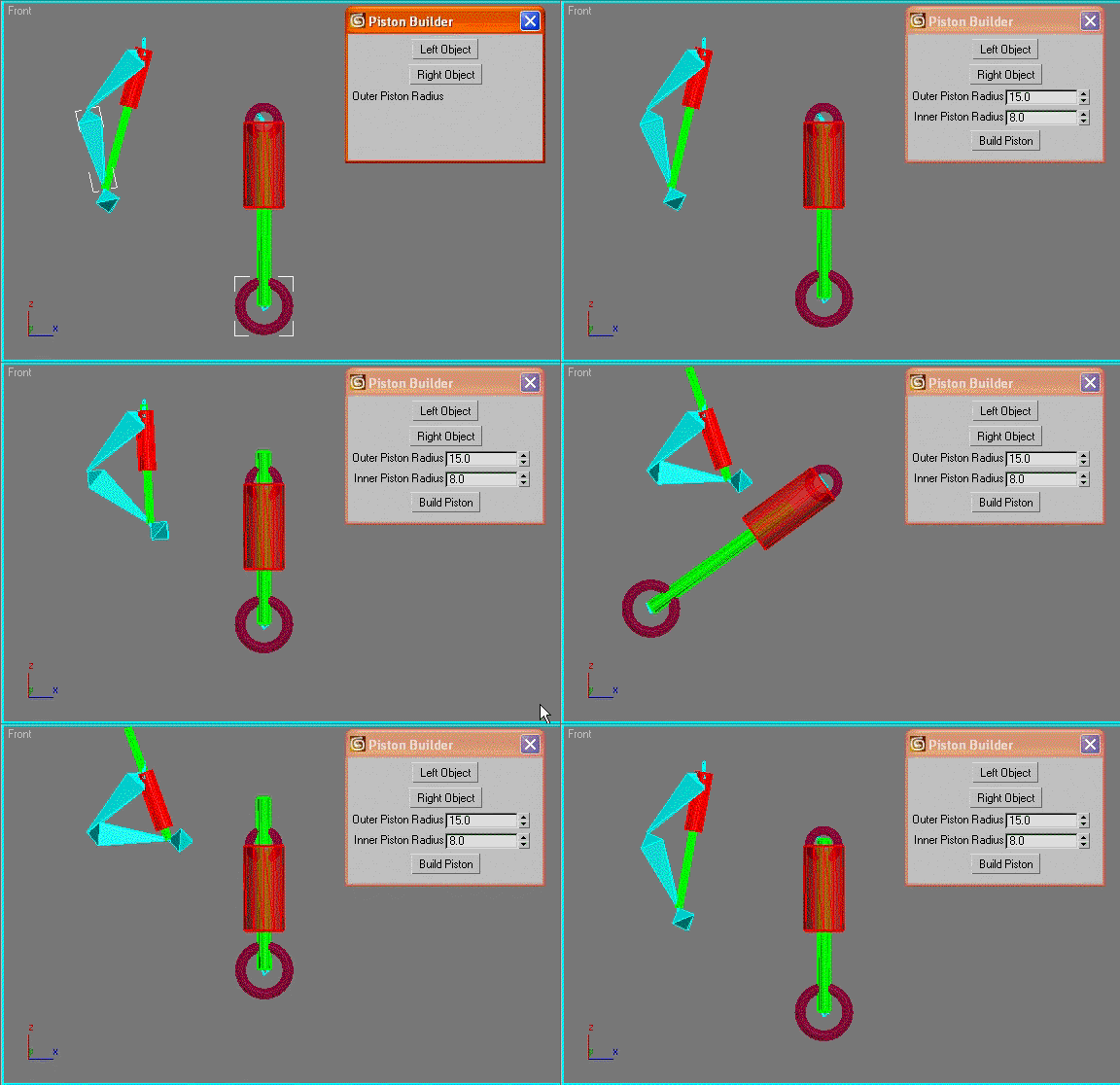
automatically creates a piston object between the pivot points of two selected objects and links the piston rods to the chosen objects. Good for car shocks or robots etc.

Photobucket

hide object's layer by one click

30 votes

with this script you can hide object's layer by one click like in autocad, it scans your mouse position so you simply move your mouse over the object an clik to hide appertain layer also display currently "mouse over" objects name and layer in status bar

i hope you will like it :)

p.s. excuse my bad english

Obelisk

9 votes

A scripted-plugin primitive to create obelisks.
Put the file in MaxRoot\Scripts\StartUp and run Max.
You may find the new object under "Extended Primitives" tab

Step Pyramid

11 votes

A Step-Pyramid extended primitive.

Installation:
Put the file in MaxRoot\Scripts\ and run it through MainMenu->MaxScript->Run Script
or put the file in MaxRoot\Scripts\StartUp and run Max.

You may find the new object in the "Extended Primitives" tab.

Incremental Transform

14 votes

A script to move or rotate an object set of ObjName[_###] Will work on multiple ObjNames, but provides confirmation request for mis-matched object base names. Objects are sorted in alphanumeric name order for incremental transformation, i.e., obj_001 +10 deg., obj_002 +20 deg, obj_003 +30 deg...

Axis-space selectable. Not very elegant, but seems to work OK.

Syndicate content