Tagged 'align'

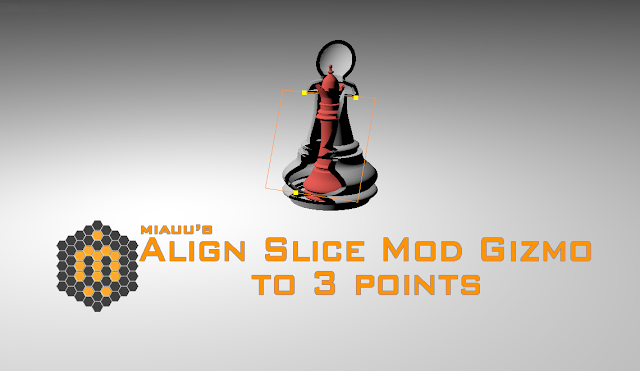
Align Slice Modifier Gizmo(Plane) to 3 points

8 votes

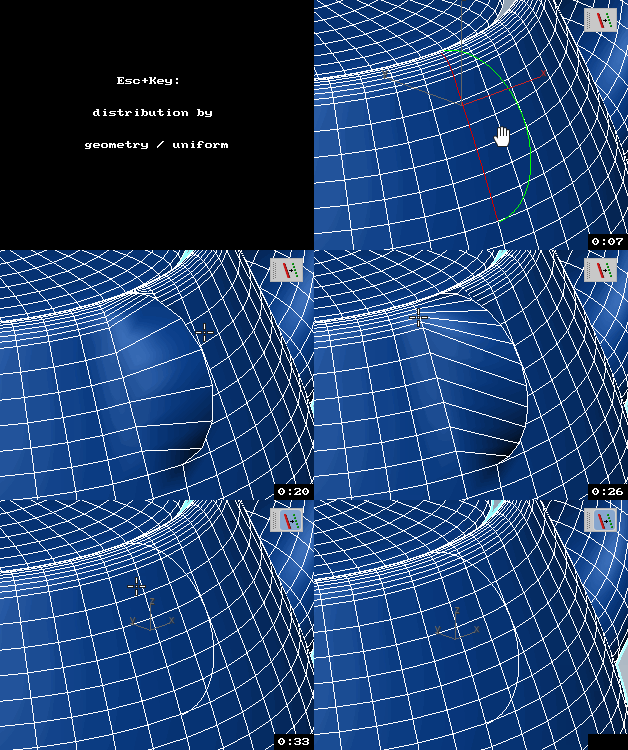
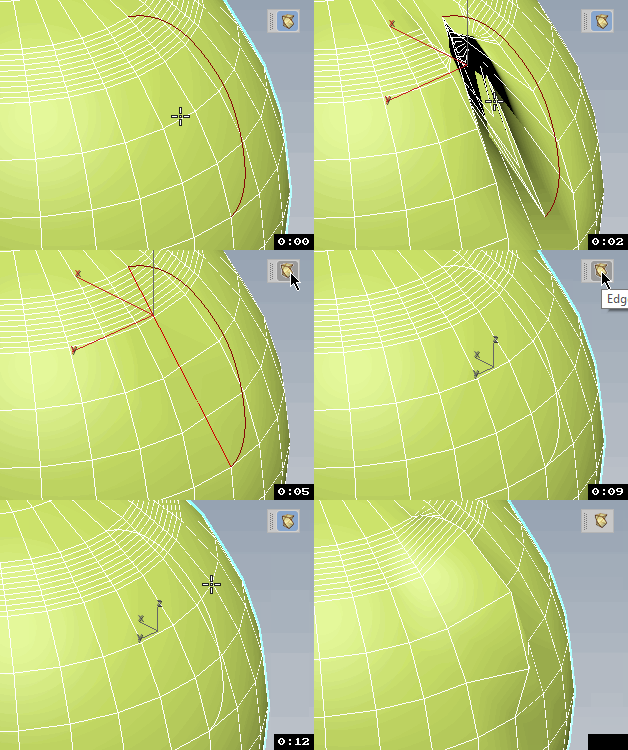
The script allows you to pick 3 points in the scene. The slice gizmo of the slice modifier of the selected object will be aligned to the picked points. When you run the script the SNAP will be automatically turned ON.

Align to Faces

0 votes

A 3ds Max Script for Aligning Selected Objects to Picked Object's Faces .
for more details check the download link .

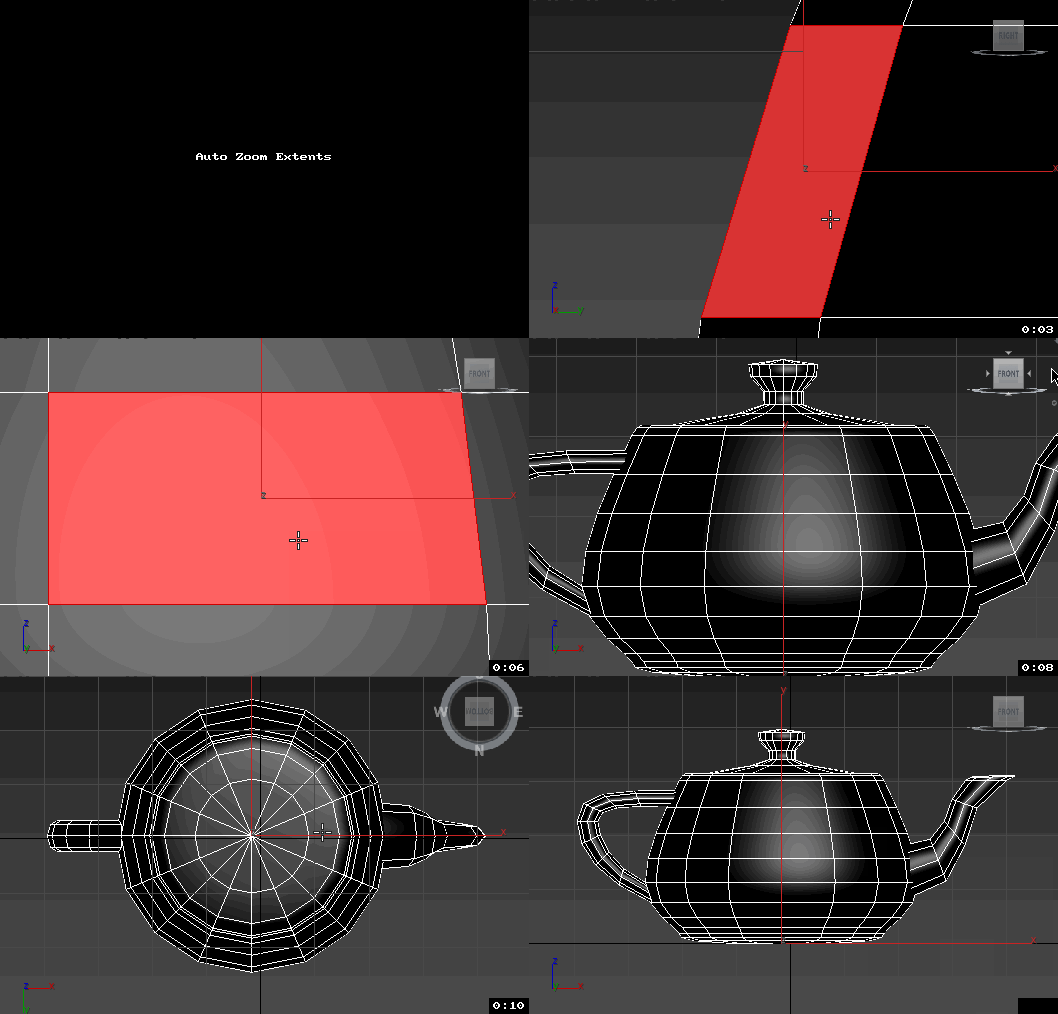
Views Rotation + Auto Zoom Extents

7 votes

Assign these scripts to buttons of NumPad. Left=Num4, Right=Num6, Front=Num5, Top=Num8, Bottom=Num2.
Удобно назначить эти скрипты на кнопки NumPad таким образом, что Left=Num4, Right=Num6, Front=Num5, Top=Num8, Bottom=Num2


Now is not necessary to press the Zoom Extents Selected, when switching of view.
Теперь не надо нажимать Zoom Extents Selected когда переключаешь вид.

ClaverTech_AlignToSurface

22 votes

 AlignToSurfaceLogo

Description: This MouseTool is made to help place a node onto the surface of some geometry based upon mouse click location. it will place the node by its pivot point and orient its local z axis to the normal of the intersection. (Additional: Added a new Ability to click and drag to rotate around the Nodes Local Z axis)  Hope its helpful to someone besides me. Heres the code... Enjoy

Instance-Align

4 votes

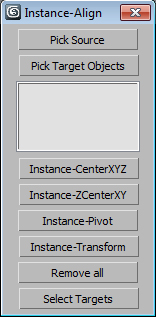
Very useful script for interior visualisation (cafe, bars, restaurants): add lights, change chairs/ tables, put tableware on many tables, e.t.c.

1. Pick object to clone

2. Select targets, click pick targets -> ok

3. Choose align method:

- CenterXYZ

- ZCenterXY (Align minZ of source to maxZ targets)

- Pivot align

- match all transform

After execute new objects will be selected. U can select target objects (to hide or delete).

Prepare object for UE4

1 vote

This simple macroscript prepare selected objects to export to unreal engine.

Select objects and execute the macro script will do the nexts steps for all of them:

- Center pivot on Z base
- World align pivot
- Reset Xform
- Convert to Edit Poly
- Callapse to Editable Poly

Align Objects To Direction (vector)

4 votes

Align Objects To Direction allows you to align the X, Y or Z axis of each of the selected objects to the direction(vector), defined by two picked in the scene points. SNAP will be turned ON automatically.

Align Pivot to Direction

8 votes

 Align Pivot to DIrection(vector) allows you to align the X, Y,Z or XYZ axis of the local pivot of each of the selected objects to the direction(vector), defined by two picked in the scene points. SNAP will be turned ON automatically.  If the Shift key is down when the axis is choosen the pivot will be moved to the first picked point.

Version 1.1 should works properly with Pen(tablets).

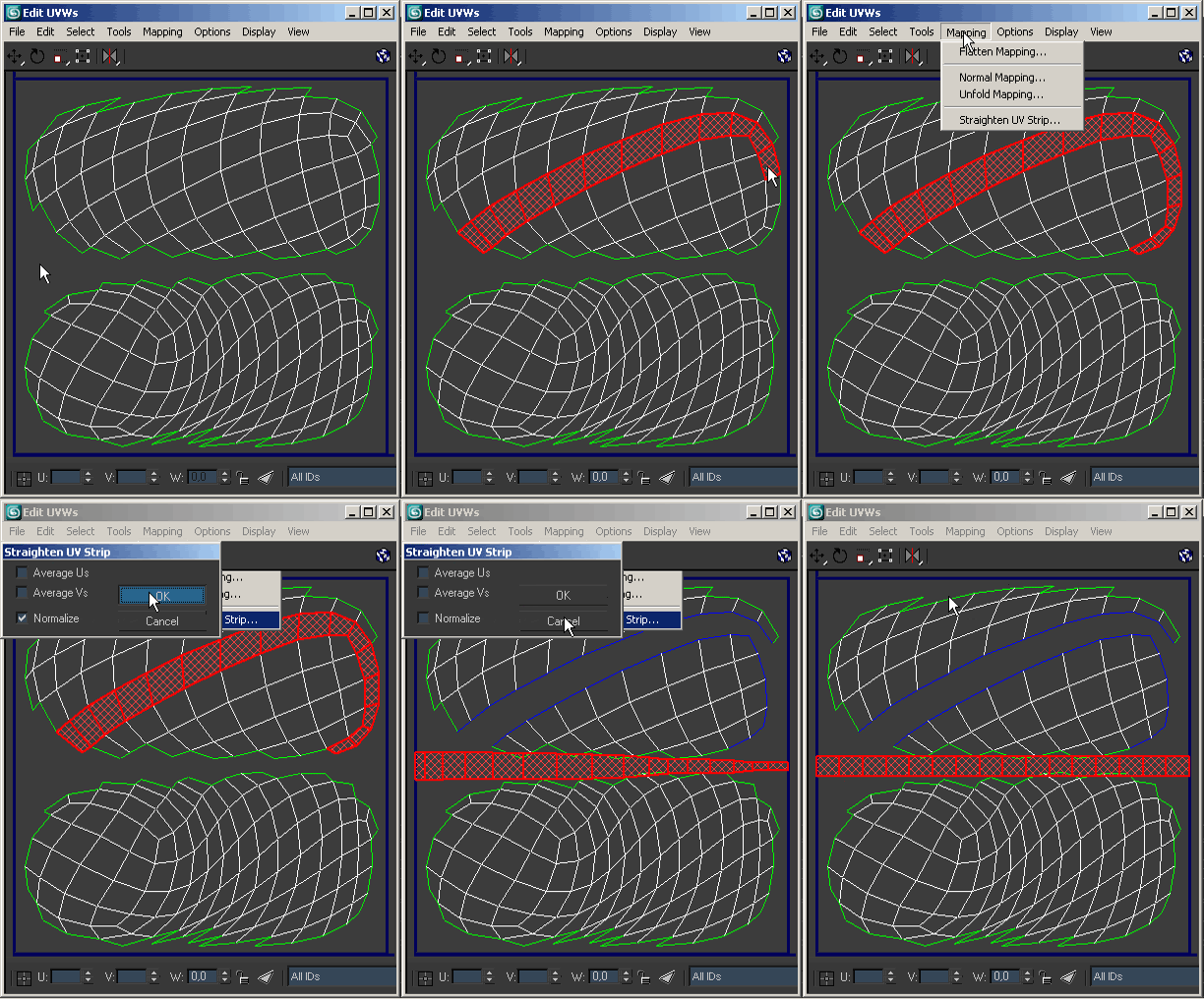
UV Strip Straightener

64 votes

Mapping tool that straightens a single strip of faces.

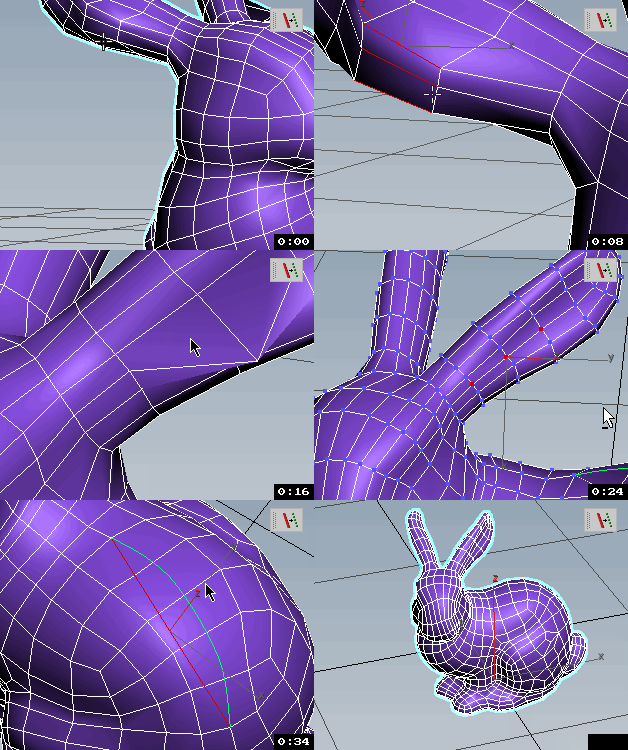
Edges To Curve / Rectification

4 votes


Syndicate content