3ds Max | All

3DS Max [BUG] - V Ray Sun Created Randomly In The Scene

0 votes

In this video, I will recreate the issue/bug in 3DS Max, that will cause a V-Ray Sun to appear in your scene randomly, explain why this is happening, and then explain how to deal with it.

Note: At minute 3:00 I wanted to say: "...And this file has a V-Ray Sky..." not V-Ray Sun, and just after it at minute 3:06 I wanted to say: "...there is a V-Ray Sun in the scene..." anyway, it's fixed in the video caption if you turn it On.

miauu's Statistica

0 votes

miauu's Statistica offers you a lot more statistics information related to your current selection and entire scene.

The statistics are separated to 4 sections which you can customize by turning on and off options in the Statistica user interface.

Mesh Cleaner

1 vote

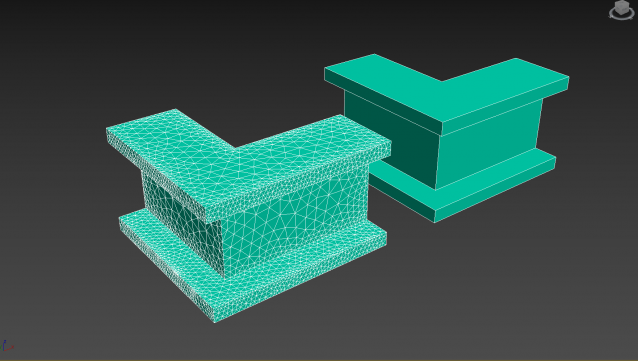
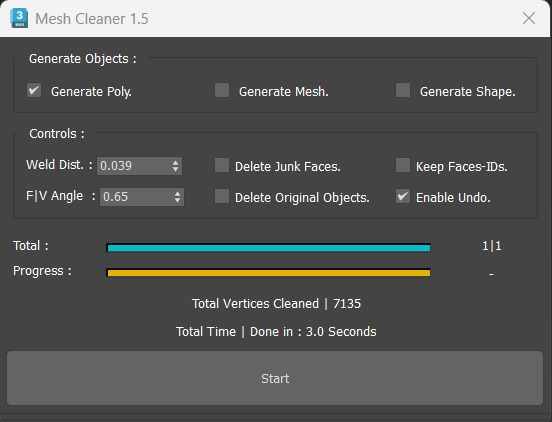
A 3dsMax Script for Cleaning Objects Topology.

*Please Save your Work before using the Script (just in case!).

Lesson 18 - 3DS Max - Total Beginners - Lathe Modifier 2

0 votes

This is another example of using the Lathe modifier in the Total Beginners series, you can watch the first part for a deeper explanation.
Here we will create a bottle of water with a geometry representing a label(without a texture).
In addition to what we've learned in the first video, at minute 7:05, we will see how we can add an Edit Poly modifier, and subdivide polygons to create the label part.

Lesson 17 - 3DS Max - Total Beginners - Lathe Modifier

0 votes

In this lesson for 3DS Max total beginners series, we'll learn about the Lathe modifier, we will learn how to use it properly, plus all its parameters, also we will see how to set up a background image to use for drawing the outline needed to model the geometry. We will learn how to draw the outline, fillet the corners, outline the segments,... At minute 15:17 we will learn the concept of Implicit geometry vs Explicit geometry.

EVector

3 votes

EVector is meticulously crafted software intended to facilitate the creation of 2D lines from 3D objects within 3ds Max. It adeptly projects your models, including groups, onto 2D splines, offering an array of customizable options within a remarkably stable environment. The resulting splines can be seamlessly exported to DWG or DXF formats, ensuring impeccable compatibility with AutoCAD and delivering pristine lines aligned with your desired projection direction.
Poster Image

3DS Max - Plugin - MatchMaterialAndUVs v2 0

0 votes

This script I created allows the user to match a source's material, UVW Maps, and Unwrap UVW(you can choose what you like to apply from those 3), with the possibility of preserving the targets existent similar modifiers or replacing those with the source's ones.
Please whatch the video to see all the features present in the dialog box that opens up, and how to use the script.

Note: This script is a major upgrade for a script I've done before: https://youtu.be/_Cl0L-6iyIs?si=ZoMj4x-qSSykWDmI

Divide Clone

1 vote

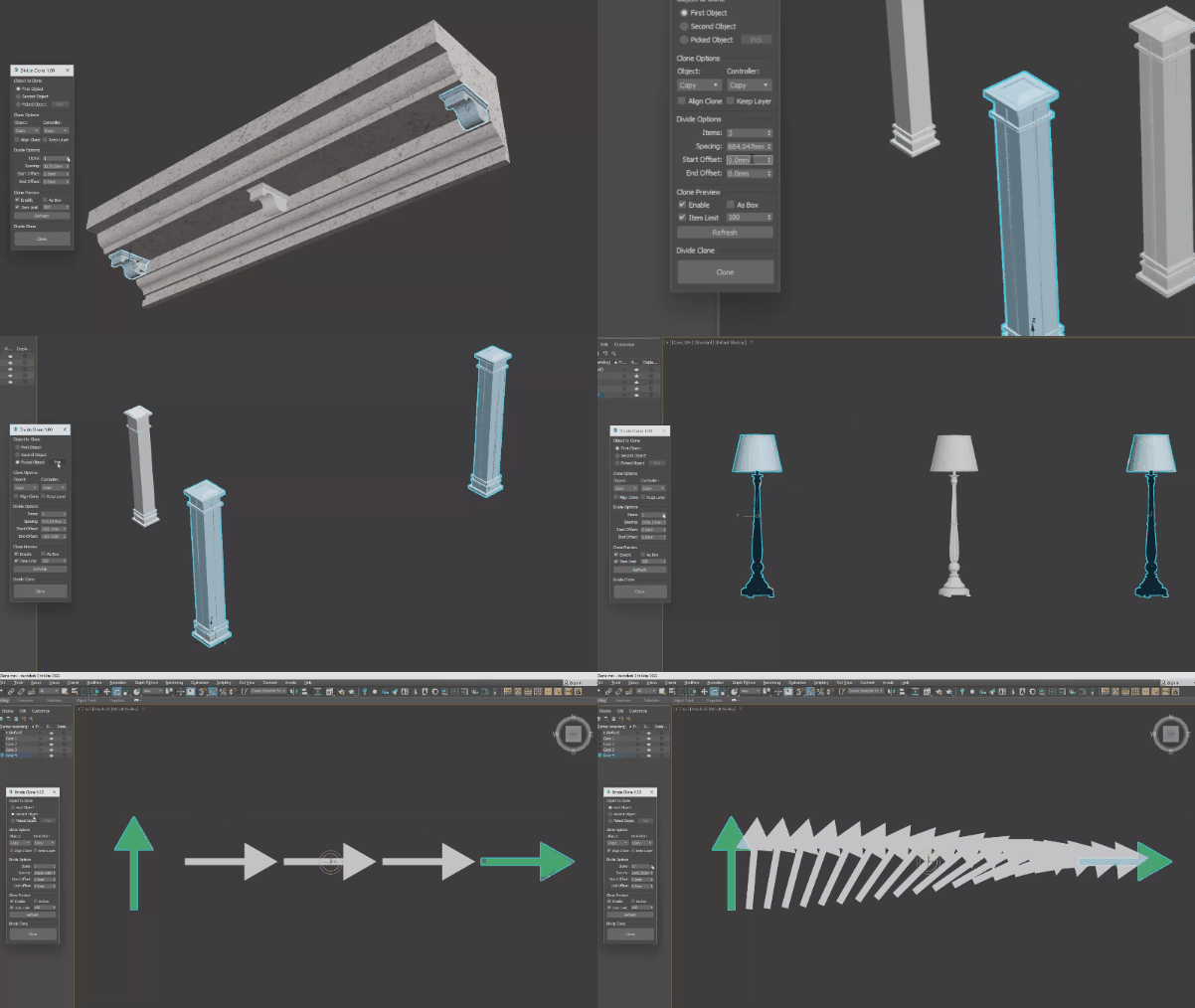
A tool to quickly create clones between two objects. The cloned object can be one of two objects, or it can be an object that you pick. Support lights, shapes, cameras, geometry, and even groups.

to delete

0 votes

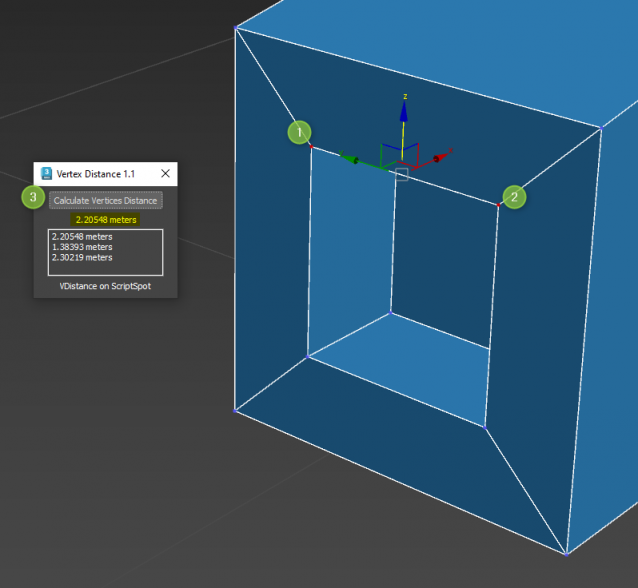
Vertex Distance

1 vote

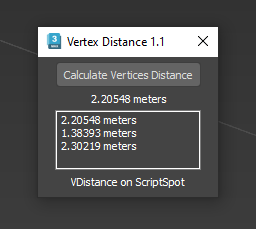
Quick and easy way to know distance between 2 selected vertices

Works on Editable Poly only. Select 2 vertices and Go !

Syndicate content