ScriptSpot is a diverse online community of artists and developers who come together to find and share scripts that empower their creativity with 3ds Max. Our users come from all parts of the world and work in everything from visual effects to gaming, architecture, students or hobbyists.
Submitted by Marius Silaghi on Tue, 2012-06-26 06:02
12
votes
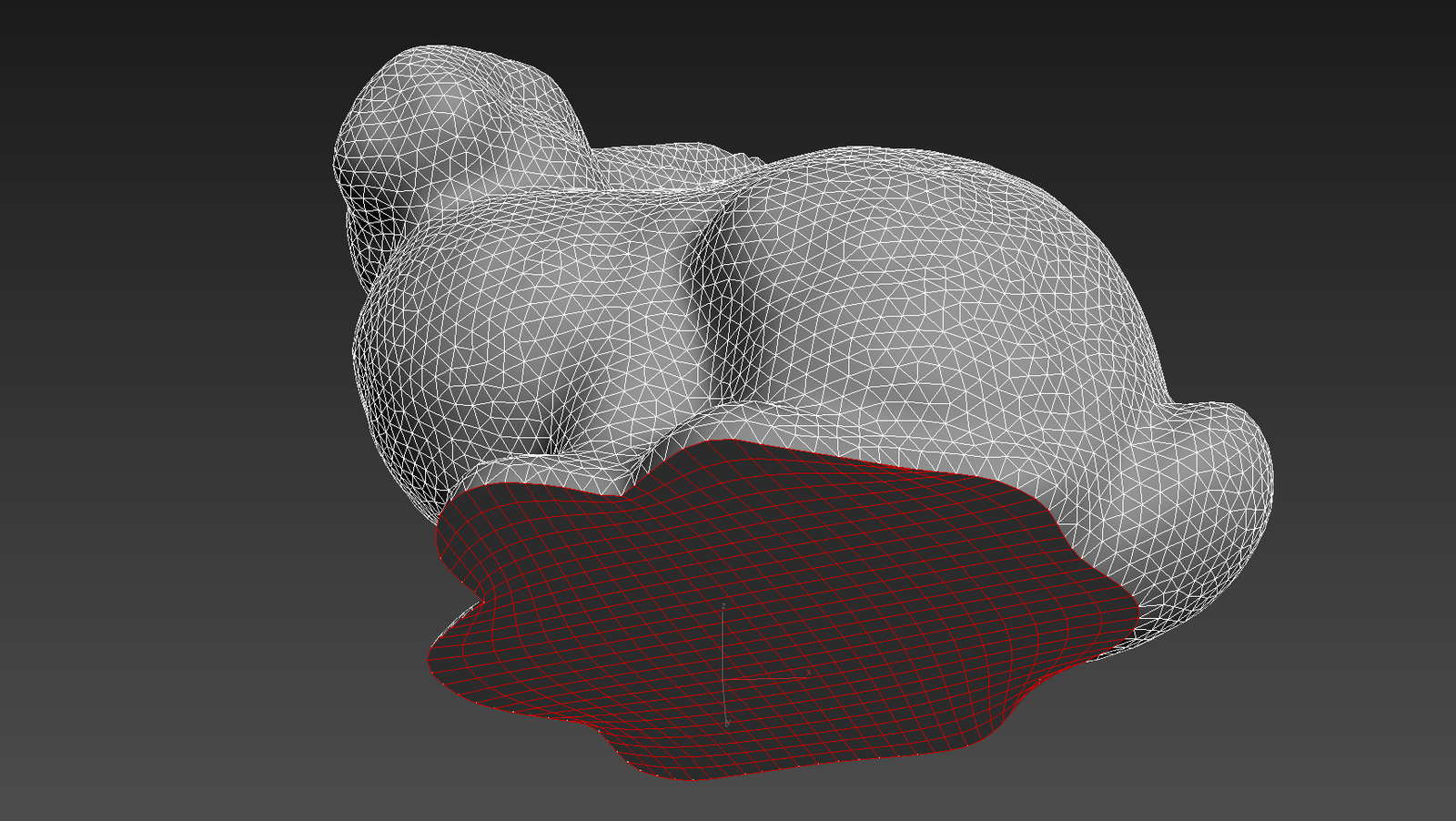
Quad Cap Pro is a modifier plugin for 3ds Max that fills borders and ngons with quad polygons unlike the normal cap tool which produces one big ngon. Get it from https://mariussilaghi.com/products/quad-cap-pro
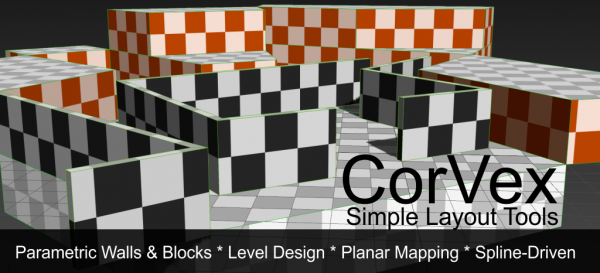
CorVex is a scripted geometry plugin for 3ds Max aimed at quickly building game level layout and walls. It offers convenient planar mapping controls for geometry that is controlled by spline bases.
Submitted by Michael Comet on Fri, 2006-10-20 20:45
12
votes
"This script does ONE WAY WIRING with a simpler object-to-object interface. It also shows Script Expression editing as well as range editing for objects. This is similar to Maya's Connection Editor - but with all the nice added features of MAX's wiring via script/expressions.
This script will shrink one mesh to the surface of another mesh or meshes. This can help making a lowpoly collision object for a character. First a snapshot of the selected object is created. The original object is put into box mode (so it is easier to
Submitted by nikolay tashev on Wed, 2007-02-14 06:32
12
votes
Called anytime the selection is changed the script shows in the prompt line (lower right corner, next to the listener ;) the dimensions (as integers) of the selected object in the current units.
Comes very handy while working with interior/exterior scenes. to me at least :)