Rotate

zsTools

6
votes

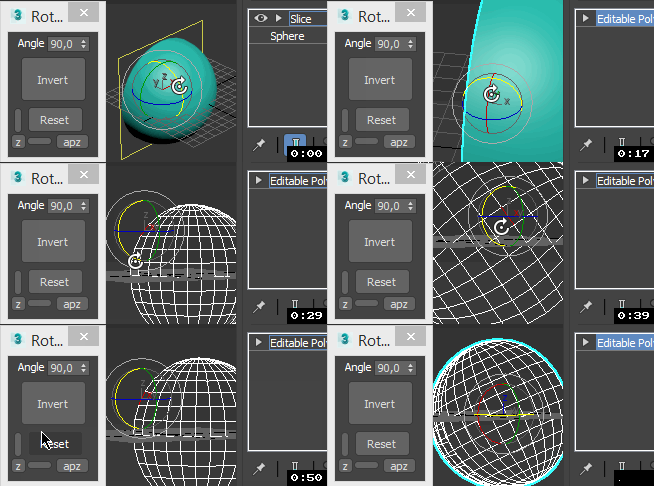
A simple script I wrote for my daily work. Maybe it will be useful for someone.
Rotation and Scale transormations are restricted to "geometry" and "helper" objects to avoid any errors.

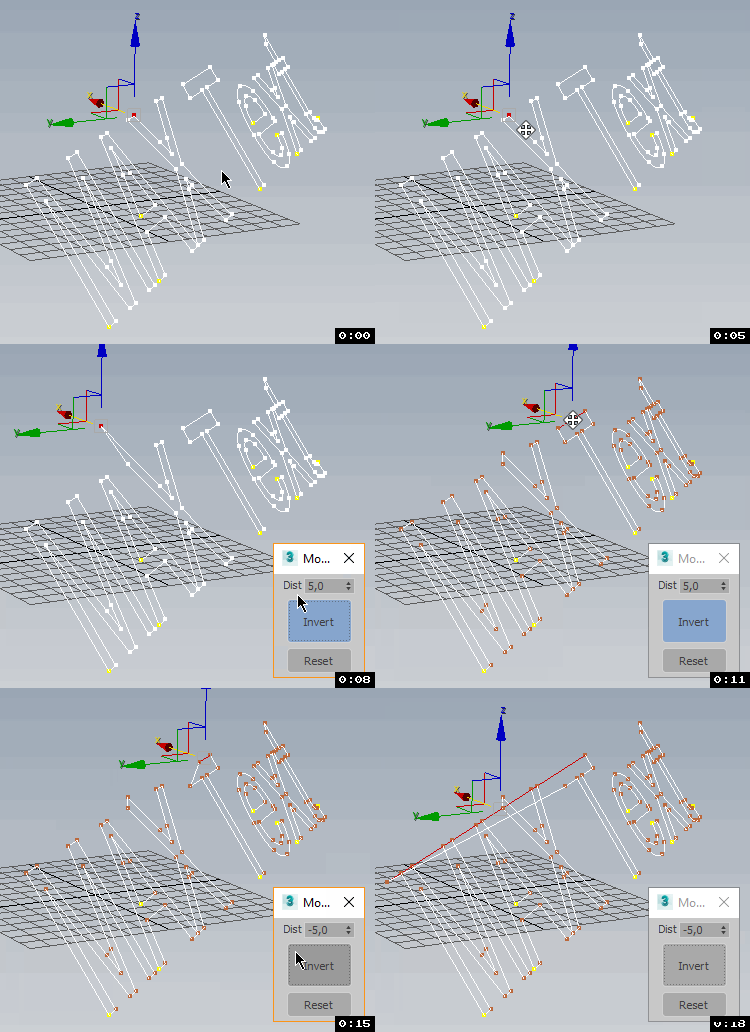
- ROTATE selected objects by selected angle in specified axis
- RESET position / rotation / scale of selected objects in selected or all axes
- ALIGN position / rotation / scale of selected objects to min / average / max in specified axes
- apply a RANDOM (with given min and max values) position / rotation / scale in specified axes to selected objects.

Gtools_RandomTransform

10
votes

Randomly transform move, rotation, and scale on any number of objects or groups.

This one is base on Neil Blevins RandomTransform.ms

Circle Array

6
votes


Like 3ds Max Array tool but with custom picked rotate axis.
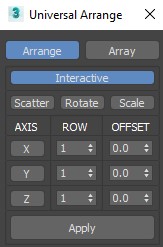
The rest you can see in the screenshot.

Enjoy!

Copy Paste Transforms

8
votes

Adavanced Control over Copy, Paste and mirror of Transforms. Paste Transform onto the same object or multiple other objects. Good For Copy and pasting of poses on a rig. 

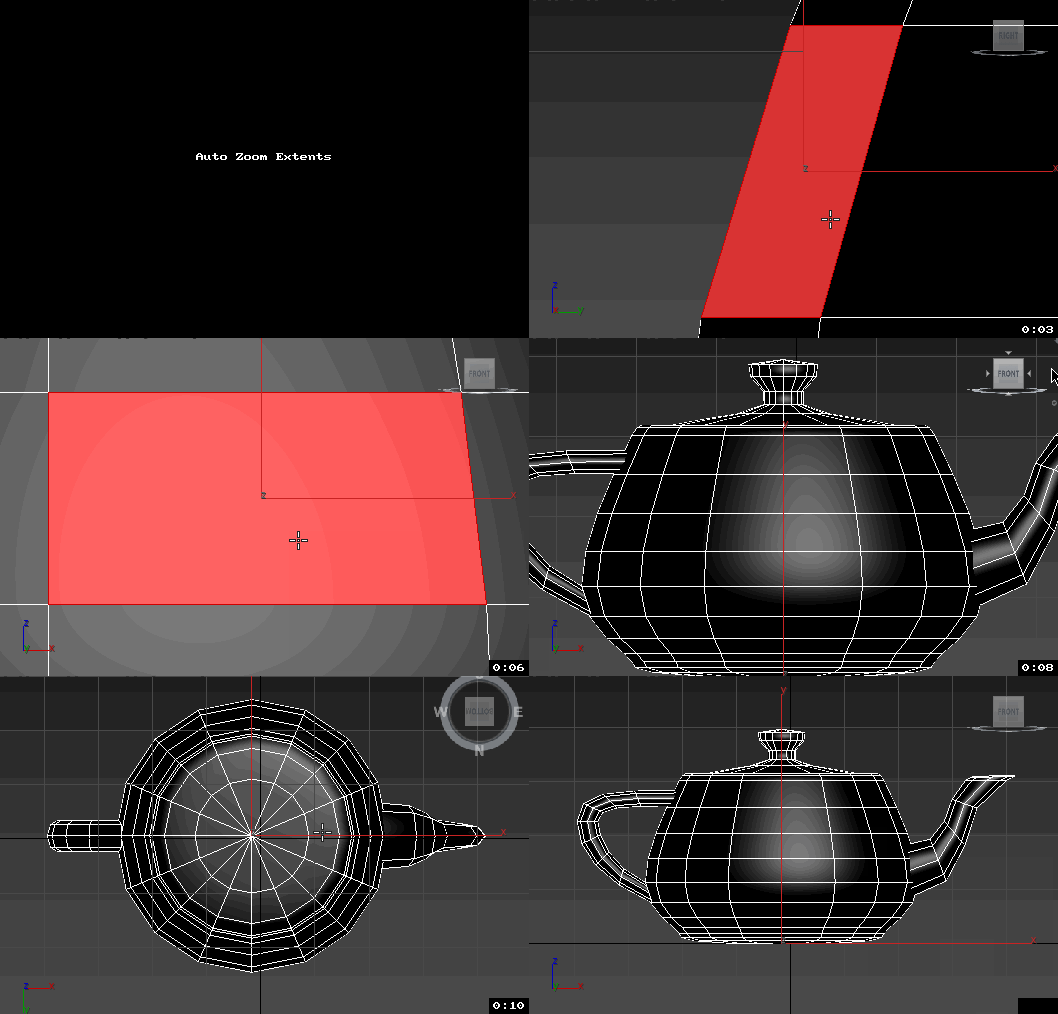
Copy Paste Transforms Screencap trimmed

Randomize

4
votes

Rollout Interface

Randomize v3.1.ms

Randomize allows the user to generate
a randomness to objects on mass that might
otherwise look to well ordered....

UVW Transform

3
votes

This tool allows you to precisely move rotate and scale UVWs. I have found it useful for putting multiple UVs on one layout, Using non-square textures and when working with uvs that overlap.

Incremental Transform

3
votes

A script to move or rotate an object set of ObjName[_###] Will work on multiple ObjNames, but provides confirmation request for mis-matched object base names. Objects are sorted in alphanumeric name order for incremental transformation, i.e., obj_001 +10 deg., obj_002 +20 deg, obj_003 +30 deg...

Axis-space selectable. Not very elegant, but seems to work OK.

Randomizer

20
votes

This script is for making things random....like you have a 100 of same boxes and you dont want them to be the same :D.
You select all of them and enter your values hit Randomize! and that is it.
You can also add random noise animations!


Progress on :

Rotate Tools

5
votes

Compact dialog for simple preset rotations.

Has a type in for amount of degrees to rotate

buttons to rotate left or right.

Rotations are around the currently active axis. If there are multiple axis' selected, it will default to rotating around the Z axis

Pulldown of preset values to rotate (1,5,15,30,etc...)

Syndicate content