ScriptSpot is a diverse online community of artists and developers who come together to find and share scripts that empower their creativity with 3ds Max. Our users come from all parts of the world and work in everything from visual effects to gaming, architecture, students or hobbyists.
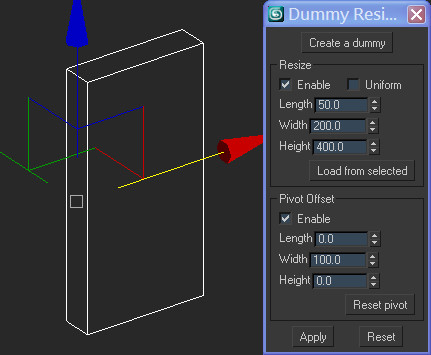
I'm getting pretty fastidious about how I'm working and I think this script kind of proves it. I didn't want to scale dummies with 'affect object' (did I say I was getting fastidious?) and I got tired of typing '$.boxsize' so I wrote this script (my first ever written from scratch!). Very simple. Does what it says on the tin.
Submitted by Ivan Tepavicharov on Thu, 2016-09-01 00:29
2
votes
Create different types of helpers, very helpful for rigging. You may create helpers on multiple objects. If you are not select any objects the script will create helper on [0,0,0]
v1.31
If selected 0 Work to all objects
If Shift pressed then will select objects by geometry vertex count.
If Shift NOT pressed then will select by center objects position
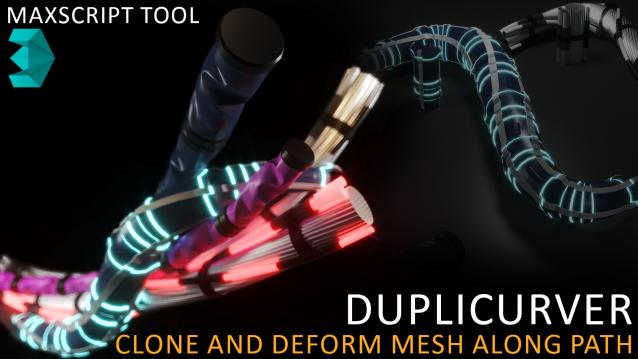
Duplicurver is a game-changing Maxscript tool that brings the power and versatility of ZBrush's IMM (Insert Multi Mesh) Curve brush directly to Autodesk 3ds Max. This tool serves as a highly beneficial asset for artists and 3D professionals, allowing them to replicate and deform meshes along a path with unprecedented ease and efficiency.


 w
w