3ds Max | All

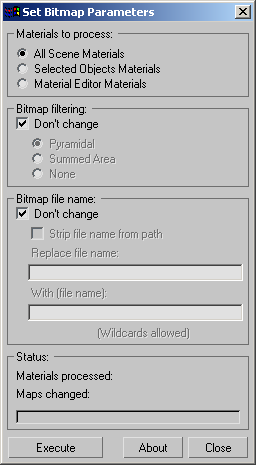
Set Bitmap Parameters

10 votes

"Batch change the bitmap parameters of all materials - selected objects' materials or material editor materials. Includes options for stripping out bitmap paths - batch path replacement - and filtering options.

Screenshot

Version History:

Curly

-5 votes

Curly is a scripted modifier plugin for 3ds Max which allows users to create rolling and unrolling animations. This modifier makes it very simple to demonstrate a blanket unrolling, or a flag unraveling from it’s supports. Check out the videos for Curly, to see it in action.

Stretchy Bone Chain

11 votes

This script makes a bone chain stretchable, in either squash or scale mode. Just double click the first bone of the chain and run the script.

The macroscript will be under the "Toke Scripts" category. This is my first official script, so if there are any problems please let me know.

VrayLight Target

9 votes

Adds a target to picked vraylight

Extrude Open Edges

4 votes

This script extrude open selected edges on given amount. Extract archive in 3ds max root folder. You can find script in category "kolts"

Randomizer

9 votes

Randomizes position. rotation and scale for selected objects.

VertexSymmetry

12 votes

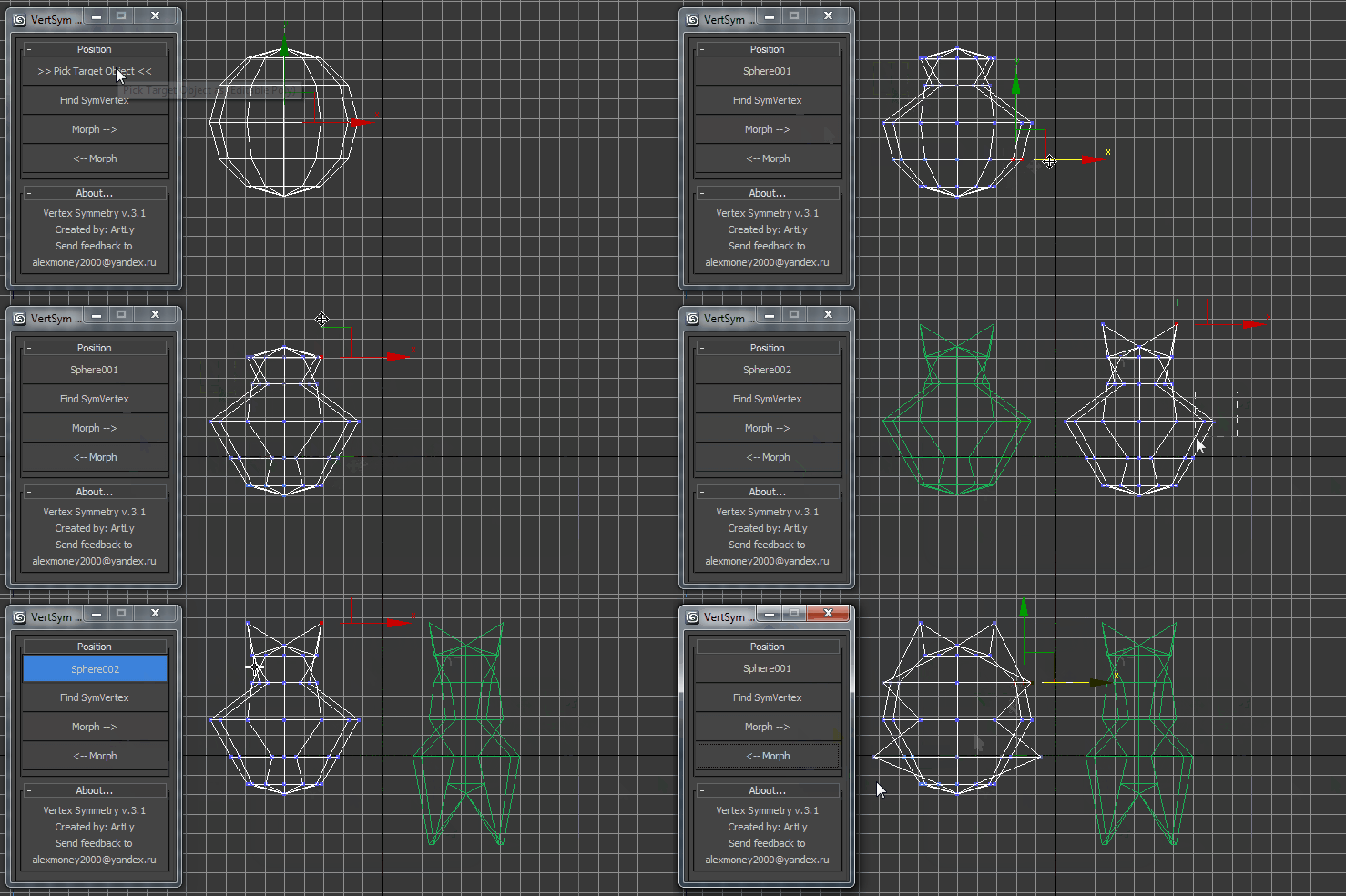
This script use for morpher symmetry + video Tutorial Transform move (Left to Right) (Right to Left) 

Random Vertex Painter for 3ds MAX

0 votes

This script can paint the “Vertex Colors” and "Alpha vertex" randomly.

Version 1.1
Install:

This is a Macro script just drag and drop in viewport and go to “customize user interface” and look in “Category:MMtools”

Description and method of use:

Rename russian textures

2 votes

Replaces Russian and Ukrainian characters English characters. Just replace the spaces with underscores.

Транслитирирует русские, украинские символы в текстурах. Так же заменяет пробелы на подчеркивание

StonTools

25 votes

Plugin for 3dsMax. Especially design for ShiVa, this tool improves compatibility between the two platforms.

With a precise analysis of scene and tools for auto correction of errors, passing a model from 3dsMax to ShiVa becomes child's play…

1. Compatibility check
2. UVW transfer
3. Character repair and optimize for export
4. Multi/sub object material simplification and conversion to standard

The tool, in version 0.85, will be regularly updated according to the innovations of Shiva game engine

Syndicate content