3ds Max | All

Dabarti tools: Light Assistant

4 votes

Light Assistant helps with aligning reflections and adjusting the parameters of V-Ray lights.

Main features:

  1. Interactively ALIGN lights reflection directly on the geometry. Hold shift for “Rim Light Mode”.
  2. Interactively change light distance, size and rotation in ADJUST mode.
  3. Quickly control V-Ray Light properties with “Light Lister” like interface.
  4. Adjust light intensity using Exposure Value (EV).
  5. Align and Adjust modes work well with some non V-Ray lights.
  6. 10 Softbox presets in material library included.

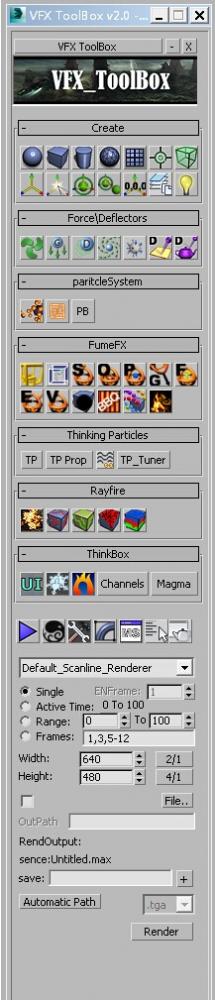
VFX_ToolBox

4 votes


update:

v 2.1

Create geometry:Left-click to create conventional standard, right is created in the center of the grid

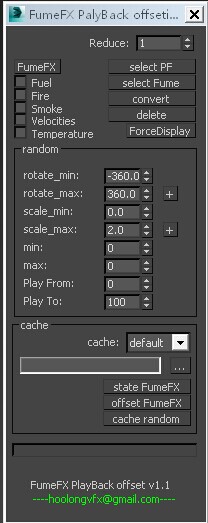
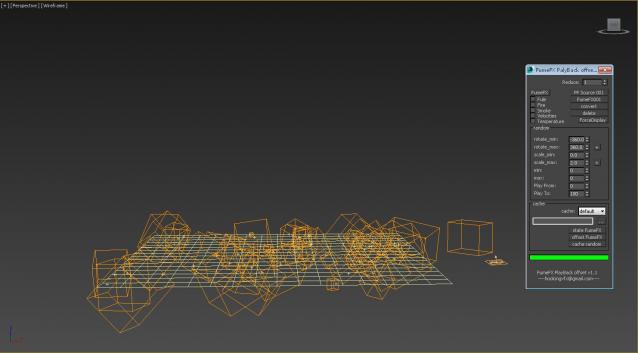
FumeFX Palyback offseting

2 votes

update:

V1.1 - increased according to the position of the particle generation FumeFX PF - the June 28, 2014

Time slider

2 votes

You can easily modify the frame rate in 3DMax, the start and end frames of time.

Simple and practical gadgets, hope you like

Updated:

   1.3 made a small modification to make it look more reasonable, real-time update rate and the number of frames

   Installation:

  Copy the script to the root directory of the largest

  For example:

   C: \ Program Files Files \ Autodesk \ 3ds Max 2014 \ scripts \ startup \

FumeFX QuickSim

2 votes

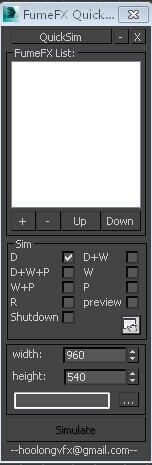
D :Deafuel Sim
w :Wavelet Sim
P: Retime
preview:Make preview
FumeFX solution supports high-volume calculation and rendering, caching name solver is NameOfCurrentSceneFile \ DateTime \ NameOfSimGrid
If you encounter any problems during use, please contact me, thank you
I hope you like it

FumeFXLightArray

1 vote

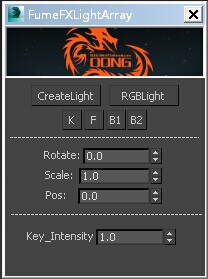
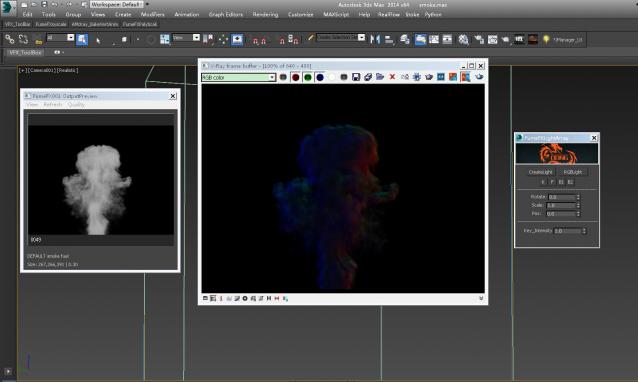
Let FumeFX lights convenient and fast, specifically to see the video demo

BatchRender

4 votes


Update: 


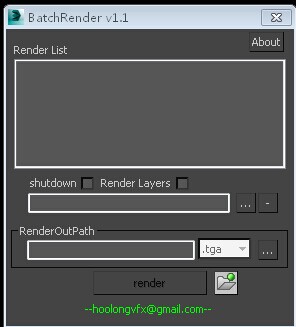
1 An increase in the variety of presentation formats, such as: EXR, TGA, JPG, TIF, PIC, PNG, AVI, etc. 

2 increase is layered like the Maya renderer. 

3 Double-click the name of the scene file can be loaded, save the file, right-click 

SuperClayMode

4 votes

3dsMax 2017 introduced the new viewport material override. SuperClayMode is a script which mimics built-in clay mode with custom matcap texture by utilizing this viewport material override feature. This script makes a ShaderFX shader with matcap uv on the fly and assign the material as override material and turn on Rendering Setting mode. It is designed as a toggle mode. Therefore, you should make button or assign shortcut for this script. Free to download and use.

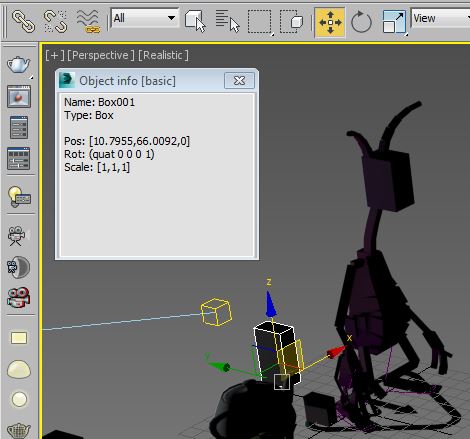
Object info [free]

2 votes

A little free utility which shows information about selected objects. The field is editable so you can copy information to the clipboard.

Change Viewport Statistic

6 votes

With this script you can change the Viewport Statistic fast and easy without going to the Viewport Configuration Dialog.

Script idea: Eric Chadwick

Syndicate content