3ds Max | Scripts

dwAssignIDs

0 votes

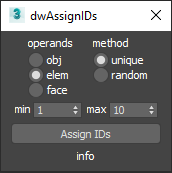
UI screenshot

Allows you to assign random/unique material IDs to objects/elements/faces.

Expects selection of one or more Editable_Poly objects.

Activate Creation/ Modify Panel (ArchiViz scipt)

1 vote

In ArchiViz, 95% of selections of objects, is to manipulate or transform (move, scale, rotate) them....
Working in edit poly mode is not unknown ofcourse, but unless you are modeling some
specific furniture parts, opening modify panel, when select the object is useless...
...and cause hours of waiting per month.

I hope you know what I am talking about, you select some fancy sofa
with let's say 15 000 000 polys and you wait so long for modify panel to read the edit poly object....and over, and over, and over...

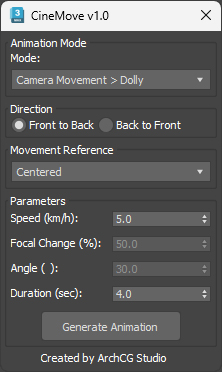
CineMove

-1 vote

CineMove

0 votes

Faster File merging into 3ds max

1 vote

3ds Max always saves a backup file when merging file into it.
Disabling the Auto-Backup function does not solve the issue.

To stop the saving behaviour of 3ds Max at opening/merging a scene file:
Open the Scene Converter at: Rendering > Scene Converter
Disable the function Backup Original Files:

BUT, some max versions just do not save this settings, so you have
to, always for every scene, over and over, check this settings.

This small startup scripts save the time and nervs!

Just put it into

Roof Window Generator

0 votes

Roof Window Generator is a script that is efficient in automatically creating 3D roof window models in 3dsMax. With 3 styles of roof window, it can be applied flexibly in Archviz projects while saving a lot of time for 3D artists.

.: Compatible with 3dsMax 2018 & higher

.: Compatible with Vray Renderer & Corona Renderer

.: Version: 1.0

dwHideUnderSkin

0 votes

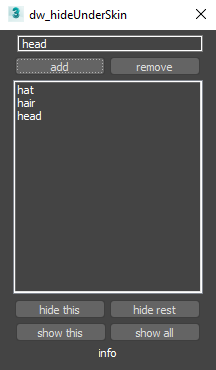
UI screenshot

Allows you to hide/show elements while working with skin for example.

First you need to create poly groups by selecting them and pressing Add (switch to Editable_Poly in stack).
Then you will be able to hide/show those groups.

You can also use fast way to control visibility:
Double-Click : hide group
Double-Click + Alt : hide everything else
Right-Click : show all
Only downside is that you can't work with multi-selection like that.

Advanced Planar

0 votes

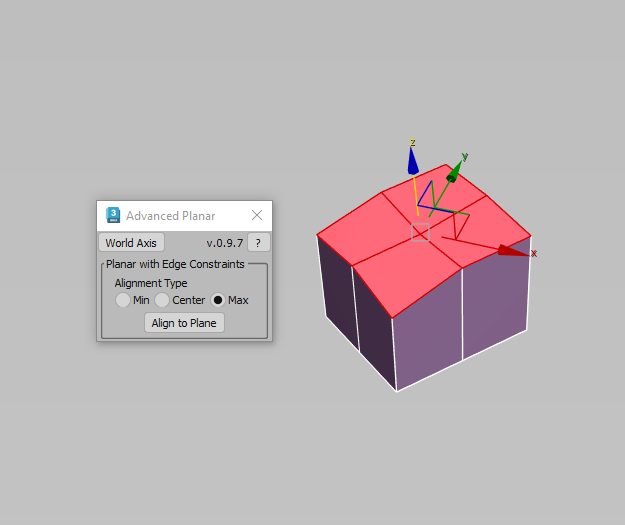
Description: This script makes sub-objects coplanar using Min, Center, and Max extremes, similar to what the standard Planar does, but much more flexible. The "Align To Axis" routine lets you align sub-objects by a specified world axis.

EIndicator

3 votes

Introducing the EIndicator:
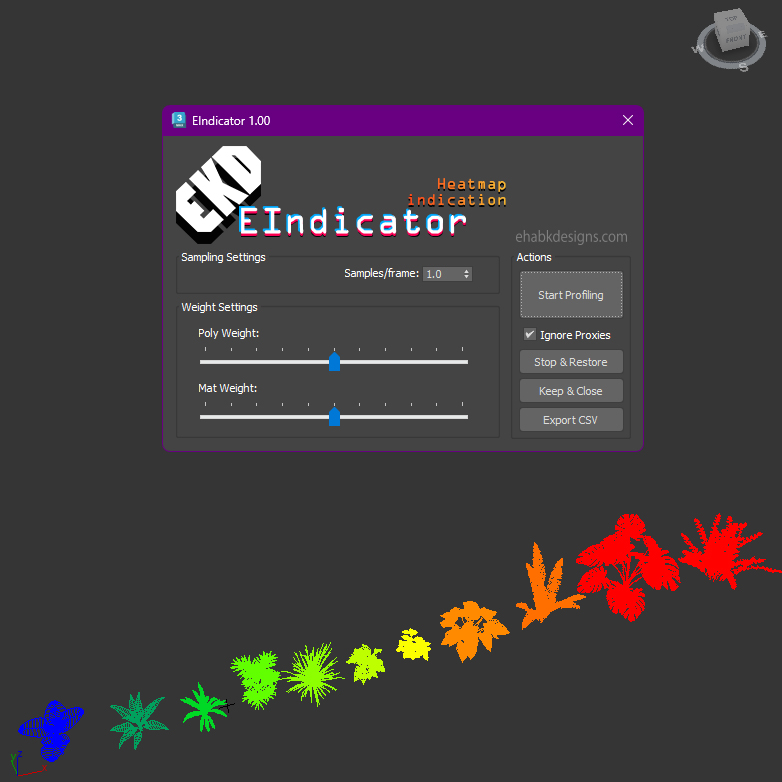
An advanced performance analysis tool designed for Autodesk 3ds Max versions 2020 through 2024. This script empowers users to evaluate and visualize scene performance by analyzing polygon counts and material complexities.

EIndicator UI

Key features include:

dwDupFaceCleaner

0 votes

UI screenshot

Script to find duplicate faces. It was made for specific task of removing inner faces of a model made from voxel-like boxes. Don't expect it to be a universal solution.
Though also has an option for finding duplicates of outer faces.

Syndicate content