Tagged 'light'

Z Manager

2 votes

SORRY, BUT THIS SCRIPT IS CURRENTLY NOT AVAILABLE.

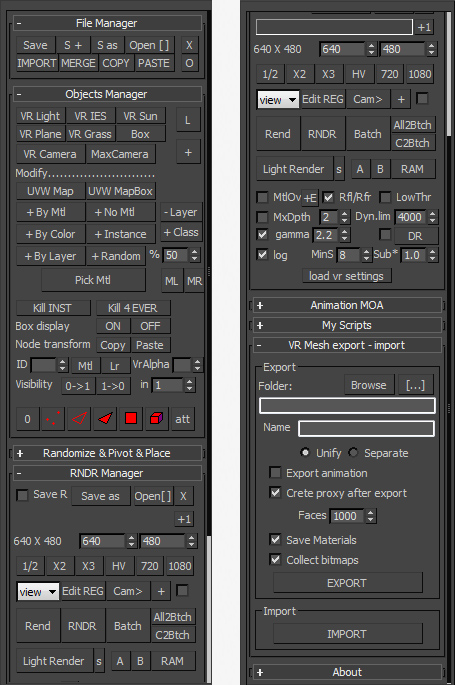
This is a 3dsMax manager tool, preferably for Vray users, very useful for editing architectural models created with other software (eg. ArchiCAD) and fast scene setup. Very useful tools for Selection, Rendering, Incremental Rendering, Copy/Paste objects from other scenes, Material Replacer, Animation with Moving Objects, Exporting/Importing Vray Proxy with material and so on...

FumeFXLightArray

1 vote

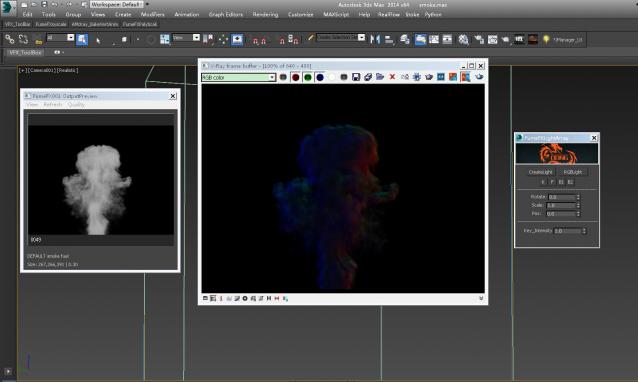
Let FumeFX lights convenient and fast, specifically to see the video demo

Material Layer Interface MLI

142 votes

3 new versions and reduced prices: MLI Light 2.0, MLI 2.0, MLI Pro 2.0

With the Material Layer Interface (MLI) you can create Material Layers and passes in 3D Studio Max and it’s easy to handle them!

mli_banner

Just create the layers and pick the objects. Assign materials to the objects and feel free to use different renderer or render settings for every single layer.

IOR - Index Refraction

0 votes

Simple, harmless and silly script which allows you to view data of index refraction or IOR in the listbox

ior - reflection index

Maxwell Light Lister v2.0

0 votes

Maxwell Light Lister is a lights manager for 3ds Max in which you can change most of the significant parameters for the lights of the scene. The original creator, Eric Mehl, developed a script that allows the possibility of listing 3ds Max native lights and also lights from Maxwell Render.

Environment Lighting HDR Studio (MR)

3 votes

 NEW VERSION 0.9

This Script allows to insert a Environment map HDR in the scene and simluate a virtual set for rendering "white". Also useful in the preparation of illuminated images in HDRi.

New features (work in progress):

Change Log v.0.9

Vray HDRI Viewer

2 votes

Vray HDRI Viewer is a simple and quick way of getting your HDRI's into your scene. Please note that for every HDRI the viewer requires an equivalent jpg file sized at 1000x500. I will be releasing a photoshop action to make this a little easier.

To intstal, use the maxscript menu > run script. You will then find it in "Catagory > shawvfx"

Include/Exclude Selected Objects From Lights

1 vote

Description:
Include/Exclude Selected Objects From Light

Directions:
1. Select objects
2. Run Script
3. Select lights you wish the objects to be exclude/included from
4. Right click when finished

Script Features:
-Applies selected objects to chosen light's exclude/include list
-Automatically deselects invalid objects
-Prints list of chosen lights

Let me know if anything can be improved or cleaned up!

Light By Cam

3 votes

Light Lister for V-Ray Advanced 1.50 SP2-SP4a (3dsMax2008-2010 x32/x64)

101 votes

This macroscript replaces the built-in light lister with one that incorporates support for lights from V-Ray Advanced 1.50 SP2,SP3 and SP4a

Add support lights:
- VRayLight, VRaySun, VRayIES and VRayAmbientLight(SP4a).

Add support shadows type:
- VRayShadow and VRayShadowMap

Other additions:
- add button for pick ies file in photometric lights (if distribution as web)

Syndicate content