Tagged 'script'

Align Multiple Objects

2 votes

Align Multiple Objects - 3dsmax script

Description

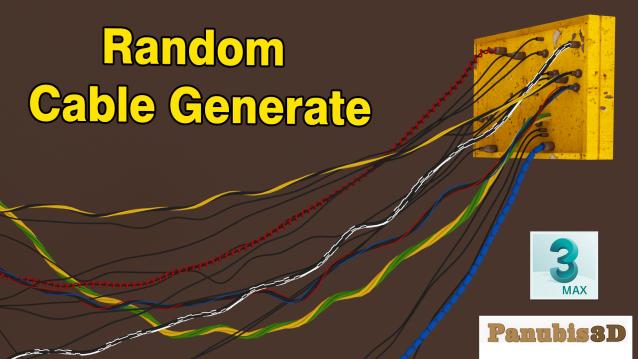
Random Cable Generate Script for 3DsMax

1 vote

Random Cable Generate

Face-to-Face Cable Generate

Between 2 targets

  • Main Cable
  • Cable Connect
  • 5 different Cable Type
  • 5 different Cable
  • Head Type
  • Warped Cable

3dsmax 2019 - 2023

Render to Texture Selected

0 votes

poster

Batch render to texture script ready for game engines. Bakes all selected objects or groups with one click, saves baked UV textures into a directory, and replaces materials on the objects! If you select a group, it attaches all group members together and bakes it as a single object. Each selected object will have its own texture as well as a group. Output standard material will have a white diffuse color (necessary for some game engines such as Unity3D).

==== CHANGELOG ====
v2.0
-Fixed an issue with V-Ray

Bifrost2Deadline Submitter

2 votes

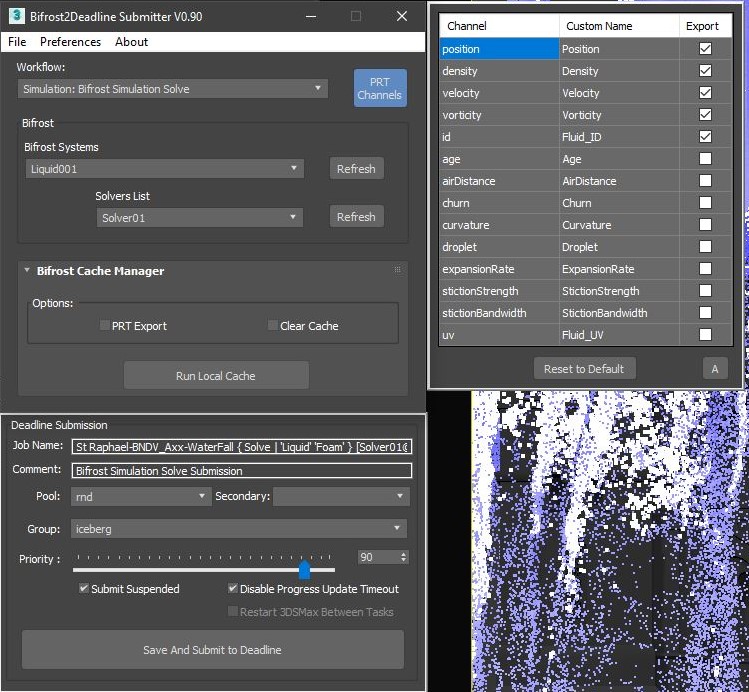
'Bifrost2Deadline' Submitter script  makes it easier for Solve Bifrost simulation or/and exporting PRTs and Deadline submission. 

This script allow to send Simulation solve or PRT export on Thinkbox Deadline based Farm...


SnowEffect

3 votes

SnowEffect plugin poster

The plugin allows you to create a global snow effect for the whole scene. You can cover selected objects with snow with just a few clicks. SnowEffect supports V-Ray, Arnold, Corona, and scanline render natively. All other render engines will see it as standard material that you can modify or replace. You can also change the amount of snow and bump/displacement size.
Watch the trailer for more details.

Shape Trimmer

2 votes

3ds Max Script for Making Trimming and Cutting Shapes Very Sample and Easy Thing to do .

The Script Required Max 2019+ to Work

Align to Faces

0 votes

A 3ds Max Script for Aligning Selected Objects to Picked Object's Faces .
for more details check the download link .

CopyTo

5 votes

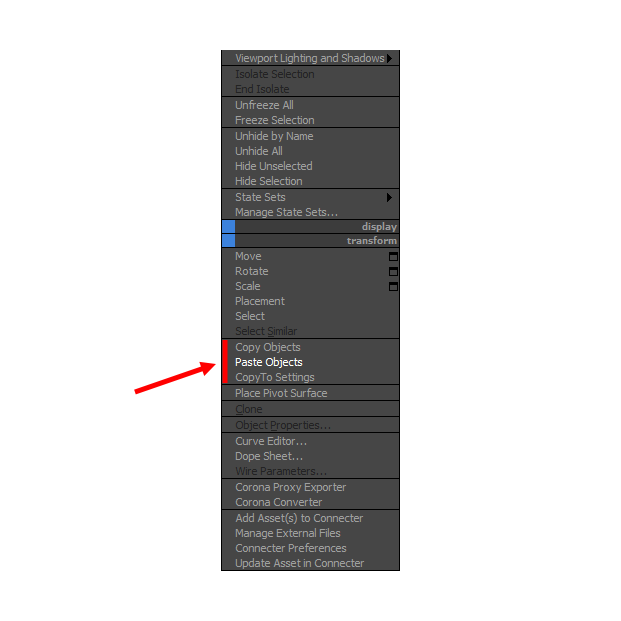
With CopyTo PRO script you can copy objects and paste them into the current scene or between open windows 3Ds Max.

Show Textures in viewport (one click!)

6 votes

A simple check button to place on your toolbar, to show or hide your material textures on viewport.

If there's nothing selected, it works on all materials in scene. Otherwise, on materials from selected objects only.

It supports almost any kind of material or render engine.

The script was written in a way that depends as minimum as possible on render engine, so it should support a wide range of engines and materials. But it's not infallible.

Wirecolor to Material

0 votes

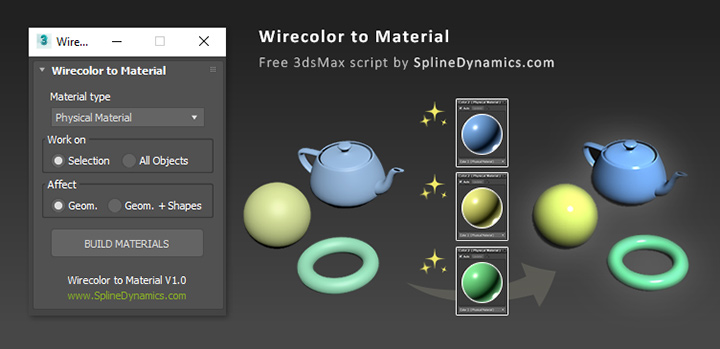
Wirecolor to Material

Description

Automatically create and assign materials from objects’ wirecolor.

Syndicate content