3ds Max | All

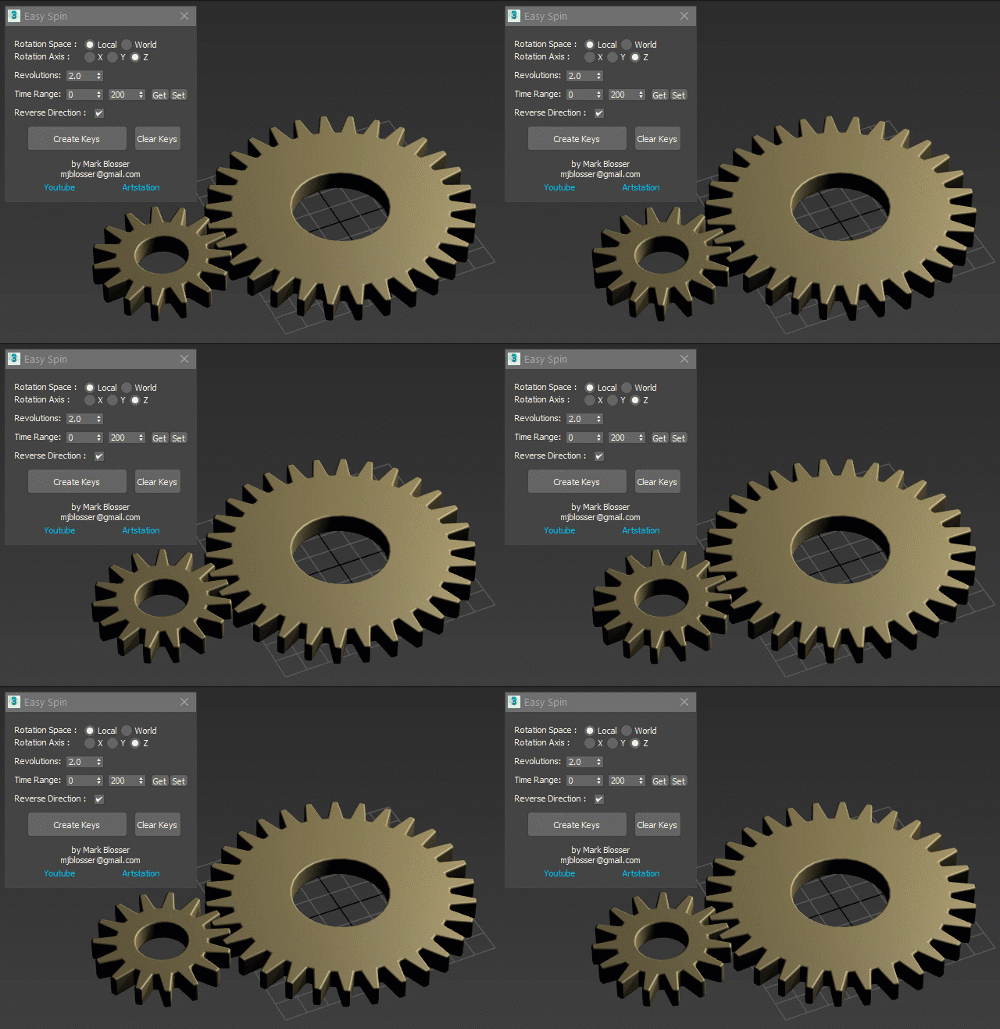
Easy Spin

2 votes


Easy way to animate linear rotations, for things like propellers, fans, and gears.  Works on multiple objects simultateously. Works on objects in heirarchies.  Works in both local and world space.  Simply set your desired amount of revolutions/rotations and time range and click "Create Keys". 

PBR Material Generator

3 votes

The PBR Materials Generator is a powerful add-on for Project Manager and Materials Manager designed to expedite the creation of high-quality PBR materials.
It empowers users to batch generate materials using custom settings and presets, all within the familiar Project/Materials Manager interface.

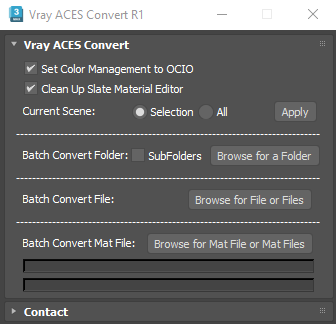
Vray ACES Convert

1 vote

This Script is intended to convert Gamma Workflow scene to ACES OCIO. It will convert any kind of Vray materials, and also VrayLight, Vraydiplacement Modifiers, VrayFur, Chaos Scatter, and Forestpack bitmaps.

it does everything automatically,first it will convert any 3dsmax bitmap to vraybitmap, then it will set diffuse, reflect, translucent, self illum, fog color, environement bitmaps to "srgb-srgb", or to "none-raw" if bitmaps are .exr or .hdr, while other bitmaps are set to "none-raw"

Procedural Facade Windows

1 vote

Description:
Discover an amazing tool that will change the way you create building facades. Create facade windows with just a few clicks.

ProceduralFacadeWindows

Features:
- Create facade windows with just a few clicks.
- Set the number of window segments (1-4).
- Autosize – automatically adjusts the window size to fit the opening.
- Adjust the setback position.

Add Unreal Socket

2 votes

Adds a point helper with a transform that matches an existing Unreal skeleton or mesh socket for aligning and linking props.

Features:

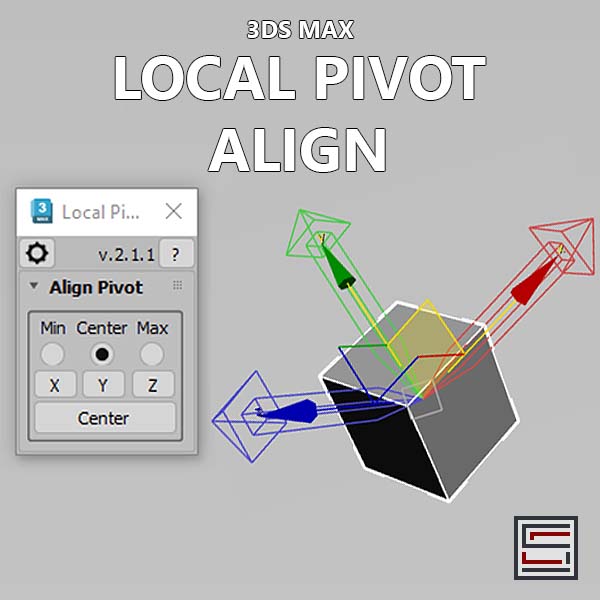
Local Pivot Align

2 votes

Description: This script aligns the local pivot using an object's bounding box min/max extremes. 

Smart Material Select

0 votes

This script streamlines the process of selecting similar objects based on material in your 3dsmax scene. It automatically opens the group, eliminating the need for manual opening. Additionally, it can handle the selection of multiple samples. For instance, you can select a window frame and then add glass to select both window frames and similar glass objects.

3DS Max - Attribute Holder modifier

0 votes

In this tutorial, we will learn about using the Attribute Holder modifier. This modifier serves as a container, and we will use it to instance some of the parameters that belong to some of the modifiers in the stack so that we can change them in one place. This is useful because it can save us a lot of time. With many modifiers in the stack, it's time-consuming to go down and enter the modifier to change the values. Sometimes we might even forget in which modifier the parameter that we are looking for.
In addition, we will learn about the Animate option in the Edit Poly modifier.

IFL Playback Manager

1 vote

Description

IFL Playback Manager is a really handy script for 3ds Max that helps you manage and control the timing of animated textures in your scene. It automatically lists all textures with assigned .ifl (Image File List) files and allows you to adjust their playback parameters directly.

3DS Max - Simple Chair Modeling

0 votes

In this tutorial, we'll model a simple chair, as requested by a viewer, we'll see one approach to model chairs like this. We'll also learn how to assign different material IDs to the polygons, allowing us to create a Multi/Sub-Object material with three distinct materials for the chair(without configuring the materials' properties, just colors). Additionally, as always, I'll include useful tips and information.

Syndicate content