3ds Max | All

mr Options Manager

1 vote

mr Options Manager 2013

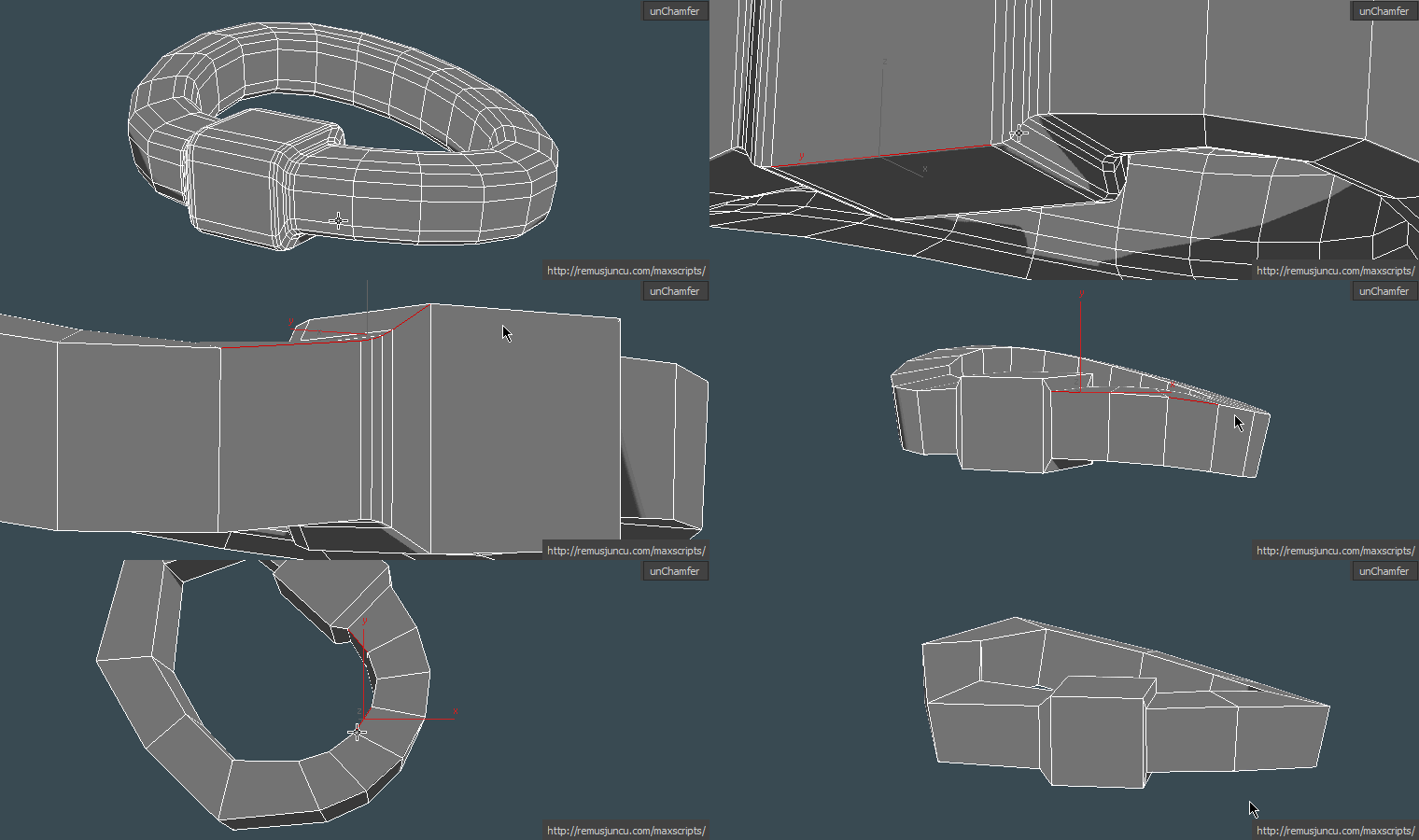
maxUnChamfer

7 votes

maxUnChamfer will help you produce low poly objects in less time with less amount of effort .

Here are some of the benefits you get:

Multi-Tile UV Bake Tool

1 vote

The Multi-Tile UV Bake Tool allows you to bake multi-tile texture collections in 3ds Max using common naming conventions such as MARI UDIM, Mudbox or Zbrush. By default, baking textures in 3dsMax is limited to the 0,1 UV Space. Without this tool, manually exporting/baking collections is extremely time consuming and quite forbidding, especially when dealing with large tile collections.

Henriqvist's Animation Toolbar

3 votes

Script that creates an Animation Toolbar with a lot of features.


Shortcuts

23 votes

This plug-in allows you to bind keyboard shortcuts (hotkeys) to most MAXScripts.
It adds some MAXScript functions that reads Scribe data
directly into MAX. No DLL's required. Test Interface script
included.

JigsawMaker

9 votes

(Copypasta from my webpage)
Jigsaw maker

For fun I made a little jigsaw script. Just specify how many pieces you want and optinally draw a template spline for your pieces to generate a fully random jigsaw.

FacialMorphControls

9 votes

Enhances the Morpher modifier UI - along with some additional features. Good tool for character animators.

When you select an object with a morpher modifier (with multiple animated channels) -
by default - keyframes of all the animated morph channels appear cluttered and
mixed up in the timeslider. Ver 2.0 of my script allows the user to selectively

Time & Key Controls

4 votes

This script contains various tools for manipulating time, keys other related animation controls. Scripts can be assigned to toolbars and placed just below the time slider for quick access.


Features:

- Time jumping in blocks of 5, 10, 15, 30 and 100 or N (set via a UI - see below), as well as jump to next or previous keys and the start time.

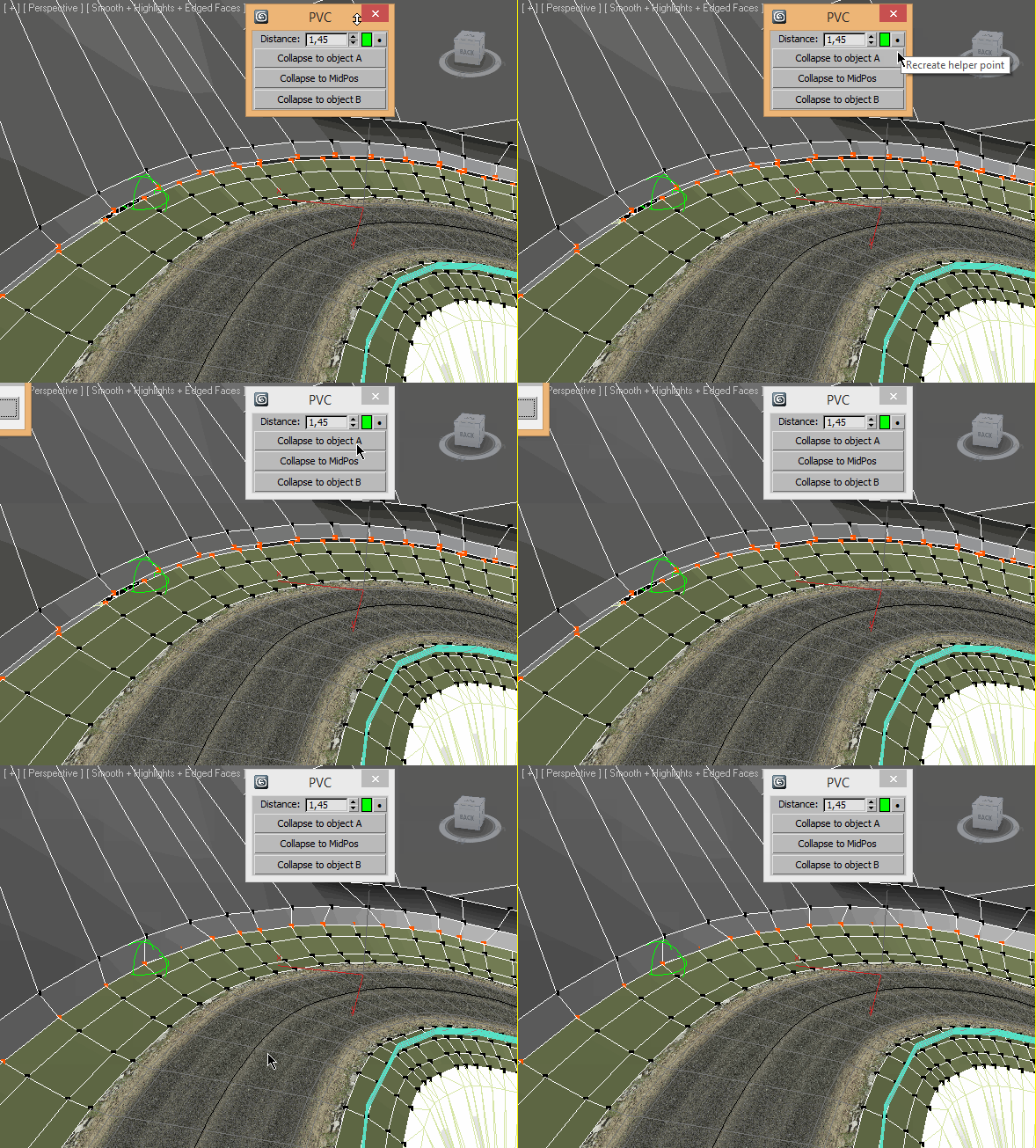
Pair Vertex Collapser

3 votes

HDR dome light for max 2009

37 votes

I have modified the amazing script HDR dome light from Chris Subagio and now it works in Max 2009;
also, I have added some new features, and now it works OK if you link it to a moving object.

It uses Spot lights with Shadow Map, so it´s very fast, about 7 seconds the renders I have attached
in a Quad Q6600 2´4Ghz.

But it has a little problem: if there are many dome lights in the same scene linked to many moving
objects, the global illumination has changes along the time, with brighter and darker frames.

This is not always, only sometimes.

Syndicate content