3ds Max | All

3DS Max - V Ray - VRayRenderID + Photoshop

0 votes

In this tutorial, we will learn about the VRayRenderID render element, where you can create a separate file for the rendered image, and this file will contain a distinct matte color for each object in the scene. This is useful when doing a post-production in software like Photoshop, for example, because you can isolate every single object, and work on it separately.

Path Deform Pro

3 votes

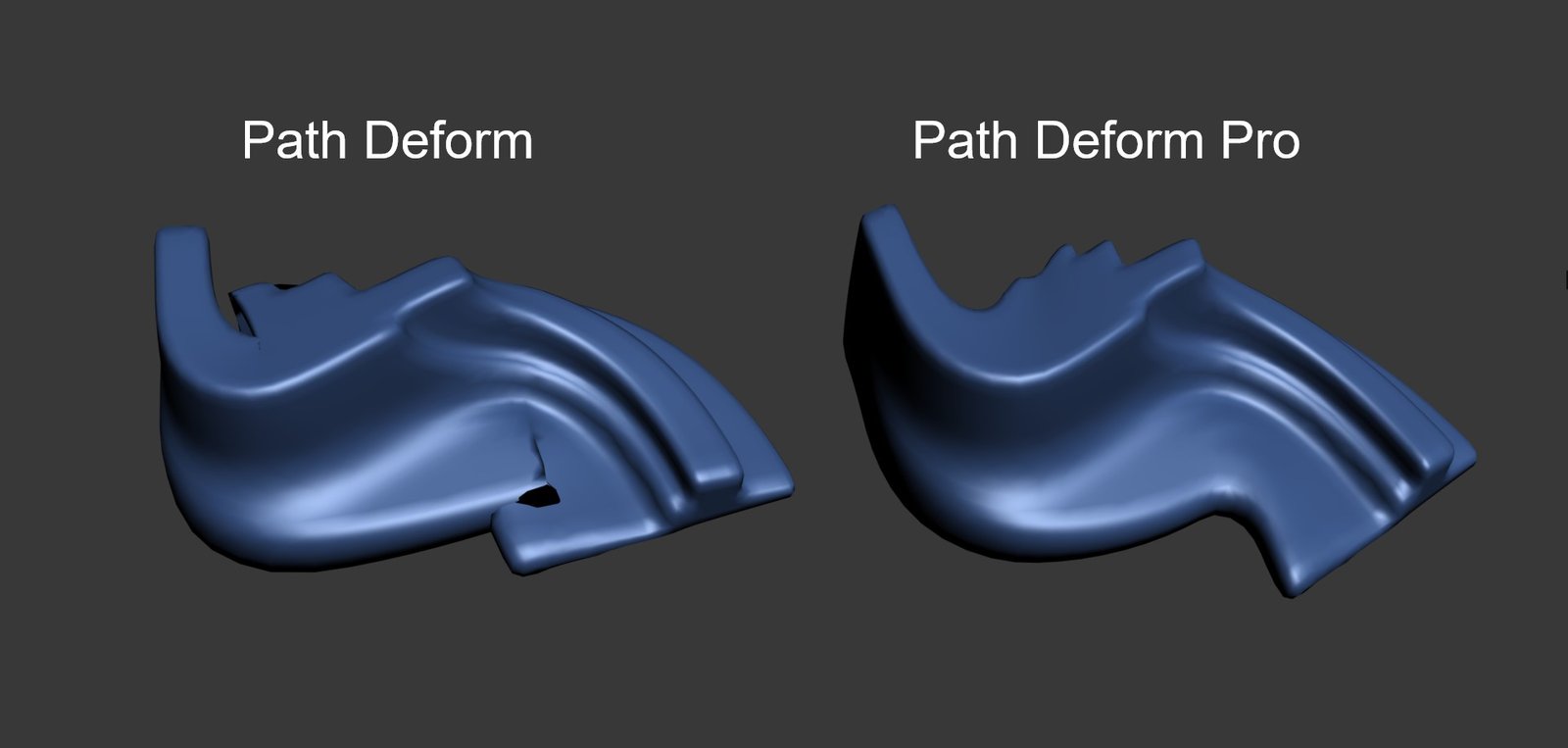
Path Deform Pro is a modifier for 3ds Max that deforms models along a path without causing self-intersections unlike the standard Path Deform modifier which produces a lot of self-intersections.
Get it from https://mariussilaghi.com/products/path-deform-pro

3DS Max - V Ray - VrayCryptomatte - Render Element

0 votes

As you know, we can perform many postproduction operations inside the V-Ray Frame Buffer window, but what if we like to apply these adjustments on certain objects inside the Frame Buffer, and not on all the image.
VrayCryptomatter render elements will help us mask certain objects directly inside the VFB by picking with the mouse. Also, when we add the Vraycryptomatte in the Render Elements tab, we can decide what criteria we want to use for picking, we have options like: by individual objects, by material name, by layer, by node's user property.

Frame Maker

3 votes

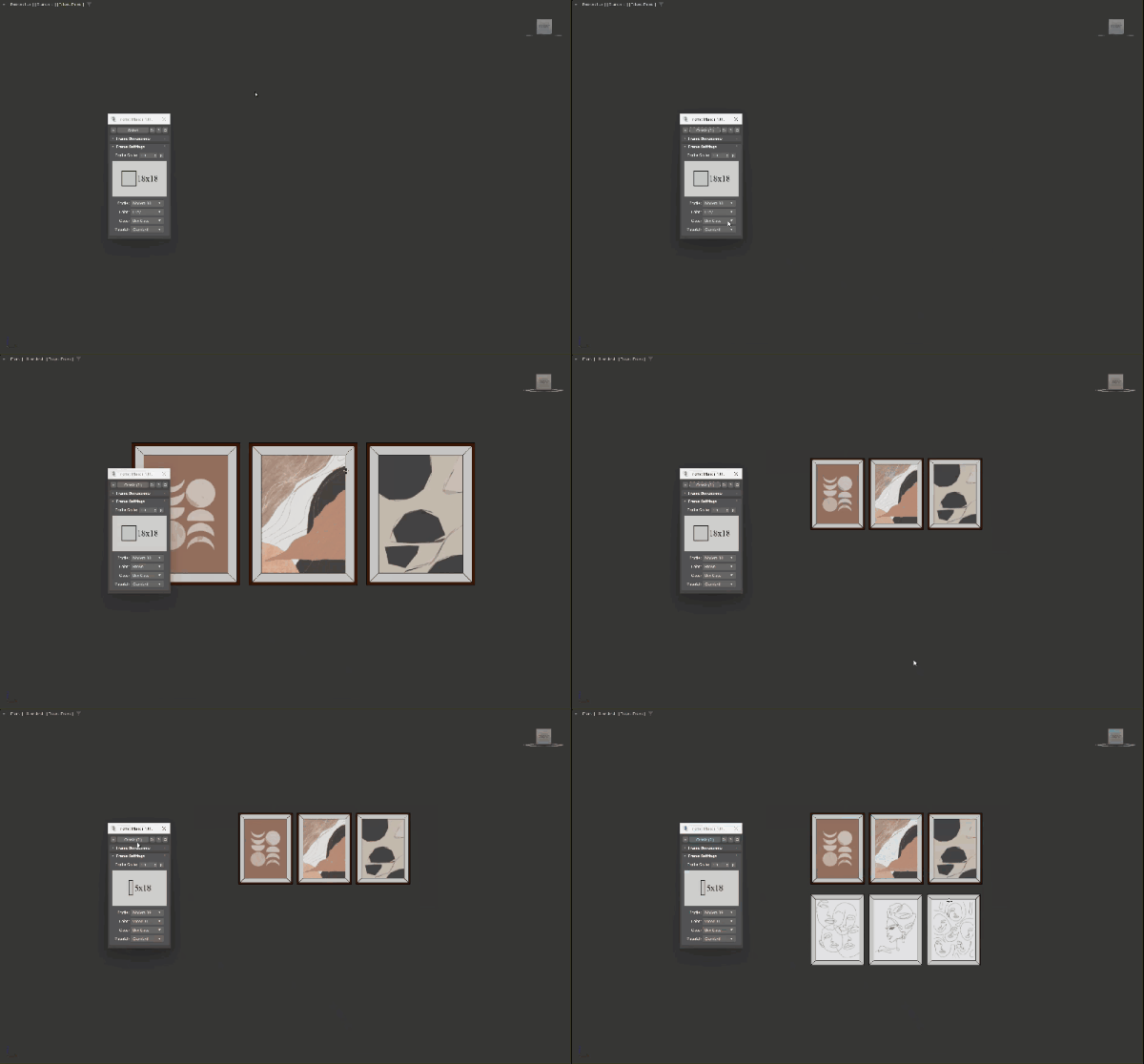
A tool used to quickly create picture frames from selected images, with the correct ratio according to the imported image file. It can be used to create multiple picture frames at the same time in just a few clicks, with many options in size, profile, colors and glass. Supports Corona, Vray and Standard materials. 

MAIN FEATURES

P_Scripts (Scripts & Shortcut Management Tool)

3 votes


P_Scripts is a 3ds Max Script & ShortCut Management tool.

P_Scripts displays a list of buttons based on the type, status, and modifiers of the selected object.
Hotkeys for using buttons in P_Scripts are independent of the shortcuts in 3ds max
It also contains the majority of the scripts you can see in the video

You can download the Full version here.
https://gumroad.com/l/PScripts
(It's FREE)

If you have any questions, ask me.
https://discord.gg/MUGhNgu
[email protected]
Welcome comments and feedback

tPUI Switcher

1 vote

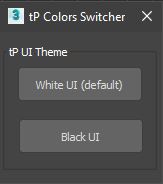
A simple script to switch between tP Default White Color Scheme or Black Color scheme.

chesterfield generator

1 vote

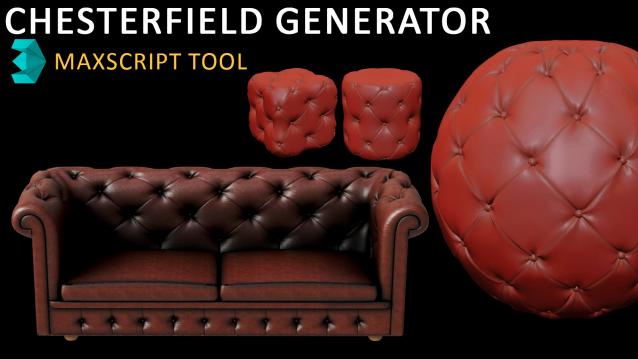
Transform your mesh polygons into stunning Chesterfield patterns with just a few clicks! Our script takes mesh vertices and expertly deforms them to create the classic Chesterfield pattern that's both elegant and timeless.

With our user-friendly interface, you have two conversion modes to choose from. In the first mode, you can convert the entire picked mesh vertices (or sub-object selected vertices), perfect for creating complete Chesterfield patterns. In the second mode, you can selectively convert pre-selected vertices, ensuring they are arranged in a beautiful diamond formation.

Auto Light

4 votes

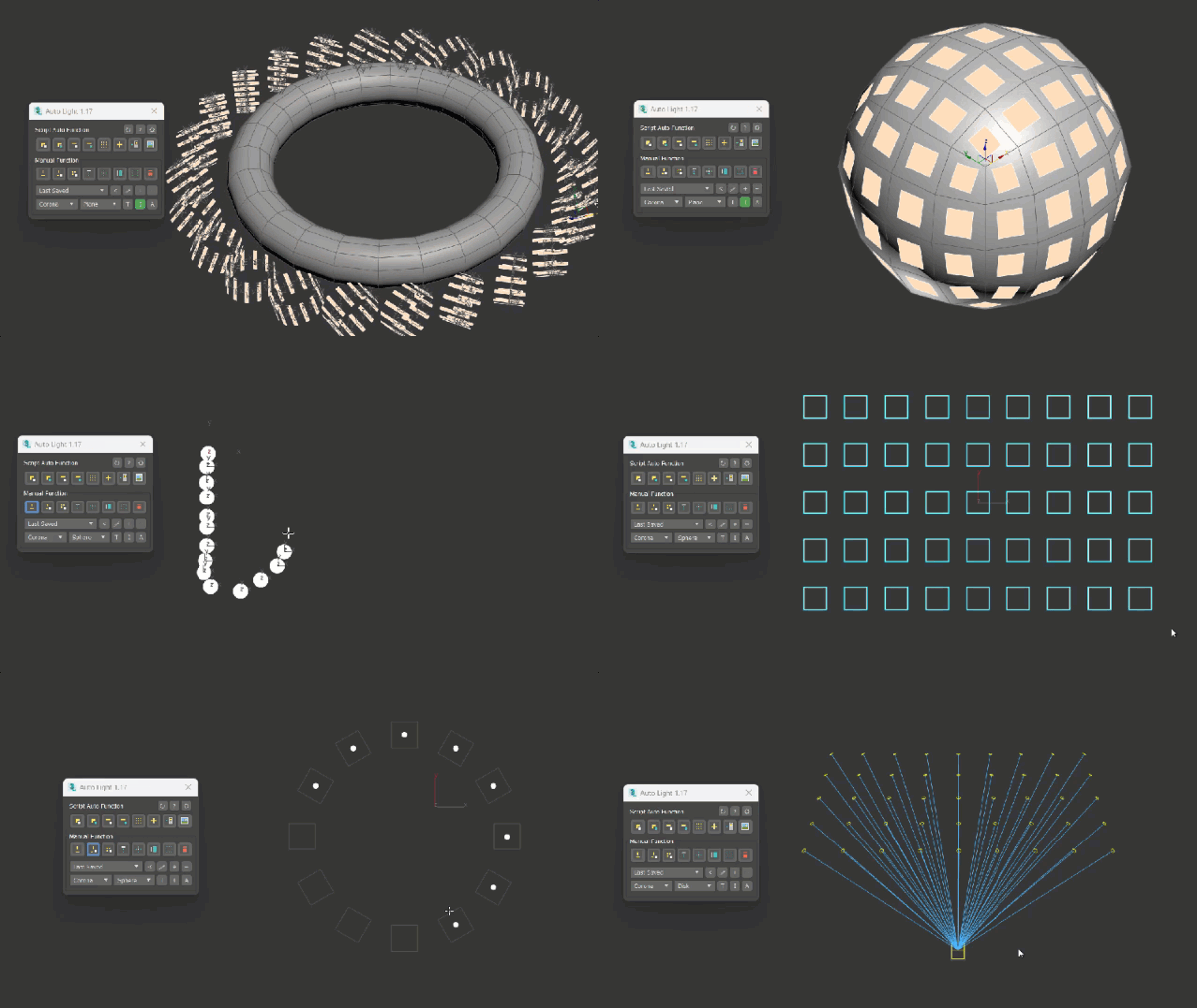
A tool for quickly add and place lights in scene with many automatic tools. It is especially suitable in the design work of interior lighting – architecture as well as other complex lighting; and will help you save time when adding lights in 3dsMax.

Smart Camera View 3

1 vote

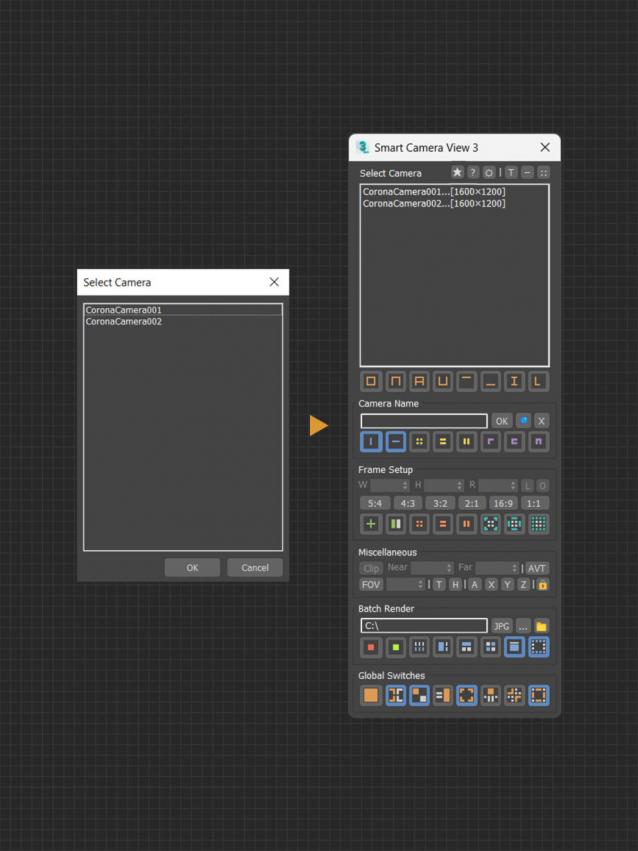
A major upgrade from Smart Camera View 2. While still sharing the same idea as previous version, version 3 actually has been completely rewritten from scratch, based on a brand new algorithm and workflow, for speed and performance, with a lot of new features. This script is intended to replace the default Camera View (C) in 3dsMax with many cool functions. 


MAIN FEATURES

Camera Converter

6 votes

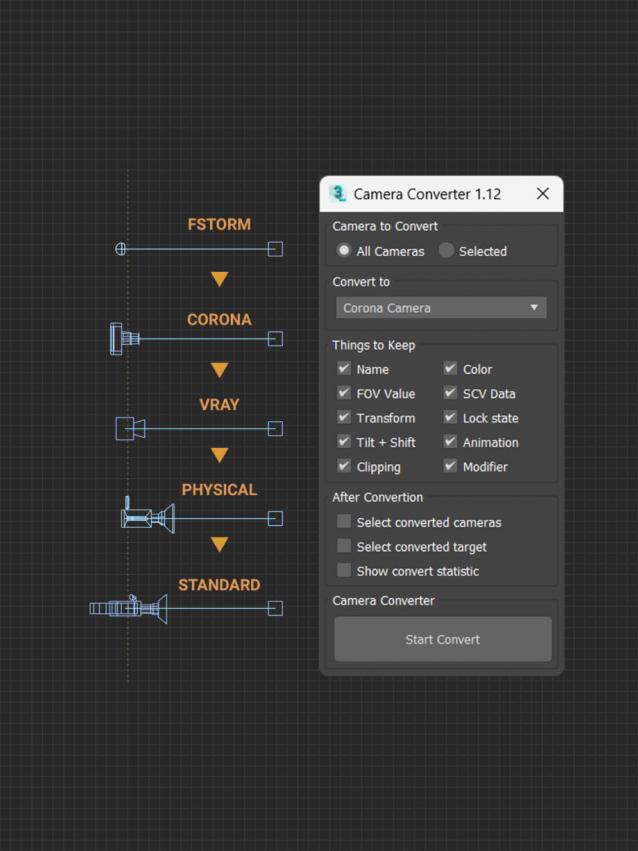
Small script used to convert cameras from one type to another. It currently supports Corona Camera, Vray Physical Camera, Fstorm Camera, 3dsMax Standard Camera and 3dsMax Physical Camera.

Note that it may not work if you don’t install the renderer corresponding to that Camera in 3dsMax. It does not require a license of the software, so you can install a trial version of the application if you just need to convert it to your renderer.

MAIN FEATURES

Syndicate content