3ds Max | All

Autorun Custom Viewport Statistic

0 votes

Autorun Custom Viewport Statistic with start 3ds Max

Testing on 3ds max 2014

-- Install: Copy to 3ds Max directory scripts\Startup

-- Example: Copy to C:\Program Files\Autodesk\3ds Max 2014\scripts\Startup

This script is a modified version http://www.scriptspot.com/3ds-max/scripts/change-viewport-statistic

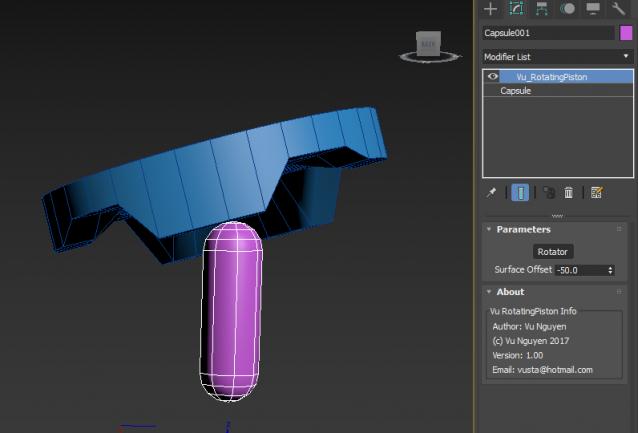
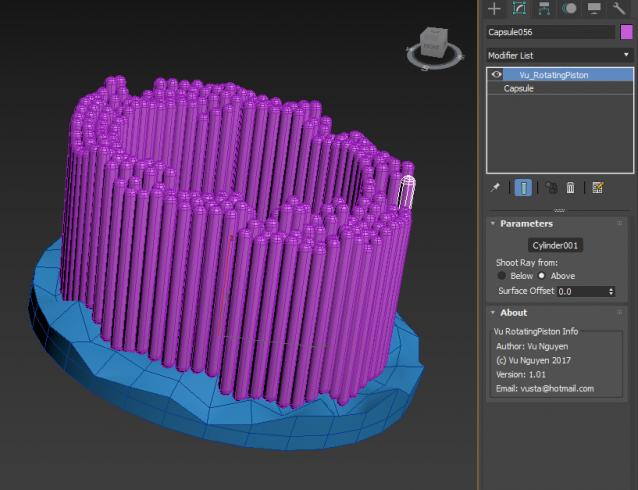
MCG Rotating Piston

2 votes

another one that needs video to be watched as a pic can't really illustrate...

Thread: http://forums.cgsociety.org/showthread.php?f=6&t=1434497

ver 1.01: choose to shoot ray for collision from Above or Below

Vehicle Rigger

1 vote

his simple script allows you to rig your wheel based vehicle easily for creating nice vehicle animations in littile minutes

Snowflake

5 votes

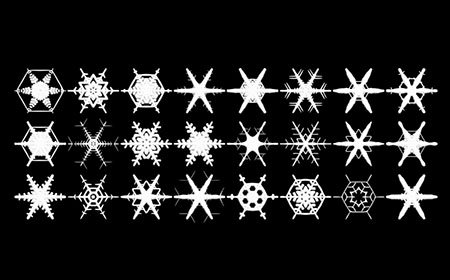
This MAXScript will help you to build snowflake of editable_poly objects in 3dsMax.

MCG Hologram

0 votes

What good is a picture gonna do ?...just watch the video.. and don't write in and say...well, technically this and technically that...I like my world weird and wacky...

ver 1.01:

- Changed View Plane to Depth Axis.

- The Depth Axis is also in Local mode rather than World mode so it works with hologram facing any direction in the world.

- Added Depth Offset so you can place the hologram behind the frame.

PSD_to_3DS

6 votes

PSD_to_3DS allows you to texture objects and create textured planes directly from Adobe Photoshop.


MCG ConnVerts

0 votes

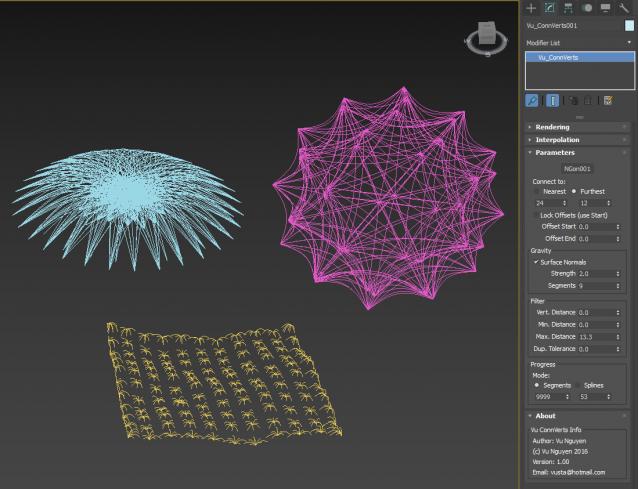
(if anyone even contemplates suggesting me calling it Plexus...you can GAGF)

PF + Mesher + Connverts:

https://www.facebook.com/vustarama/videos/1727204060941423/

ver 1.01: for use with Particles (whether PF or Sprays) + Mesher, use Every Nth so that you treat each mesh as a 'particle' rather than multiple verts in a mesh.....but there's nothing to stop you from using it on a normal mesh like plane, box, teapot.....to achieve different effects...

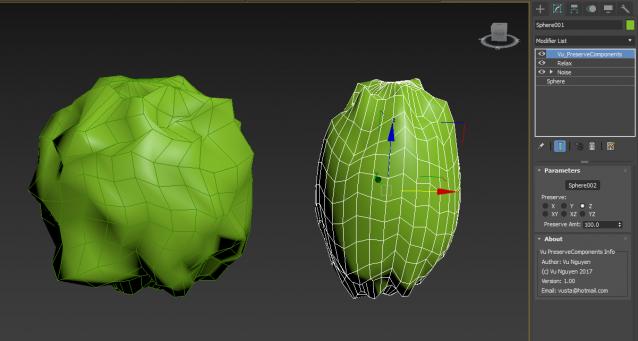
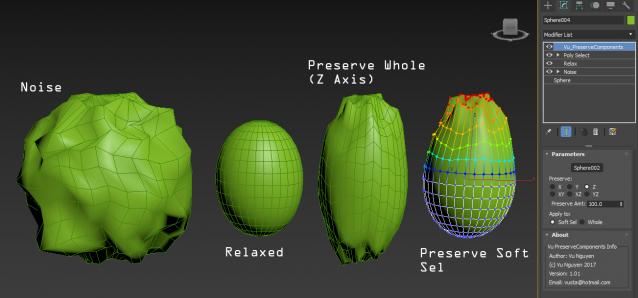
MCG Preserve Components

2 votes

Preserve (aka. Restore) Components of your geo. Like Preserve but with Axis controls.

Use this above a Relax is effectively a Relax with Axis controls.

ver 1.01: added Soft Sel option

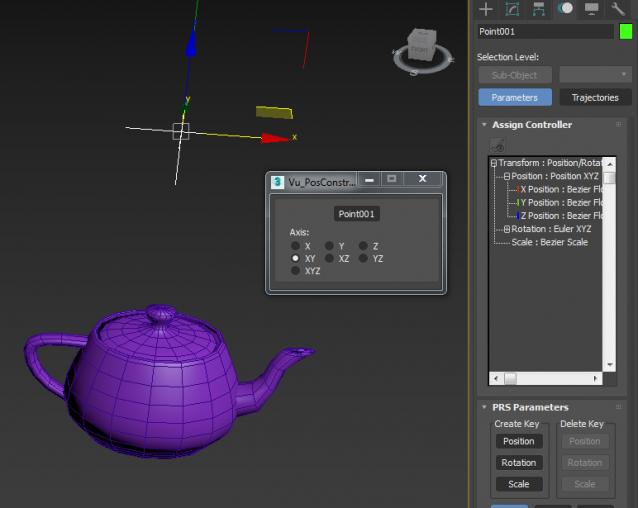
MCG PosConstraint XYZ

0 votes

Position Constraint....with Axis controls...

If you want an Offset, simply add a PositionList first, then in Available slot, add Vu_PosContraintXYZ...then even tho it is constrained, you can still move your object to whatever 'offset'position you like.

Noise Reflection Script

1 vote
Syndicate content