3ds Max | All

Char Key All

12 votes

A very simple script that hopefully will help animators with their workflow.
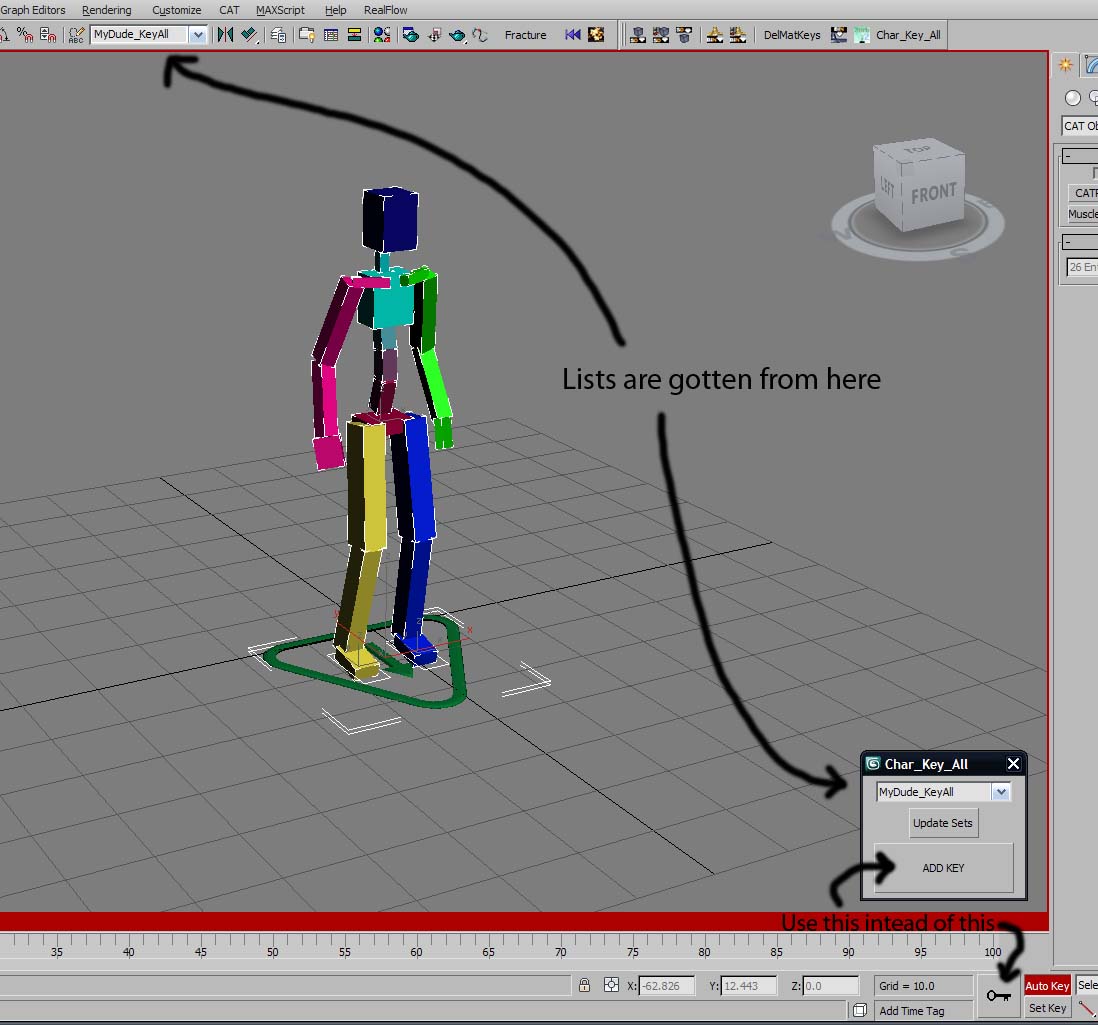
01) Define a Named Selection Set with all your character's bones, controllers, IKTargets (eg.CAT Platform), etc...etc...whatever you need to animate your character.
02) run Char_Key_All script, the panel will pop up at the bottom near the big Key
button
03) Select the char that you are animating from drop down list.

AlignView2Object

12 votes

"Select a single object (anything except objects with Targets) - press button - select an Axis to align and Perspective/User view mode and press OK to align the view to the object or cancel to reset to the original view (as well as possible).

ActiveMtlSlot

12 votes

Prints the current Active Material Slot Index to the Listener.

C2IR

12 votes

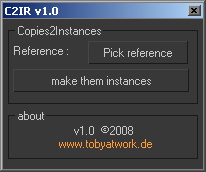
C2IR_v1.0 GUI


Set Active Grid

12 votes

a small floater to quickly switch the active grid.

The list is automatically filled with all available gridhelpers in the scene including the homegrid 

Preview

Maxscript basics #4 - Superstrings + Automation

12 votes

Demonstration of superstrings and automating tasks

SplineVertexTool

12 votes

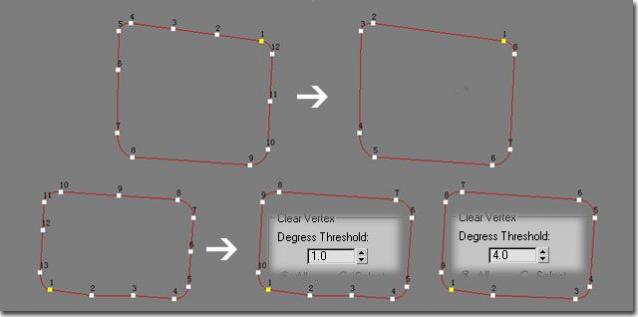
spline and vertet edit

miauu's Live Measure Pro

12 votes

GetColorPicker

12 votes

On the discreet Maxscript forum Dave Stewert asked if there was a
function to call the color selector. Well there wasn't so I wrote this
maxscript extension. This function programmaticly calls the color
picker dialog. So here it is.

The syntax is like this:

<< color >> GetColorPicker << Title : String >> [alpha: boolean]

Nudge Keys

12 votes

Move objects or subobjects with the keyboard. subobject mode currently works for editable splines - lines - meshes - and polys. if you try it on an edit mesh/poly/spline modifier - it asks you it you want to collapse the stack up to that modifier or cancel.

Syndicate content