3ds Max | Scripts

UVW 2 XYZ

6 votes

"Converts uv's to a mesh version. Also copies 3d vert normals to flat mesh. So - in a render it will light like a 3d object (hard to explain - use it to see it)NOTE: could be a bug in the vert normals bit. it will always make the mesh but not always do the normals."

Prime Automatic LipSync Tool

4 votes

Prime AutoLipsync is text to animation Engine olso Audio Animation engine , Auto/manual timing systems and new Voice Recognition System .
 

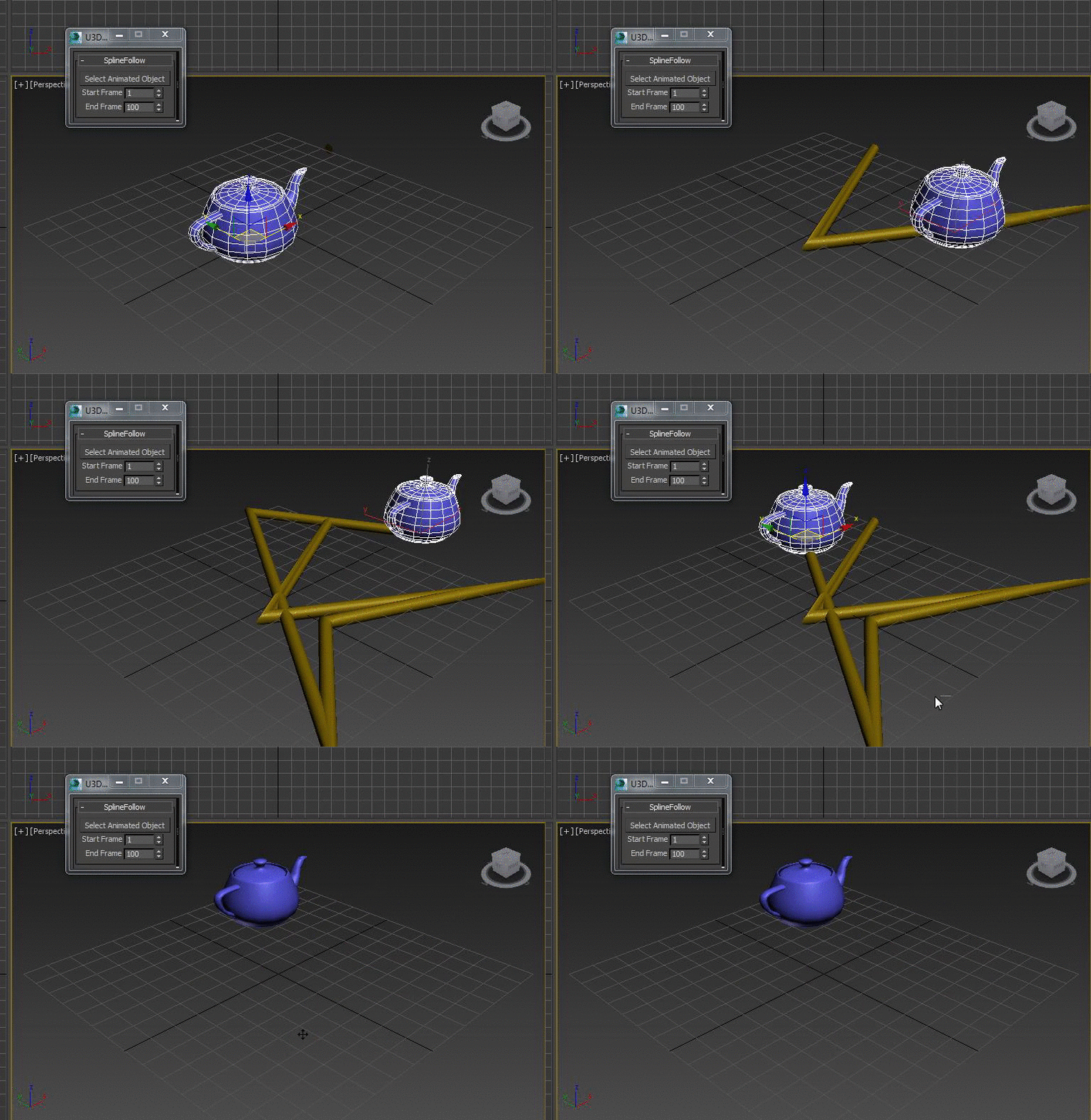
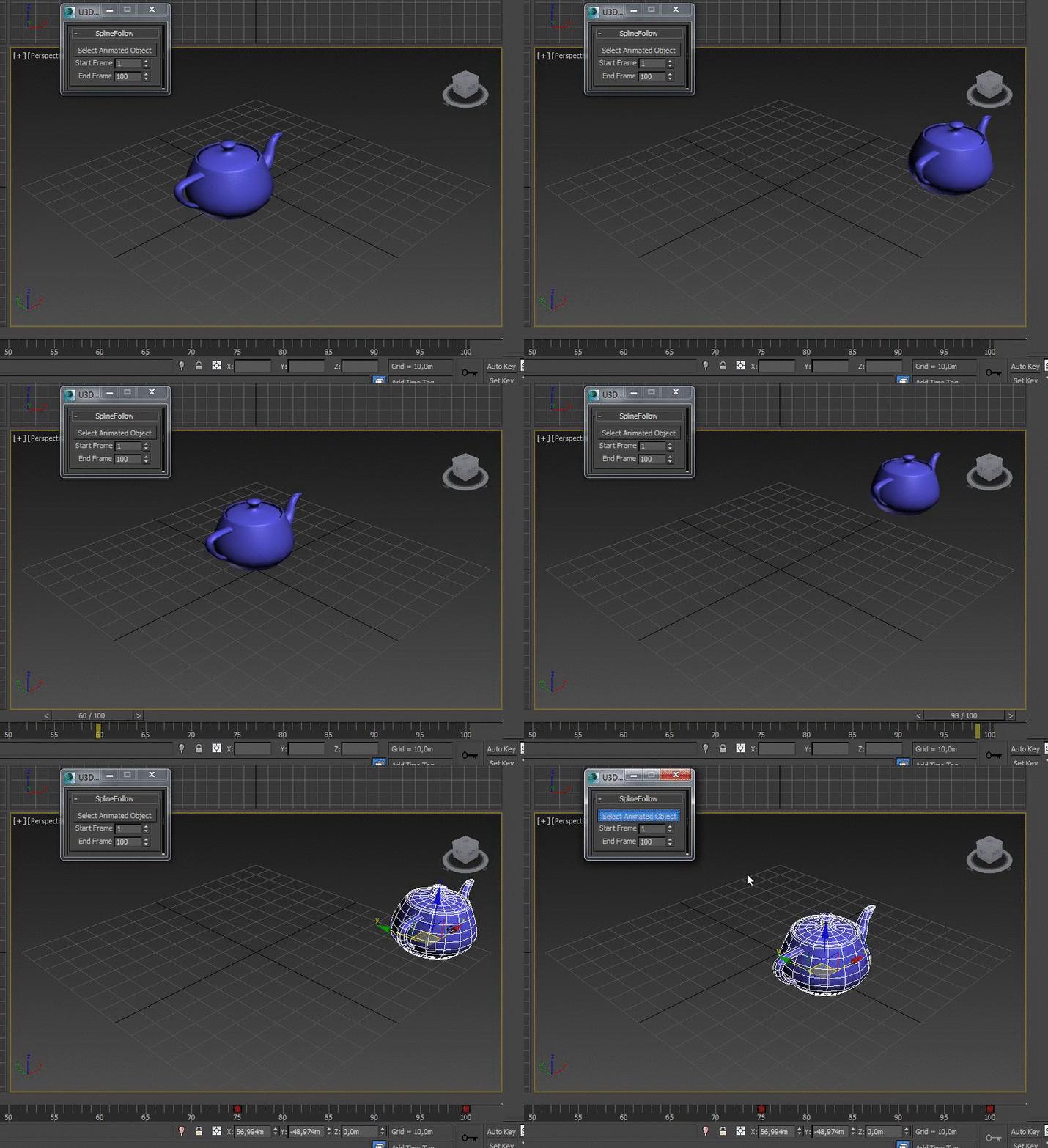
SplineFollow

1 vote


aerender

14 votes

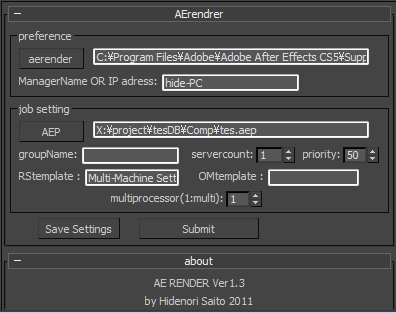
aerender is a script which sends AE job from 3dsmax.

Installation

  • Download installation file
  • UNZIP " 3dsmaxROOT to root folder of 3ds max " Start 3ds max
  • Go to Customize>Customize User Interface>Toolbars> Category "HideScripts">Action "aerender"
  • Drop Toolbar

Before a rendering

Select by Color and Move objects to Layer

1 vote

This simple script lets you choose a wirecolor by an object (like "Select by Color") and select all objects with the same color. You can move the selection to levels we have chosen.


VRay VFB Viewport Loader

4 votes

This will load grab your current viewport and put it as a background for your VRay. Really useful for when you want to do a region render in the VFB but don't know where to draw your region. It's clever enough to crop to your safe-frames, and resize to your render size, upscaling to large resolutions won't give you the best quality but should hopefully help!

Texture Atlas Generator

51 votes

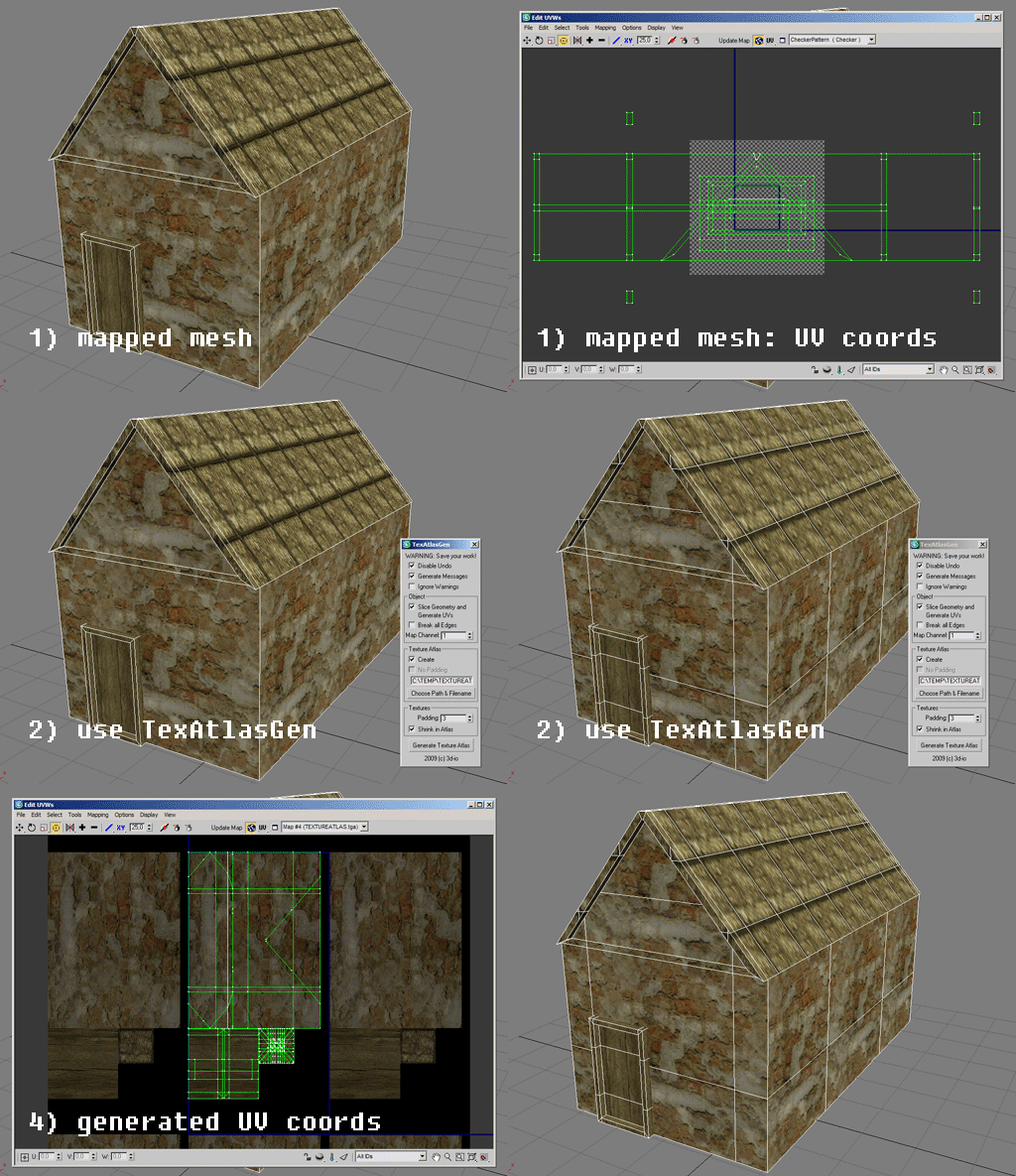
This script generates a texture atlas out of the selected objects, and manipulates their UVs (and if necessary, their geometry as well). Currently only Multimaterials and/or Standardmaterials (with bitmaps in diffuse channel!) supported.
Texture atlasses especially are important for real time applications and game development. Check http://developer.nvidia.com/object/texture_atlas_tools.html to see performance comparisons.

Features:
- geometry slicing
- padding
- simple packing algorithm
- editing many objects at once, thus creating only one atlas for all of them

Spline Toolbox

12 votes

New version 1.1

It is 6 tools in one interface :

- Spline select tool (it allows dot selection, random and by angle)

- Outline extended (it's the basic outline tool with more options) / Updated (realtime feedback ,keeps original selection and mousetool creation)

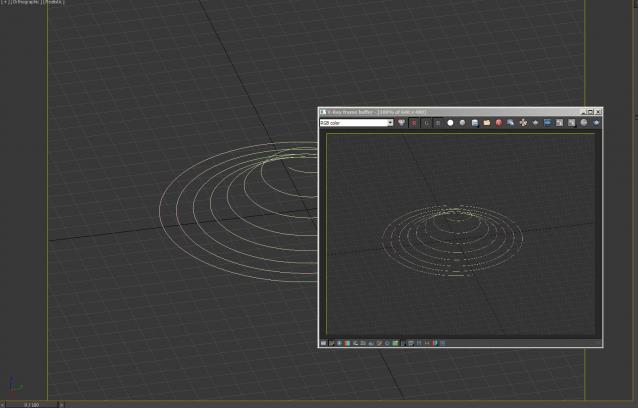
- 2-Tangents circle allows to create a circle relative to two tangents (usefull in design/architecture when trying to place precisely a circle in a corner)

Color Pick Converter

5 votes

Choose any color and view its code values for both 8 Bit (0 - 255) and Arithmetic (0.0 - 1.0) for 3ds Max.

Installation
1. Run script from the Utilities panel in max

Unreal Engine 4 - Camera Animation Exporter

5 votes

Syndicate content