3ds Max | Scripts

DCP AO Maps

2 votes

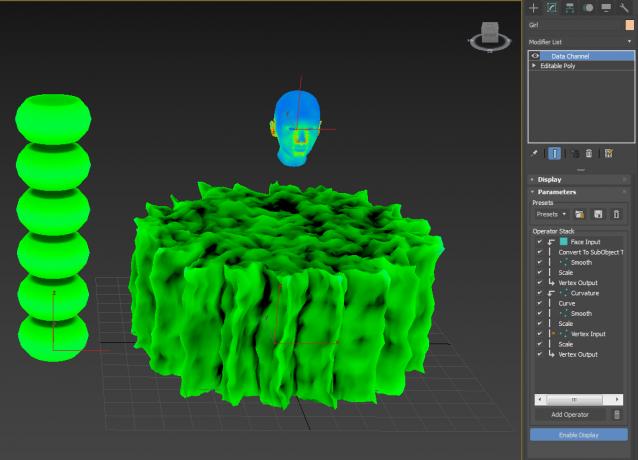
A couple of DCP, for AO maps. I don't claim to know what I'm doing...just click here, click there and see what comes up...

Select By Material

6 votes

'SELECT BY MATERIAL'


LATEST KEY FEATURES:

- Select multiple node/s in SME.

- Unhides and hides objects on scripts second run.


    --============================================================

Script which allows easy selection of materials inside Slate Material Editor and Compact Material Editor over 3ds max standard method.

Benefits over maxes built in way:

Clean Retimers

3 votes

A little scipt for removing retimers from scene, because they cause huuuuuuuuuge performance slowdown.

Unwrella UV-Helper: Blue Edge Selection To Green Seams

15 votes

This script converts (blue) pelt edge-selections into normal (green) texture seams.
It is used to skip the tedious manual parting process and it creates instantly separated UV parts.

http://youtu.be/FKdrColmPPk

Mainly for use with Unwrella 2.

There's an extra button for clearing all seams from the mesh.

Last Update: max 2013 compatibility, detailed tutorial video added

MaterialSwapper

8 votes

Easily swap the slots of several materials at once (currently only Standard, FinalRender and BlitzBrush):
- select source map slot
- select destination map slot
- press “Swap Both Slots” for swapping slots, or “Copy Src Slot To Target” for copying the slot
- finished.

DCP WhackAMole

2 votes

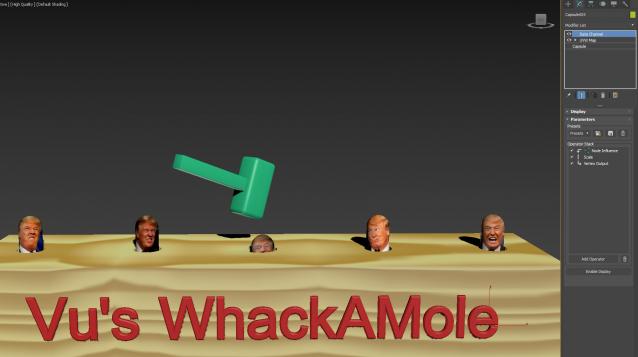
Time for some stress relief..

Extract WhackAMole DCP to: C:\Users\xxx\AppData\Local\Autodesk\3dsMax\2017 - 64bit\ENU\en-US\plugcfg\DataChannelPreset

Then extract the game to relieve some stress...Not a single keyframe was used !!!!!! Purely DCM

DCP DustMap

1 vote


DCM - Data Channel Modifier

Produces a map for dust that settles on top of whatever faces that are top facing (world).

Extract preset to:

C:\Users\xxx\AppData\Local\Autodesk\3dsMax\2017 - 64bit\ENU\en-US\plugcfg\DataChannelPresets

Then in your DCM, load it as a Preset.

Of course, if you want your Dust 'fixed', simply change the Vector to Local instead of World...or if dust

is coming from a direction (rickety door in an old ghost town) then use Node Look At

DCP Rim Map

1 vote

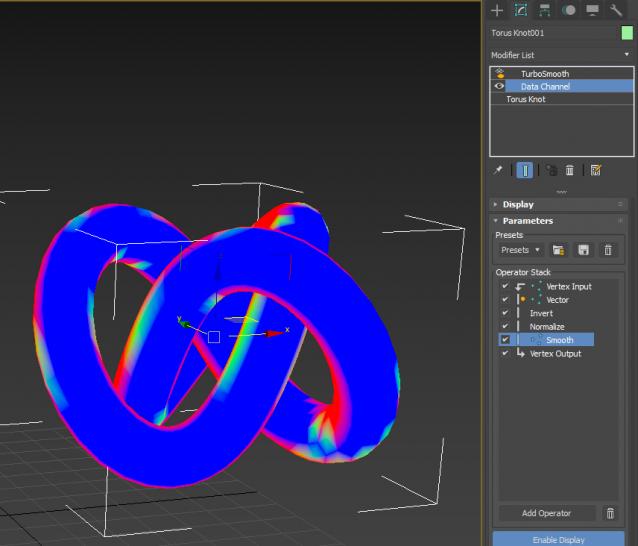
When you have no backlights, fake it with Rim Map. Extract preset to: C:\Users\xxx\AppData\Local\Autodesk\3dsMax\2017 - 64bit\ENU\en-US\plugcfg\DataChannelPresets Then in your DCM, load Vu_RimMap as a Preset.

It is of course camera dependent, so make sure you pick a camera in the Vector Node.

DCP Show Small Faces

0 votes

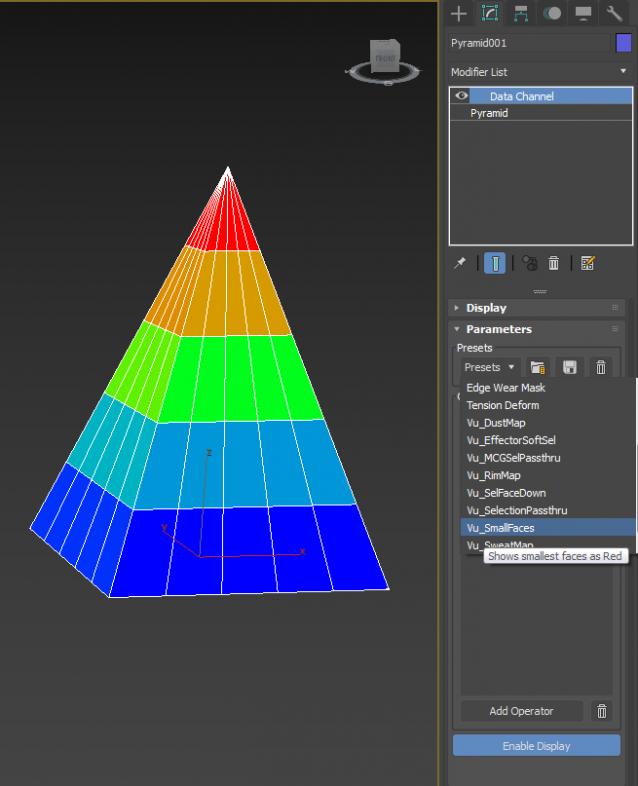
a little DCP to show small faces (...or big)

Biped (.bip) Animation Batch Retargeting & FBX export

4 votes

This script was made to retarget animations so that changes could be made to the biped's proportions throughout production.

I made this for making my life easier between Max and Unity (though it could be used in any max-based pipeline). Unfortunately Unity has no native retargeting, unless your team is using Mecanim.

Syndicate content