3ds Max | Scripts

ASvoe_ViewHotBox_MENU

0 votes

Creates a quick menu for changing views and other useful features of the viewport. Assign the key to z.
double-clicking on z will display the standard 3ds MAX function.
See the attached file for more information.

AtmosphericMan

13 votes

Simple script that lets you enable/disable/delete multiple atmospherics at once.

AtmPass

4 votes

Lets you create several different kinds of atmospheric passes. For example - you can saves an image sequence that represents the current environment ranges in the scene by changing all objects in the scene to a matte material and rendering the scene with white fog. Good for doing postprocess fog and postprocess depth of field.

Atom

7 votes

Atom is a new geometry plugin for 3dsmax.

It creates similar effects as you can see in After Effect's Plexus. Atom uses Particle Flow to generate lines, points and faces between the particles.

Tutorial : https://vimeo.com/125819240

Buy it on : http://hocuspocus-studio.fr/tools/product/atom-2/

Attach All Selection ( maxscript )

0 votes

- Attaches selected objects
- Attaches groups and splines to a single geometry
- Create a button or assign a script to a hotkey

Attach by Same Material

2 votes

Attached all geometry with the same material to the currently selected object. This collapses to editable poly first, so make sure you're cool with that before you click. :)

Created for merging objects in heavy architecture scenes recieved in Max format with large numbers of individual objects.

Attach Mesh by Material

26 votes

Easy way to make single mesh from array of objects with the same material.

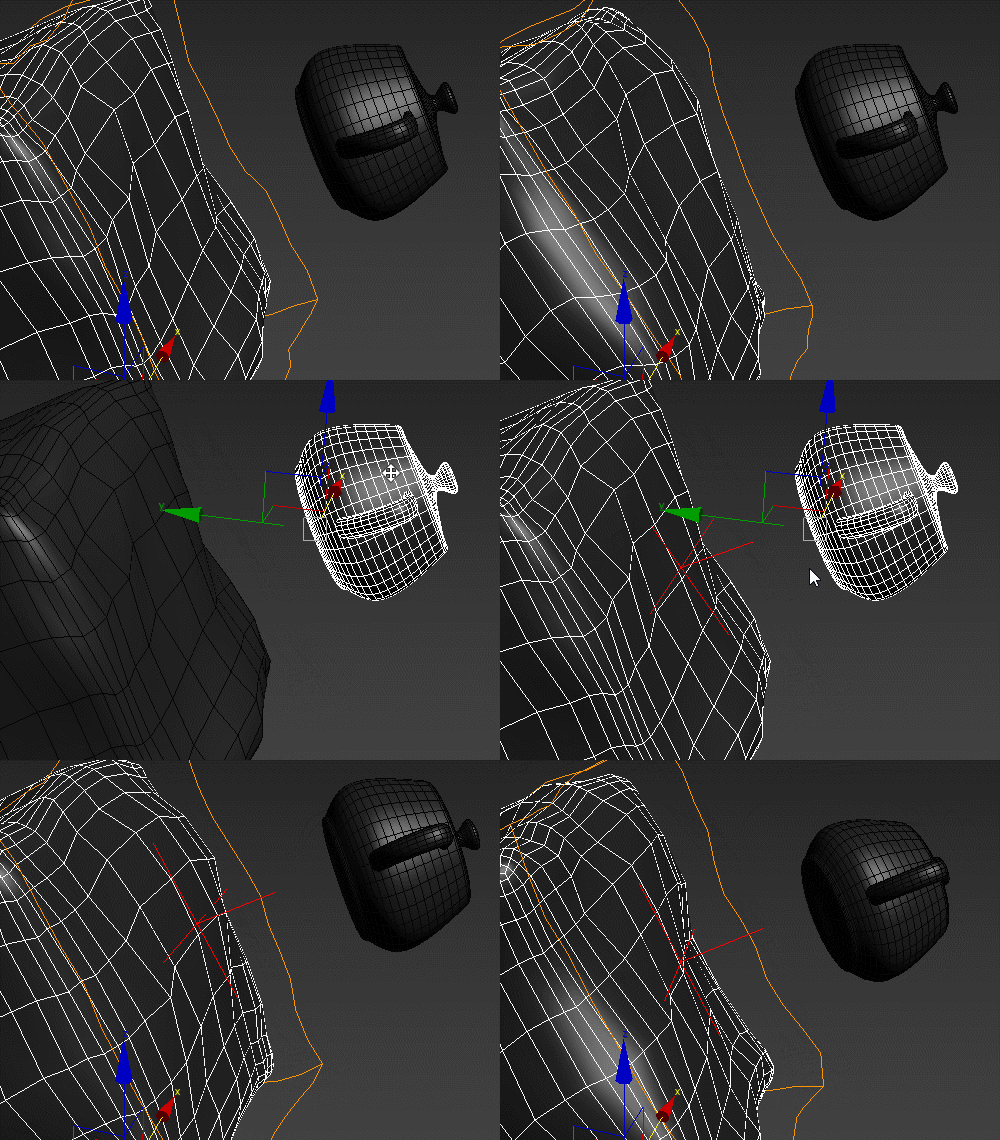
Attach Object To Vertices

3 votes

This script allows you to bind any object to vertices geometry using simple expressions.

Category: "GregoryMaxScript"

Attach Selected

0 votes

3dsMax Script for Attaching Selected Objects .

- Works on Geometries and Shapes .

- The First Selected Object will be the Main Object .

Sometimes when using Other Scripts for Attaching Objects you get wrong materials when containing Multi Sub Materials , So I made this Script to solve this Problem .

- After Installing , the script will be add to QuadMenu 1 (RightClick Menu) "Attach Selected" .

Attach to Surface

2 votes

Given and object and a surface, creates a surface-aligned helper and parents the object to it.

Syndicate content