3ds Max | Scripts

CorVex

12 votes

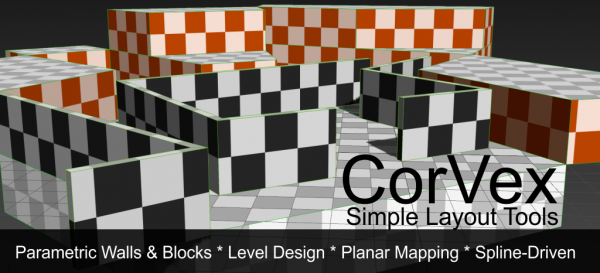
CorVex is a scripted geometry plugin for 3ds Max aimed at quickly building game level layout and walls. It offers convenient planar mapping controls for geometry that is controlled by spline bases.

CorVex

Favorites / Quick Folders

12 votes

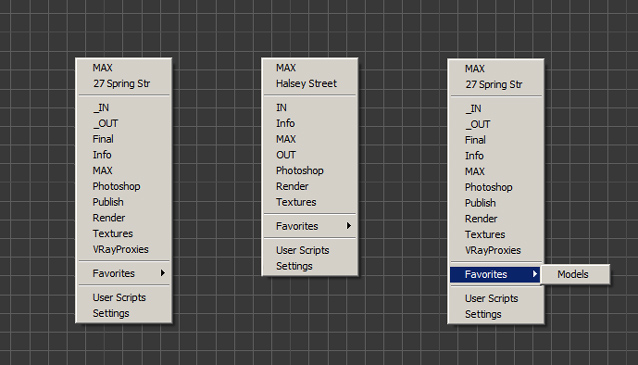
Favorites / Quick Folders it's a popup menu for easy access to:
 -  Project folders
 -  Favorites
 -  User paths

It can Open folder in new window, Open Max file (Ctrl) or Merge model (Shift)

It automatically search for project root folder and subfolders.

Object Replacer

12 votes

Automatically update dummy objects in a scene with more detailed counterparts.

Projector

12 votes

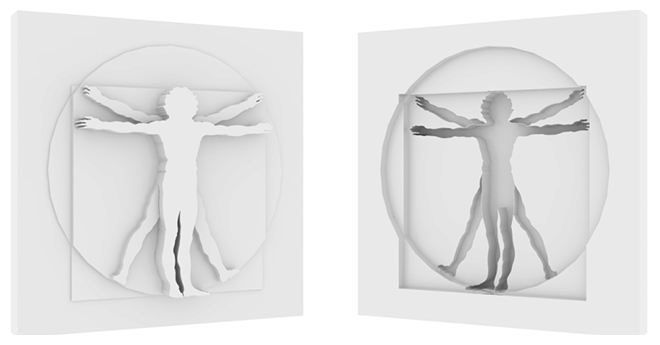
Projector is a tool for creating projections of shapes in geometry

matMerge

12 votes

"Lets you select the name of a material in the scene - the script merges all materials with the same properties:

  • ambient color
  • diffuse color
  • specular color
  • shinness
  • shinness strength
  • opacity
  • diffuse map
  • "

    Spring Joint

    12 votes

    "Spring Joint is a Macro Script for applying and managing a script controller and a set of custom attributes to simulate procedural torsional spring motion. You can apply Spring Joint to any object that has a position/rotation/scale transform controller and unconstrained rotation.

    RenDir

    12 votes

    What this will do is load up every single max file in the directory of your current scene file, and render each of them. Useful if you have a bunch of max files you want to render overnight on a single PC. You can just copy all those files into any directory, and set them all up with the render settings you want.
    And then run the script, it will read all the max files in the present dir, and load them one at a time, and render each out.

    CopyClick

    12 votes

    -- Copy by Click
    -- V1.0

    -- How it works?
    -- 1. Select objects
    -- 2. Execute CopybyClick
    -- 3. Click to make a instance of selection
    -- 4. ESC or rightclick to cancel

    ------------------------ THE CODE ------------------------

    macroScript CopybyClick
    category:"AGGTools"
    buttonText:"CopybyClick"
    tooltip:"Copy by Click"

    (

    fn CopyClick =
    try
    (
    maxOps.cloneNodes $ cloneType:#instance newNodes:&nnl
    select nnl
    Sel=selection
    p = point pos:Sel.center
    p.pos.z = 0
    ClickPos = pickPoint snap:#2D ()
    ArrayFiltroGroupHead = #()

    Spline Curve Control

    12 votes

    XFormer

    12 votes

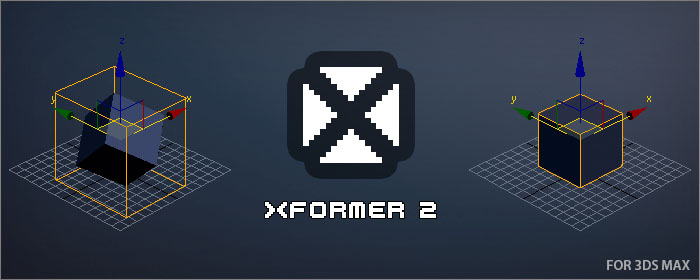
    XFormer is a tool that will allow you recover the transformation of an object.

    Some scenarios where you might want to restore an object transformation could be:

    • After a model transformation matrix was reset (Reset XForm)
    • If you have detached part of an object as another object
    • If you import a model and it is not aligned as you would expect
    Syndicate content