Tagged 'camera'

Viewport Snap

2 votes

Viewport snap scripts snaps to the orthographic viewport that's closest to the current orthographic, perspective or camera view. It also frames current selection to fit into new view. If viewport that is snaps to is closest to the bottom or top orthographic views script will also try to detect the orientation of the current view and orient new view correctly.

This script is meant to replace repetitive task of switching to the top, side, bottom etc. views while modeling.

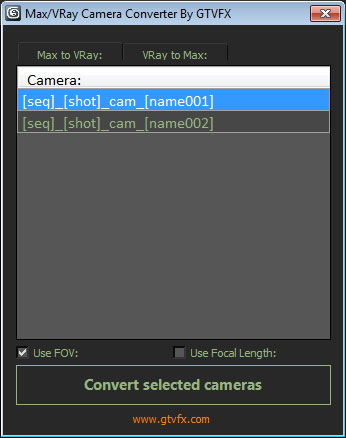
GTVFX-ANM_maxVRayCameraConverter

2 votes


Converts Standard Max cameras into VRay Physical cameras or the other way around.

When converting to Vray camera there is the option to use either FOV for Focal-Length.


 Updates:

2014-02-09:

Updated UI. Fixed a bug when converting the focal length of VRay camers to FOV for standard cams the built-in function within Max was marginally off causing a mis-match between the origianl camera and the converted camera.

Kenzors Previsualization tool

11 votes

This is a 3dsMax previsualization tool. It allows you to jump cameras and time to previs scenes.

Its the only tool I know that allows you to skip anywhere in time to create 'cuts' in 3dsmax like a video editing package

Installation instructions are here.

Camera resolution tool

6 votes

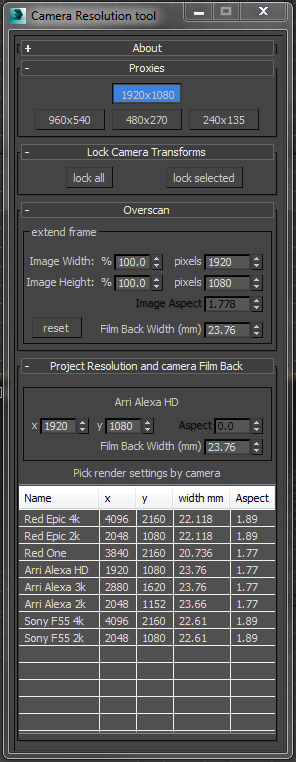
Frankly the default 3dsMax render settings bug me. They don't deal with modern cameras. The proxy settings are hard coded and can't be changed. There's no easy way to create over-scanned frame without a calculator. So I've written my own tool to fix these problems.

Tweak Camera Dialog

There several rollouts in this tool, each dealing with a separate task.

3dhippie_stereoCam

50 votes

VERSION 2 AVAILABLE:
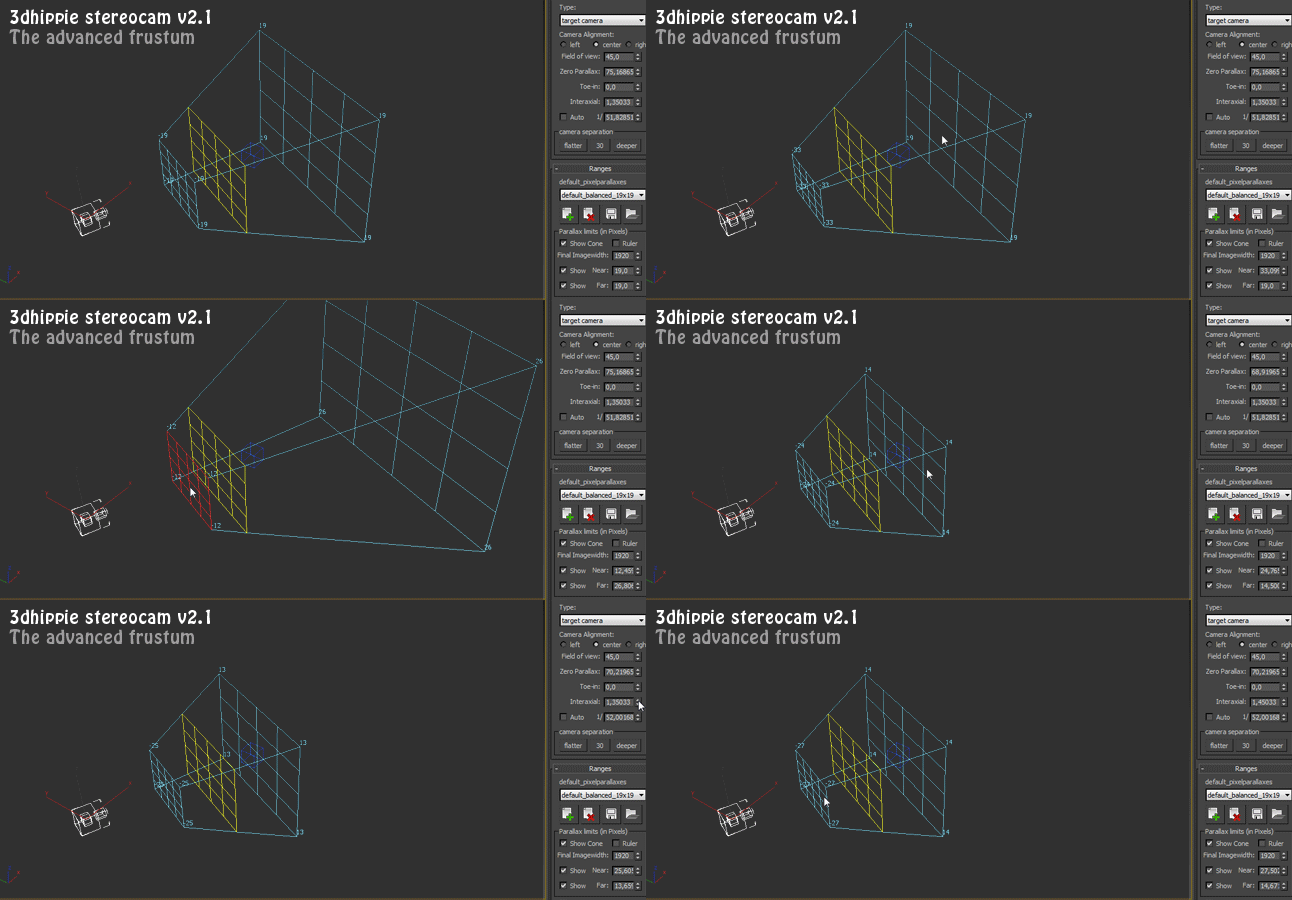
Get 3dhippie stereocam v2

ADDED in 2.1.2
Camera Clipping.
Bugfixes.

ADDED in 2.1.0

Cubemap Builder

0 votes

Description:
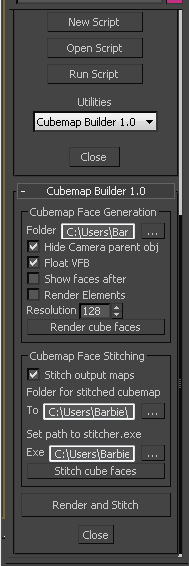
A maxscript Utility for the batch generation of cubemap faces across multiple cameras, and optional assembling of a "complete" cubemap in DDS format. The completed DDS texture is ready to use in the DirectX shader material - the original inspiration and motivation for this script.

Export Camera to UE4

0 votes

Just select cameras(without target) and run the script. Script will create "Bake Cameras". Then you will need to export all cam in fbx(-z) and import in UE4.

--Support Target Camera, Free, and animation FoV

Script is free

Quick Vray Camera for 3dsMax2016 and Vray 3.xx

4 votes

Very simply script which allows the creation of  "hidden" Vray Physical Camera in 3dsMax2016 with Vray 3.xx

qvc

In the last release of Vray 3.2 for 3dsMax, the Vray Camera does not appear; VRay uses the physical camera of 3dsmax. If you write in maxscript: " vrayCreateVRayPhysicalCamera() " we can create the "hidden" Vray physical camera.

Quick Vray Camera, facilitates the work for us.

Material Layer Interface MLI

142 votes

3 new versions and reduced prices: MLI Light 2.0, MLI 2.0, MLI Pro 2.0

With the Material Layer Interface (MLI) you can create Material Layers and passes in 3D Studio Max and it’s easy to handle them!

mli_banner

Just create the layers and pick the objects. Assign materials to the objects and feel free to use different renderer or render settings for every single layer.

Camera Manager

1 vote

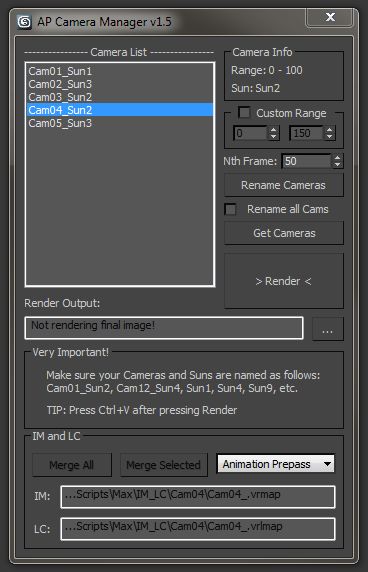
There are quite a few fly-through camera management tools out there, but i needed something that could automatically change the time output range, sun, output file name, etc.

Also, very important, use Free Cameras only (not target). The script uses the position and rotation controllers of the camera to determine it’s range.

Syndicate content