Tagged 'materials'

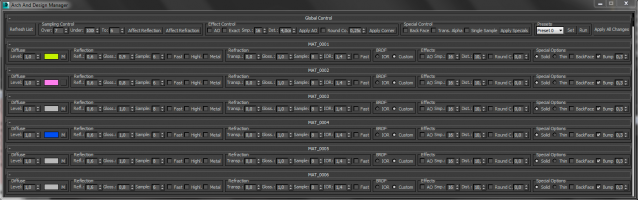
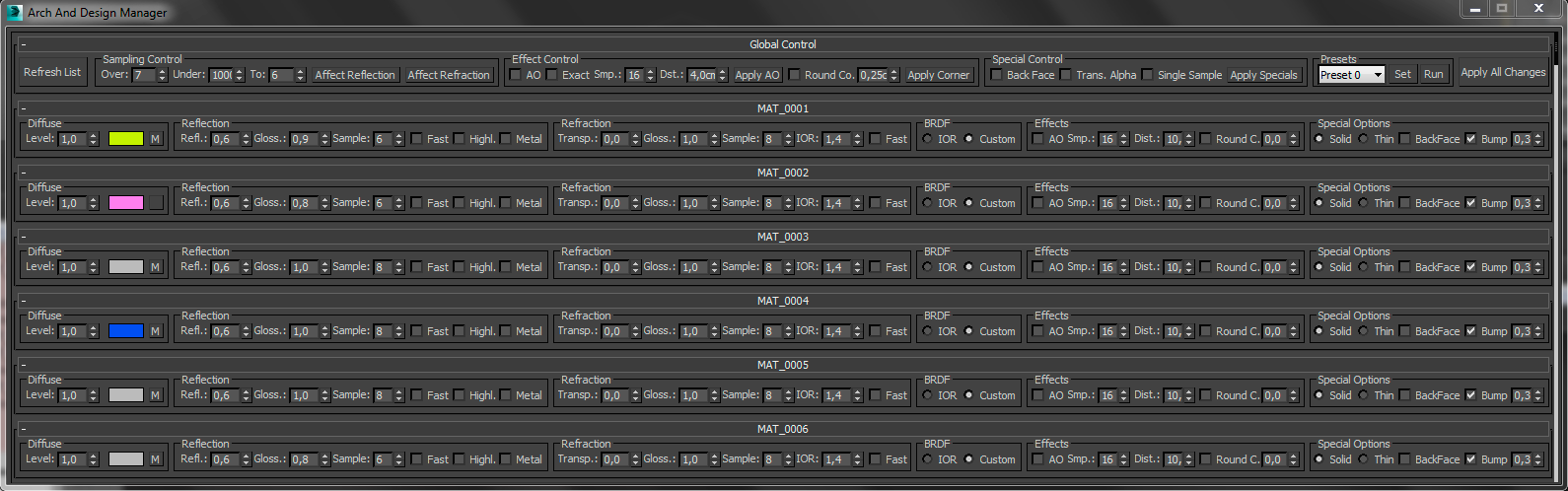
Arch And Design Manager

0 votes

Full resolution screenshot: http://www.pixelcrusher.de//files/ArchAndDesignManager.png

This MaxScript is for manipulate arch and design materials in the scene. At the moment it is limited to 90 materials, this you can change at your own risk (maybe on some computers it works with 200 materials).

Materials to Editor

65 votes

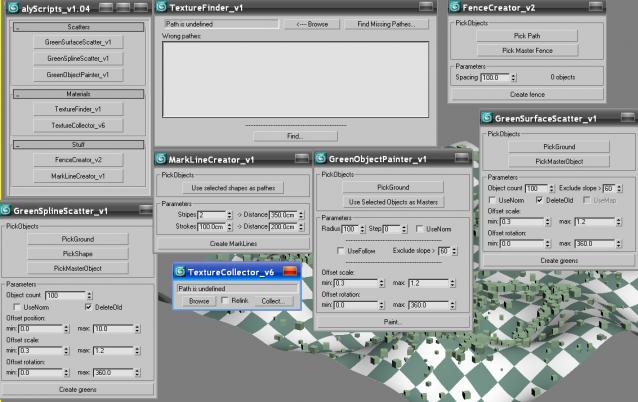
alyScripts_v1.04

23 votes


Hello!

This scriptpack contains some simple scripts, which can optimize your workflow.

Version 1.04 includes 7 scrips grouped into following categories:

- object scattering

- maps and materials

- landscape modeling

I hope you find them useful.

Let me know if you find any bugs.

Best regards.


Auto Material

2 votes

This MacroScript works as an on/off toggle. When on, the currently active material in the material editor is applied to new objects that you create. It also works on objects that you copy that don't have materials.

waRp CtrlMtls

0 votes

This script simplifies the editing of the textures (that are imported from Mari) within 3ds Max. It changes some basic parameters of all the imported textures.
It automatically enable only the mapping slots that have textures assigned to them.
It only works with materials that are assigned in the scene and have the keyword "_tg" in their name

Options that are included:
-- Turn on or off a particular mapping slot
-- Change the RGB offset
-- invert the textures
-- Preview the textures in the viewport

waRp Slate

2 votes

Inserts into Material Editor sets of 24 SCENE materials.
If there are more than 24 materials in the scene you can choose, which set of 24 you want to load to the Material Editor (slate number one means get the first 24 scene materials, set number two means get the second set of 24 materials and so on).

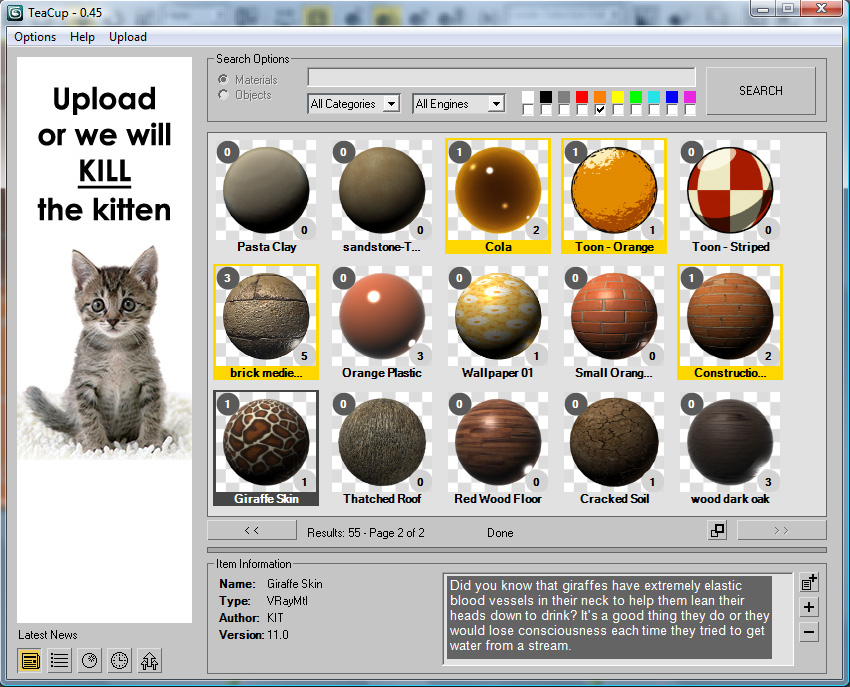
TeaCup

100 votes


+WHAT IS IT?

Attach Mesh by Material

26 votes

Easy way to make single mesh from array of objects with the same material.

Render Holder Zorb

3 votes

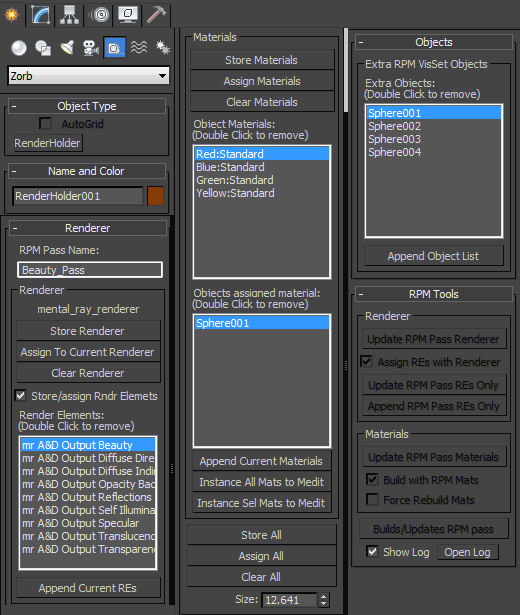
Render Holder Zorb is a max helper that is designed to help you manage, share and build render setting, render elements, material assignments and RPM passes. The main use for this is to us one or mutiple Render Holder with an asset file to store per pass render settings and materials.

You can store and restore the current Renderer, Render Elemants and object materials. Also there is a suit of RPM tools to help build and manage passes based on the settings stored on the Render Holder.  Including an object list to create the visability set with.

to install just extract to the 3dsmax root, or put the .ms file in scripts/startup or the plugins folder

For more help, hover your mouse over a button or checkbox in 3dsMax
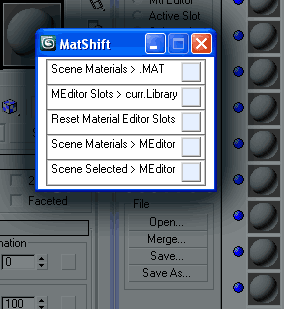
MatShift

22 votes

MatShift is a thin pack of ops for shifting materials
between Scene, Material Editor slots and current Library.

Syndicate content