Tagged 'max'

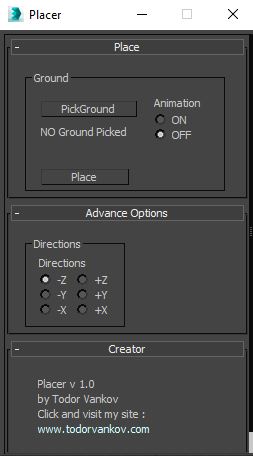
Placer

3 votes

Placer is a 3ds max script to help you to place objects on a suraface. In this Script you can pic the ground model ( the geometry on that you will transport the chosen objects ), select to turn on, or off the record the animation of your objects and Start the placement process.

Script category: “#todorScripts”.

You can see an example here, how to install my script per Drag and Drop:

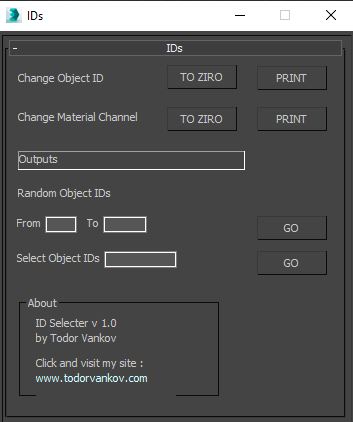
IDs Finder

1 vote

With this script you can Find what kind of object and material IDs you have in your scene.

- the Buttons „to zero" reset all material and object IDs
- random object ID
- select the objects with one special ID

Script category: “#todorScripts”

You can see an example here, how to install my script per Drag and Drop:
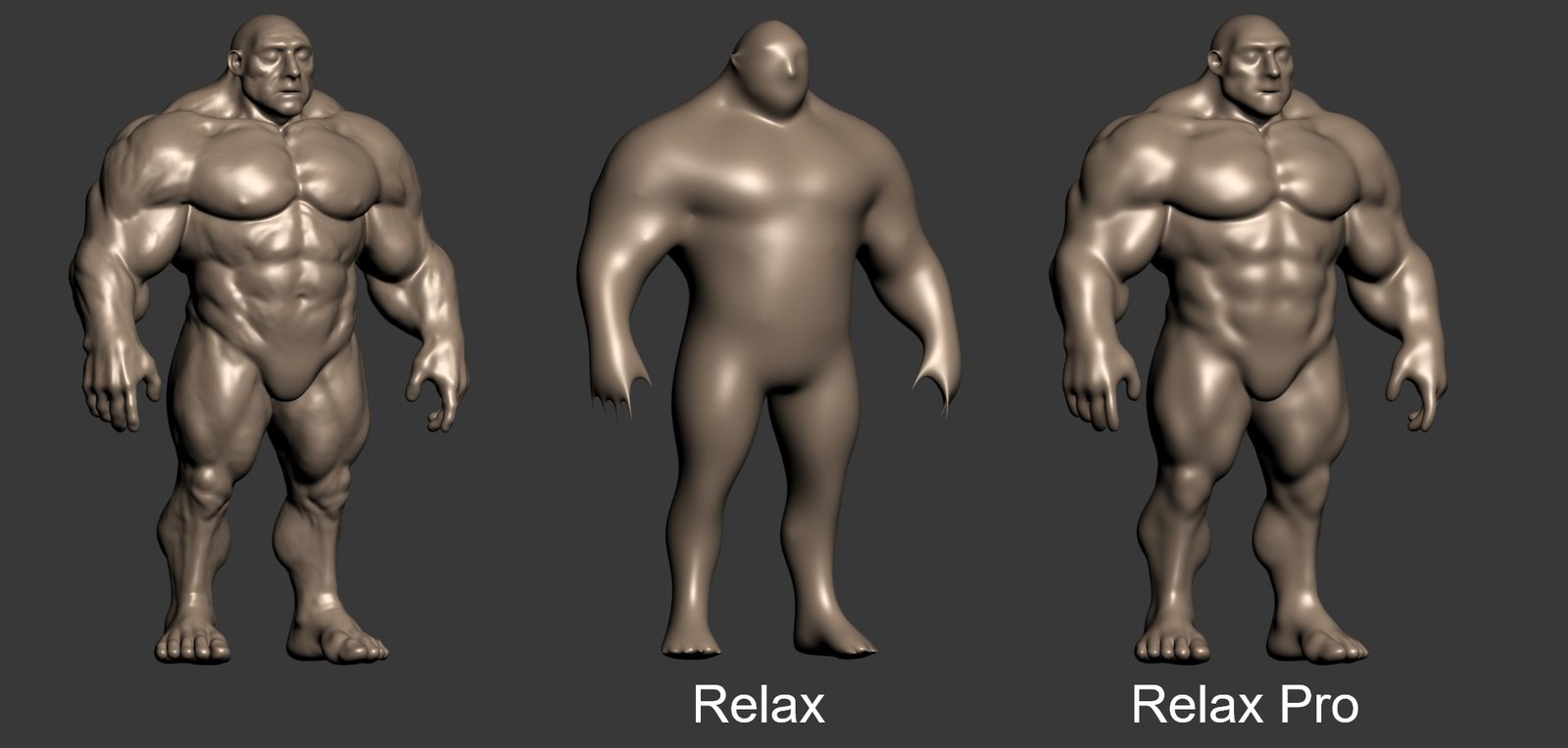
Relax Pro

3 votes

Relax Pro is a modifier for 3ds Max that smooths meshes while preserving their volume unlike the standard Relax which shrinks them a lot. You can set it to slide vertices over the surface so no volume loss happens. Get it from https://mariussilaghi.com/products/relax-pro

ST

77 votes


Additional info:


Camera Studio

1 vote

poster1

Camera Studio allows you to animate cameras much faster! You can create an orbit or spiral motion around selected objects with just 1 click and easily manipulate it. There is a number of other motion presets. Add shake to selected cameras when you need.
The motion path function allows you to create a seamless motion between several reference cameras (watch the video).

Rapid Edit

8 votes

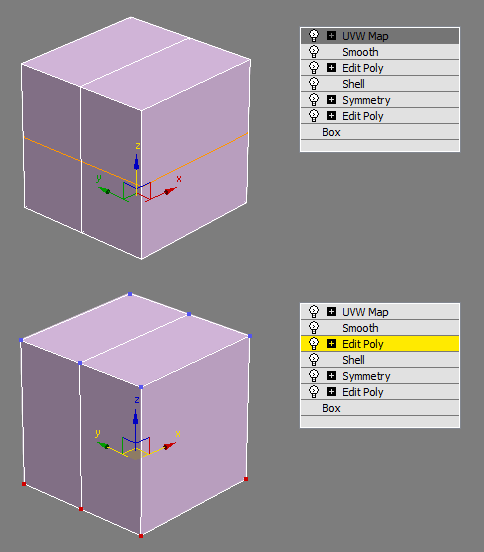
Automaticly selects the first editpoly/editspline modifier in the list. If no editpoly/editspline modifier can be found it asks you if you want to add one. Also works with groups, if activated it will either open the instanced editpoly/editspline modifier of the group or add one automaticly.

One-click Mass Booleans

3 votes

Poster for v5

A Must-have plug-in for fast modeling! Now with ProBoolean.

Fast 1-click boolean operations with multiple objects:
-Attach selected objects to the first selected object. (Matches material IDs)
-Union selected objects.
-Subtract selected objects from the first selected object.
-Subtract the last selected object from the other selected objects.
-[ProBoolean] Union selected objects.
-[ProBoolean] Subtract selected objects from the first selected object.

Maxscript basics #3 - building a scripted GUI

19 votes

Quick tutorial demonstrating how to build a GUI in maxscript

Maxfiles Browser

2 votes

A multi-method browser used to quickly find and display maxfiles using one of four methods from which you can Open or Merge from.

# HISTORY method: Displays maxfiles most recently accessed, as well as a dropdown list of recently accessed paths. Dynamically updates as files are opened to reflect the most recent history file and paths order.

[ 3dsMax <> UVLayout ] UVPipe mod by miauu

11 votes

This script will allow you to send the selected objects to UVLayout and get them back.

This is useful when you wants to have more than one object in the same UV square.

All editable poly objects from the selection(selected objects or groups) will be sent to UVlayout.

Syndicate content