Tagged 'spline'

Resize Splines From First

27 votes

Tools that resize spline sub-objects in regard to their first vertex, one with a scaling factor, the other using a fixed size.

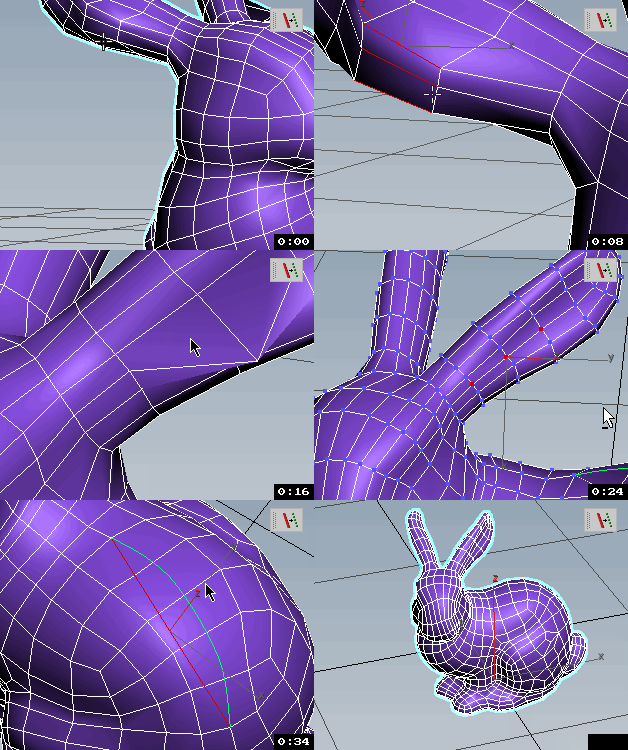
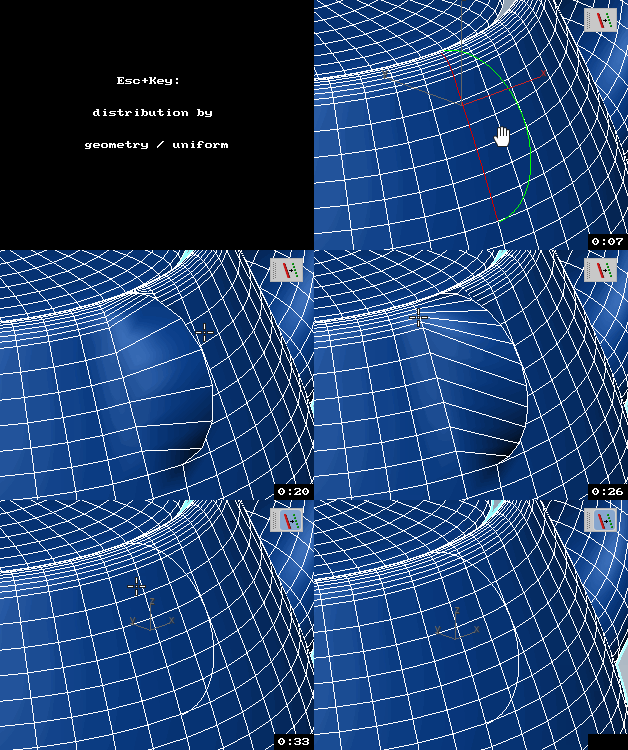
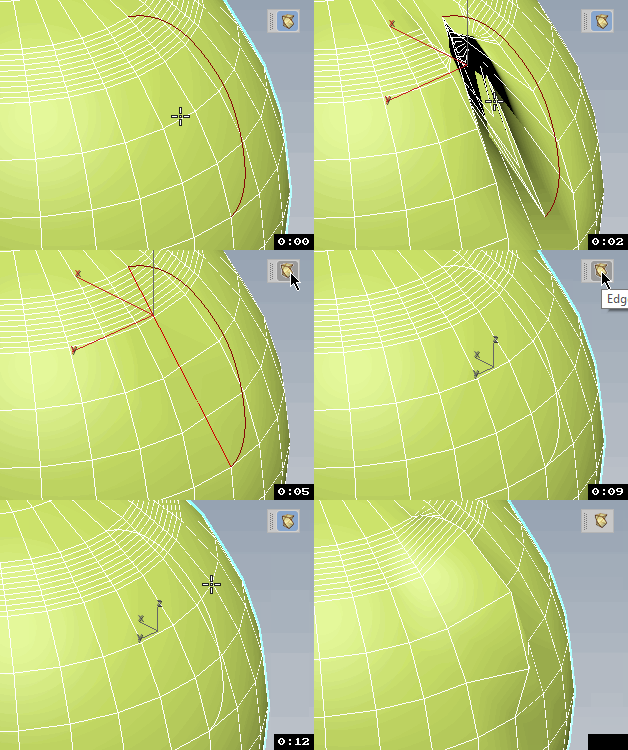
Edges To Curve / Rectification

4 votes


Quadro buttons - hotkeys on four buttons

1 vote

Allows 4 buttons to add many features. If you are tired of running around the keyboard as a pianist and assigning a bunch of combinations, you have the opportunity to put a script and use 4 buttons for modeling (the main functions are assigned).

It works like this: Functions for Editable Polygon, Edit Poly, And some modifiers, are assigned to 4 buttons, which work in different modes in different ways, depending on which sub category you are in (or which modifier is currently selected.)
Sory for my English

SplineTrace

43 votes

SplineTrace is a MaxScript that can be used to:

- convert a 2D Image into spline shapes, where each spline corresponds to an interior or exterior contour (outline) in the image. Works best on Black/white images but can be used on Colour images by adjusting threshold value.

- create a flat 2D object which corresponds to the "black" areas of the image. Any internal "white" areas are removed from the object.

- quickly turn a plain 2D image into a solid 3D object.

- create a flat 2D shape or 3D Object from an existing spline (not just those created by this script)

ChangeLog:

Mesh Surface

21 votes

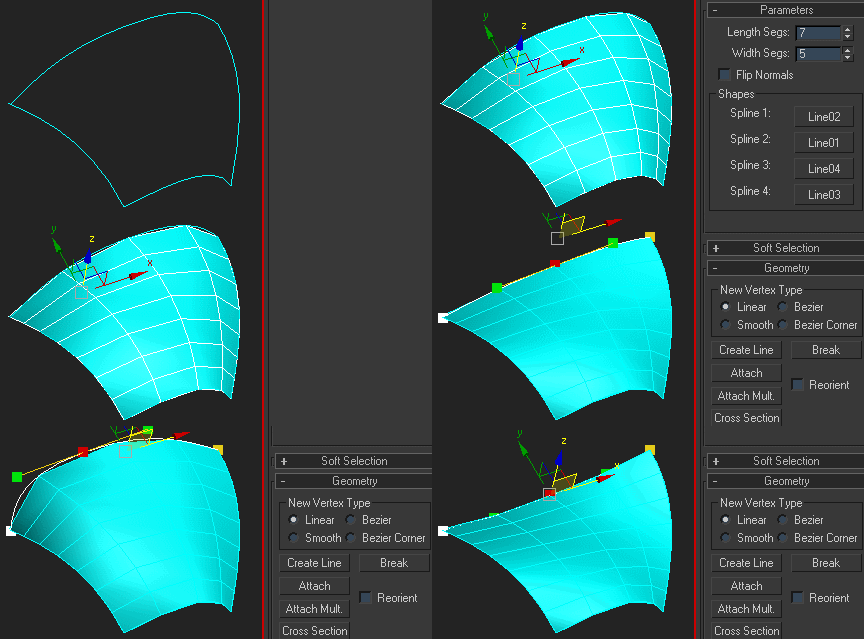
Creates surface defined by four splines. The order of picking the splines matters - they should form a closed loop. If you get a weird looking mesh, try once again starting with another of the four splines:

Note that if any of the splines are animated, the resulting mesh is animated, too.

Select spline segments by matID

0 votes

With this script you can select splines' segments by matID.
There are two methods of selection:
- "Use IDs of selected segments" - select some segments and press the [Select] button. The script will find the matIDs of the selected segments and will select all other segments with the same matIDs.
- "Use IDs typed below" - type as many matIDs as you want in the field(separate matIDs with comma) and press the [Select] button. The script will select all segments with the matIDs entered by you.

miauu's Polyline

16 votes

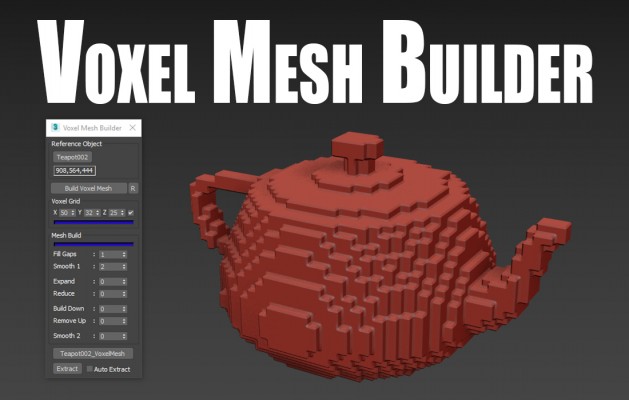
Voxel Mesh Builder

2 votes

The Voxel Mesh Builder, creates a single solid voxel mesh out of any reference object picked. Several filtering options are available to edit the mesh before extracting it. Perfectly usabel for further editing, without the need to clean the mesh first.

Features:

Pflow to Splines

6 votes

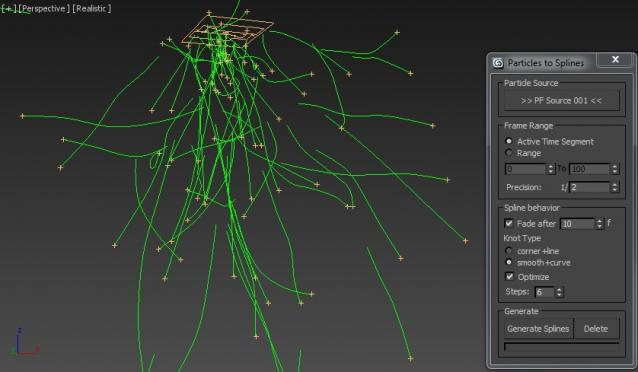
This Script will generate animated Splines on PFlow Particle trails.

The Script is mostly self-explanatory. You just have to pick a Pflow source and press the "Generate Splines" button.
You can additionally choose to "fade" the Splines after x frames. This will help to vanish the splines when the particles are dead.

QuickTools

52 votes

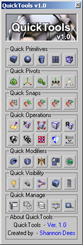
QuickToolsA collection of useful maxscripts and max features combined into one tool window. Most of the scripts I wrote myself. Some I did not write - but included as I use them regularly and find them to be extremely efficient work flow enhancers - furthermore I found no need to reinvent already solid wheels. Full credit is given to all script's authors both in the code comments and on the about page - however if for some reason I have neglected to give proper credit please let me know and I will rectify any and all such oversights. Furthermore - should anyone be unhappy that these are included I can remove them from the public release version. Finally any tools not categorized by those first descriptions are just standard max affairs to which I have given more convenient access - or are standard max affairs that have been slightly altered to suit certain production needs.

Syndicate content