3ds Max | All

MultiMats6

0 votes

* Title: Multi_Mats6

* Description:
-- Create Multi-Material with 6 SubMaterials
-- Can be assinged to a Box, Plane or Selection

* How to use this script:
-- Click on Multi-Material button to create a Multi-Material with 6 SubMaterials
-- We can assign this newly created Multi-Material to Box, Plane or our selected objects

Here's the screenshot of the script -
https://postimg.org/image/irtojn2op/

Delete Empty Layers

0 votes

* Title: Delete Empty Layers

* Description:
-- Deletes Empty Layers

Frame Numbers Shift Calculator

0 votes

* Title: Frame Numbers Shift Calculator

* Description:
-- Used to quickly give programmers the frame numbers to hide/unhide weapons, vfx, etc.
-- at exact frame position when the animation was not created from the 0th frame
-- Example: Start Frames: 528 End Frame: 605 becomes 0 to 77
-- Also, prints the output in MaxScript Listener window

Here's the screenshot of the script -
https://postimg.org/image/q21xjhzhl/

Random Rotate

2 votes

* Title: Random Rotate

* Description:
-- Rotate multiple objects in random directions as per the values chosen
-- If needed, we can also reset the rotation of objects to [0,0,0]
-- Undo command is also supported. If the model(s) have custom rotation values then the only way to get this rotation values is to use Undo command

* How to use this script:
-- Select the model(s)
-- Set the rotation values
-- Click on Randomly Rotate button to rotate selected objects
-- You can also reset the rotation to [0,0,0] values by pressing the Reset rotation values button

Remove Zero Weights

0 votes

* Title: Remove Zero Weights

* Description:
-- Works on multiple skinned models
-- Default values are from range 0.000 to 0.050

* How to use this script:
-- Select Skinned models
-- Run the script
-- Enter Minimum and Maximum values. Note: Minimum value should be less than Maximum value
-- Press "Remove" button
-- This will remove the zero weights from a given selected range from the Skin Modifier of selected objects

Here's the screenshot of the script -
https://postimg.org/image/s9rbgsxb3/

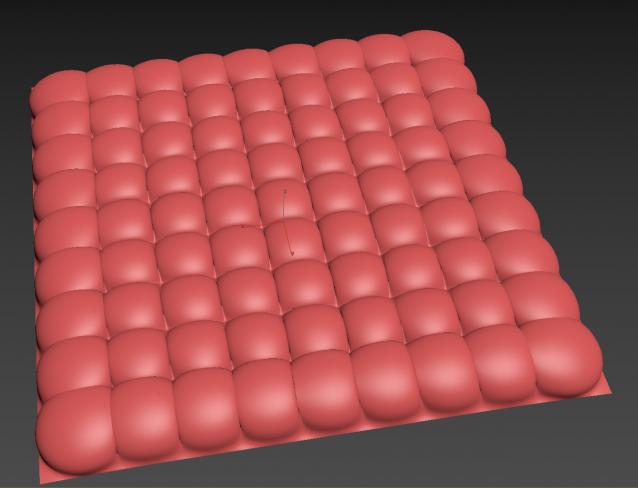
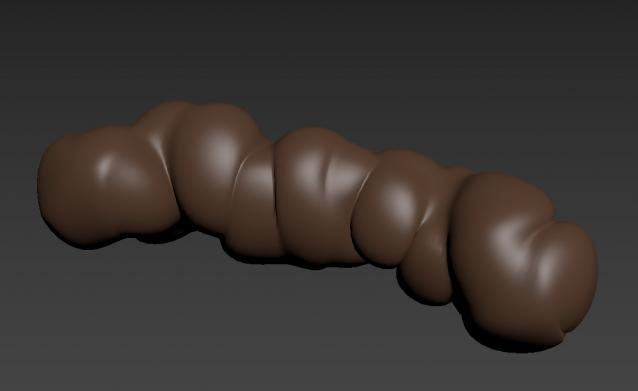
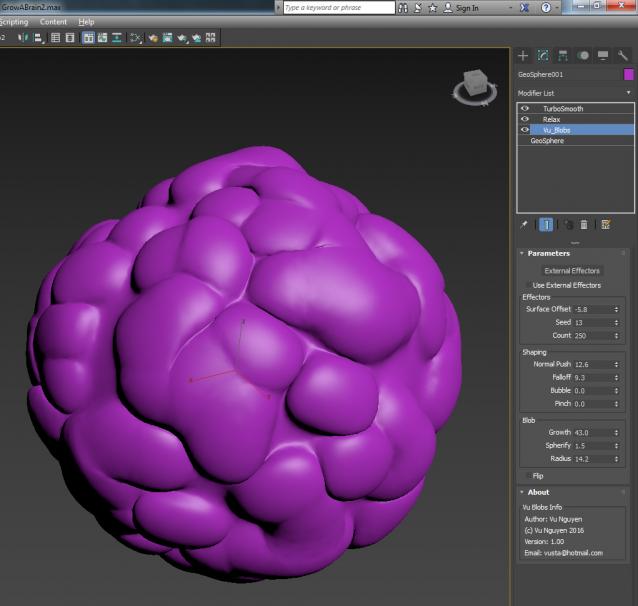
MCG Blobs

3 votes

from Stromatolites....look what we've become...

Doggiedoo  or yummy chocolate ?

prorender PRM for V-Ray Denoiser

0 votes

With the prorender PRM for V-Ray Denoiser tool you can easily accelerate and distribute denoising jobs on your renderfarm. As you can see it in the screen recording video the GUI gives you control of the most important parameters.

With the prorender PRM for V-Ray Denoiser tool it's very easy to submit denoising jobs on a renderfarm.
https://www.youtube.com/watch?v=UKsd3RGMfVQ

Scope of functions:
-accelerate and distribute V-Ray denoising jobs on a renderfarm
-easy GUI usage with drag'n'drop

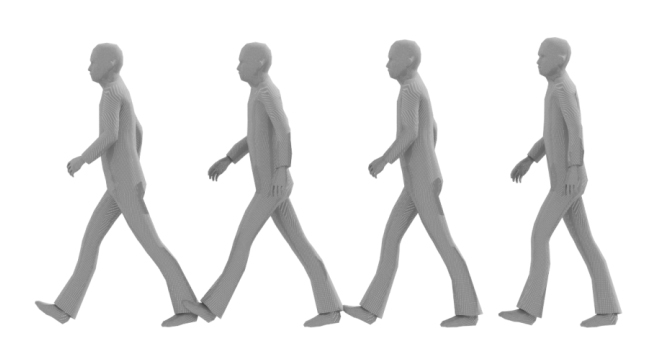
Ghostly trail

9 votes

Ghostly trail is a tool for creating static copies of emerging from the animated objects in the scene

Python in 3D Studio Max, Maya and Blender - examples

1 vote

Hi

I've recently created 3 scripts that create (almost) the same scene in 3 different applications (Maya, Max and Blender). They are intended to serve as a source of code snippets for future projects and examples of how to do stuff in those applications - something like Blender's cookbook.

Instant Meshes Bridge

9 votes

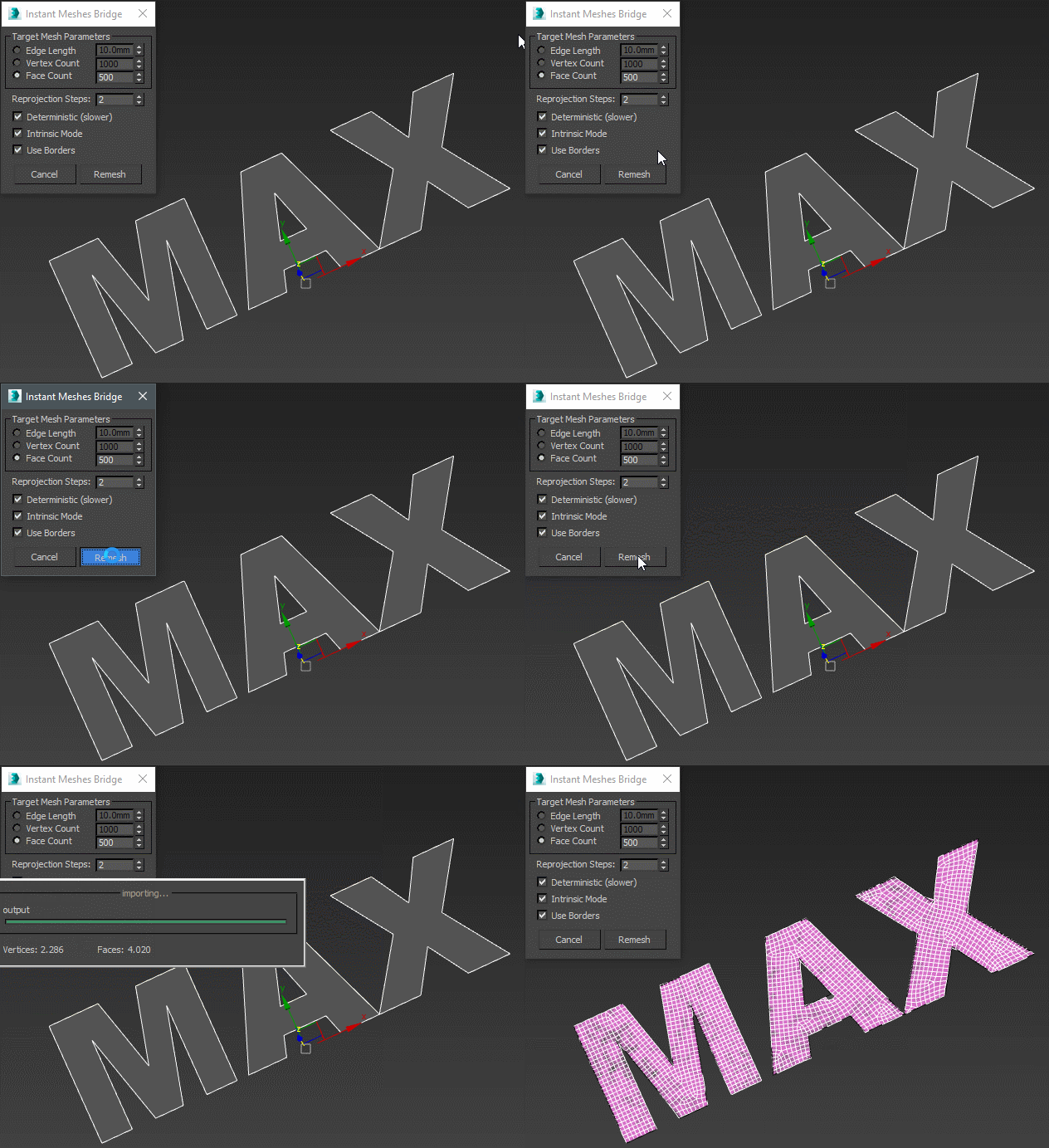
A bridge from 3ds max to instant meshes. Without leaving max interface, it exports, remeshes and imports the remeshed object back based on the parameters in the dialog.

instant meshes bridge

Syndicate content