Tagged 'modeling'

UV to MESH

5 votes

- quickly detach mesh elements from UV seams.
- Flatten the Mesh following the UV.
- go from your mesh to the flatten one with a morpher

Updates :
– faster algorithm
– better edge separation, avoid separate triangle faces

Vertex Normals Stitcher

8 votes

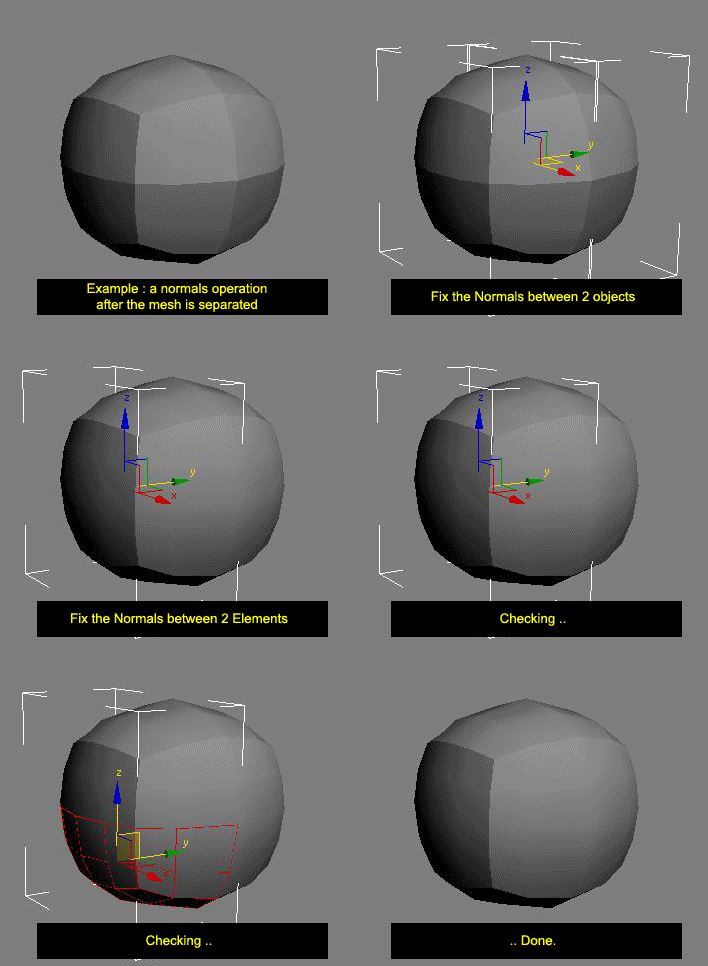
This script averages vertex normals at the borders (Open Edges).

It allows you to smooth a surfaces after separating vertexs / edges / faces.
(example: after detaching faces or splitting edges).
It still keeping a hard Edges if the object have multiple Smoothing Group ID

Images shown are not a welding operation

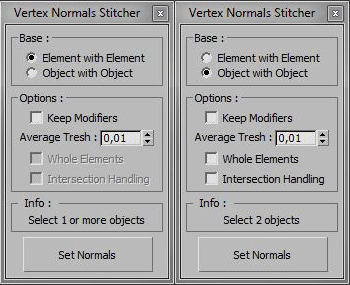
New UI :

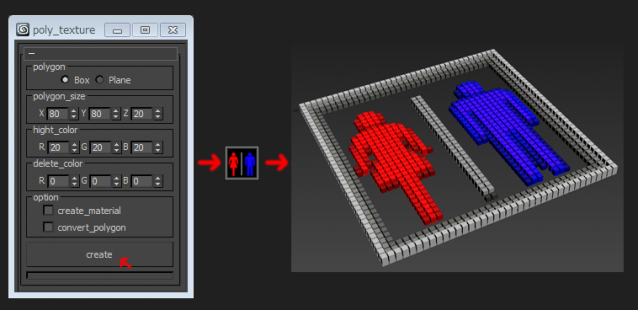
poly_texture

4 votes

Pixel Wall

12 votes

This little script builds an array of instanced spheres - where each sphere position and colour relates to its corresponding pixel in the chosen bitmap.The sphere wall can then be manipulated in various ways (for eg. collapsing it using dynamics software) This can create an interesting effect if rendered and played backwards.

Orionflame 4

31 votes

Orionflame 4 is the successor of the acclaimed production-proven modeling toolset for 3ds max, featuring a completely redesigned and rewritten core architecture, along with several new powerful modeling tools.

Experience the difference yourself.

Note: this is a commercial script

selectionHighlighter

9 votes

This script simulates the Selection Highlighting mode from Silo in max. The idea is if you hover over an object, the object is selected, if you hover over a vertex, it selects the vertex, if you hover over an edge, the edge is selected, etc. No need for extra mouseclicks. Autodesk has half added this feature, this script goes all the way to adding full silo style selection highlighting. Note: This only works in max 2008.

SectionSKAN

4 votes

"Creates multiple section shapes in a lot of configurations at a single click. Works on mesh - shape - text...
Interactive rotation - position - offset - scale and render control.Suitable for technical and graphic works; ghost objects - wire cages - bound boxes - meshes - grids - lattices - etc.

Animation Trajectory Volume

3 votes

This script helps you create an aproximate mesh that covers the animated object (transforming or deforming) through the animation range.
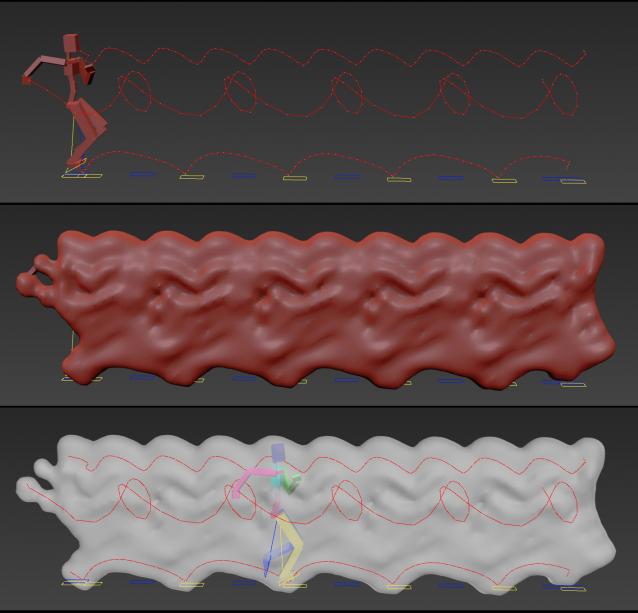
It can come in handy:

-When trying to build an environment around your animatedcharacter for example.

-or to see how your animation flows instead of using the normal line trajectory.

-also to know the dimention that our charachter are moving in to build FumeFX container or other fx stuff.

It's based on Blob mesh so:

Attach_Selection_to_Surface_by_Local_Z.ms

57 votes

Use this script to attach object(s) to a surface based on the object(s) z axis.

DeleteDoubleFaces

7 votes

"Find and Delete redundant faces in meshes. Has option to extract Double Faces to a separate mesh object.
4.0 Update: This version includes a fix for MAX 4. No other changes - should work in R3 and earlier - too. "

Syndicate content