transform

Randomize

0
points

Rollout Interface

Randomize v3.1.ms

Randomize allows the user to generate
a randomness to objects on mass that might
otherwise look to well ordered....


Reset XForm

0
points

PEN Reset Xform is designed to make the task of resetting xforms on objects easier. This is done by automating the process of locating objects that need to have their xforms orthogonalized and or normalized. Objects that have been mirrored at the object level or scaled at the object level in any way will result in a transform matrix that doesn't have all of its axes at right angles to each other or the axes are not one unit in length. 


UVW Transform

0
points

This tool allows you to precisely move rotate and scale UVWs. I have found it useful for putting multiple UVs on one layout, Using non-square textures and when working with uvs that overlap.


Non-Destructive Freeze Transform

2
points

Freeze and/or zero-out transforms on objects while keeping all existing controllers in-tact. This means any existing constraints, script controllers, expression controllers, noise controllers, etc., will still be there afterwards.


circleArrayMaker

1
point

Similar to array, but always rotates your objects to make a complete circle.


Incremental Transform

0
points

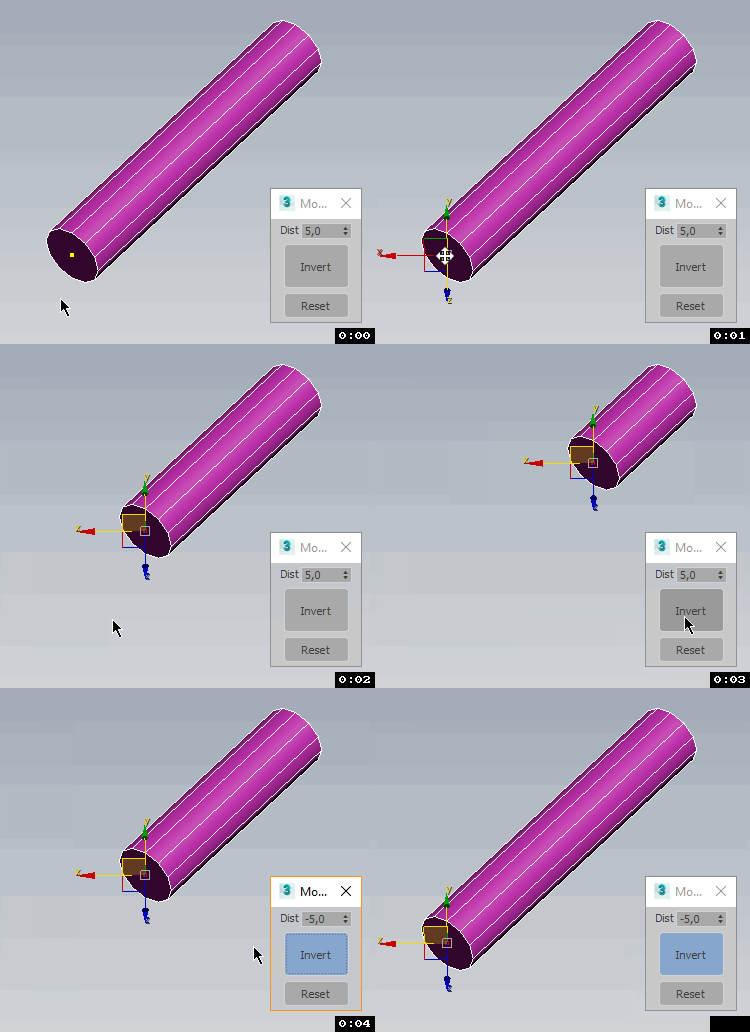
A script to move or rotate an object set of ObjName[_###] Will work on multiple ObjNames, but provides confirmation request for mis-matched object base names. Objects are sorted in alphanumeric name order for incremental transformation, i.e., obj_001 +10 deg., obj_002 +20 deg, obj_003 +30 deg...

Axis-space selectable. Not very elegant, but seems to work OK.


Editable Poly to ADD Edit Poly (vertex transformer)

1
point

(vertex) to ADD as Modifier (vertex position) for clone Object


Set individual transform keys

2
points

Need to key only the X position, or the Z rotation? This is a very basic script that pops up a little window having position X, Y and Z buttons individually, and the same for rotation. I left scale out of this since you'd have to assign a new controller for that to happen individually.


UI_Align_Pos_X_Pivot_To_Pivot.ms

0
points

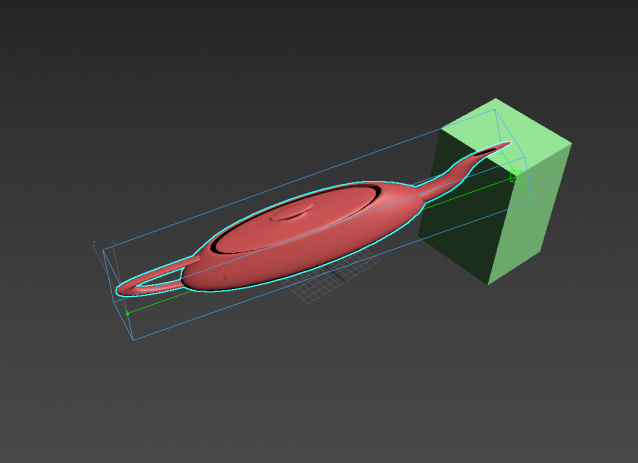
Align Position X of selection to target from Pivot to Pivot


LinkAlign

0
points

Aligns and links one object to another in one step.