3ds Max | All

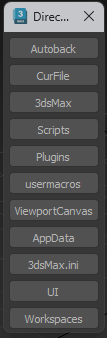
Directories

5 votes


v.1.24 Added Current File folder
v.1.23 All vesies of Max
Handy script for open folders 3dsMax.
Rather, the idea is important.
The path and name of the buttons can be changed to other
Удобный скрипт для быстрого открытия папок 3dsMax.
Здесь скорее важна идея.
Пути и названия кнопок можно поменять на другие

Dirtizer 2

5 votes

A very helpful plugin which can make your materials dirty in one click!
- You can control the level of dirtiness.
- You can make it dry or wet.
- Dirtizer supports Multi-materials (you can set random dirt to all materials at once)
- You can add your own textures of dirt. (Organize your textures in "Dirtizer" folder as you want)

Most render systems are supported now! Tested with V-Ray, Mental Ray, Scanline, Corona, Redshift.

Dirtizer 2

2 votes

A very helpful plugin which can make your materials dirty in one click!
- You can control the level of dirtiness.
- You can make it dry or wet.
- Dirtizer supports Multi-materials (you can set random dirt to all materials at once)
- You can add your own textures of dirt. (Organize your textures in "Dirtizer" folder as you want)

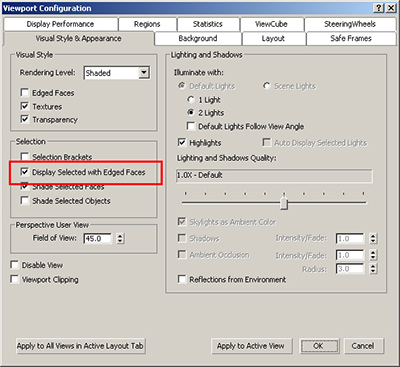
Disable "Display Selected with Edged Faces"

2 votes

This script DISABLES the checkbox in the Viewport Configuration Dialog's "Visual Style & Appearance" tab labeled: "Display Selected with Edged Faces". If you use this maxscript, this checkbox will be disabled on: Max Open, Max Reset and Max File Open commands.

Disable Specular On All Scene Lights

20 votes

This is an extremely simple and small script that disables Specular on ALL of your scene lights. It will ignore any incompatible lights such as Skylights.

This is useful particularly for Mental Ray renders. I personally never use Specular in any of my MR projects, since it often creates unwanted speckles and other issues.

Check the listener window for any errors once run.

To use simply run the script.

If you want to enable Specular on ALL your lights again you can simply open the script and change "off" to "on" and run it again.

DisableTrackBar

8 votes

Toggles the trackbar and timerslider visibility on and off

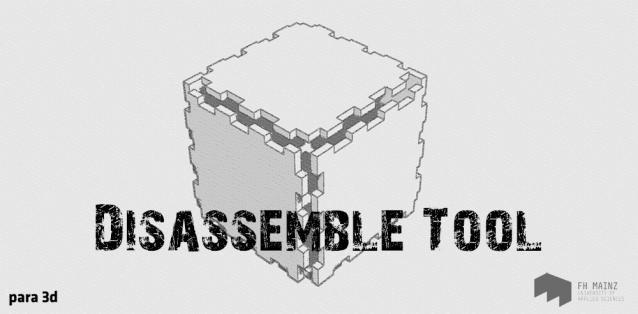
Disassemble tool

3 votes

Disassemble Tool

The Disassemble tool is meant to help streamline the fabrication process. This tool will take a given object, made of any number of planar surfaces, and customize the individual parts with the following parameters:

Joint Type – Box joint, butt joint, mitered joint

Material Thickness – based on specified building material or flat sheets for laser cutting

Disc Object

6 votes

Builds a disc like the top of a cylinder. Inspired by the need to build collision planes for Mayim Walkabout. This is a conceptual extension to a plane object - but this is a flat one-sided circular disc rather than a rectangle. Supports ellipse shape.

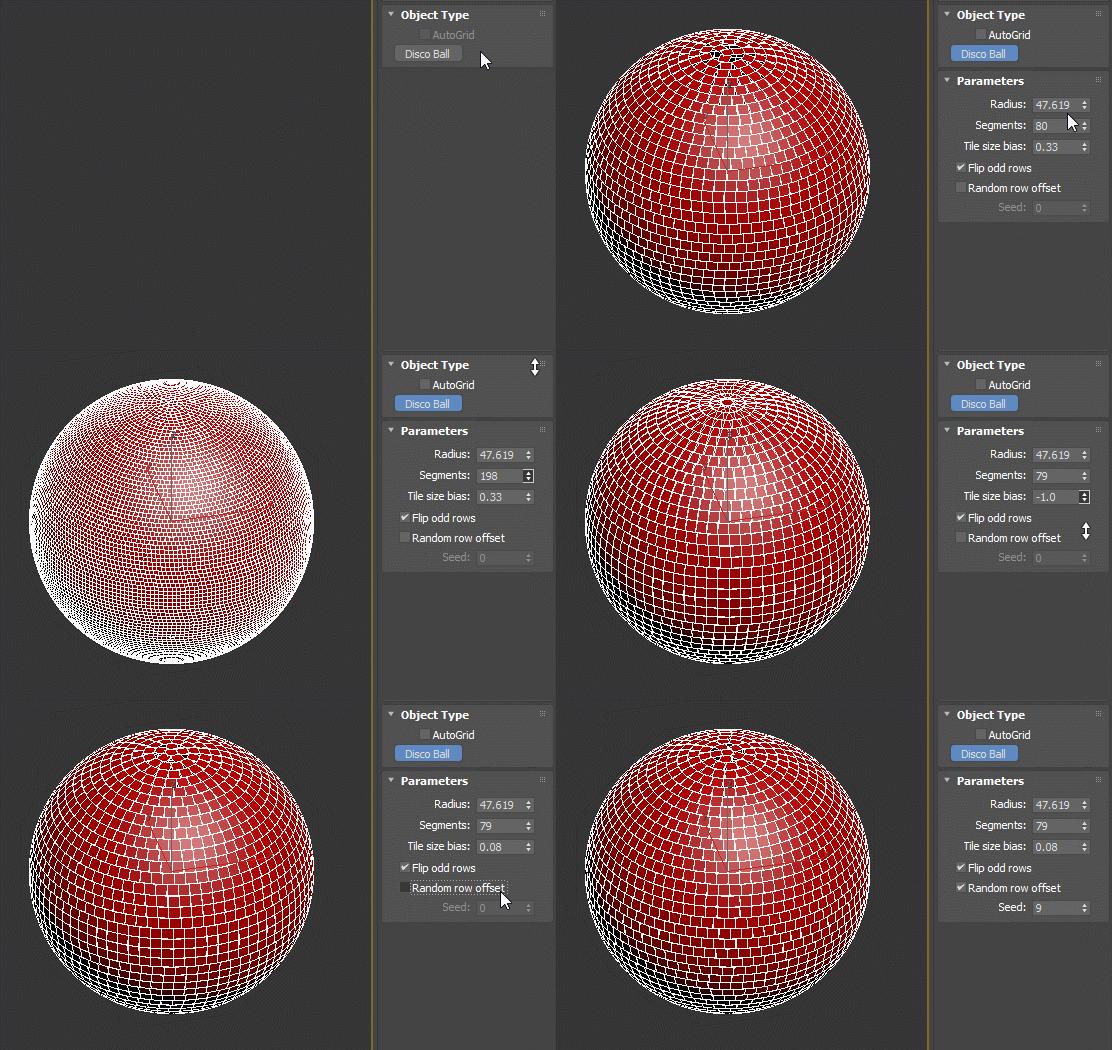
Disco ball

8 votes

Disco ball primitive.

Disperse

0 votes

Disperse is a freehand 3d painting tool and object replacer that will free up your artistic creativity to allow you to paint complex scenes as easy as digitally painting in a 2D software program.

By adding any 3d geometry, point cache or proxies you can paint unrestricted anywhere in your scene without the need to select base geometry. The paintbrush gizmo gives visual feedback on object direction, size of distribution and orientation.

Syndicate content