3ds Max | All

miauu's Modifiers' Presets

1 vote

Lesson 20 - 3DS Max - Total Beginners - Displace Modifier - Part 2

0 votes

In this second video related to the Displace modifier, we will see how we can use a Bitmap or a Procedural map to control the strength of the pulling forces coming out from the Gizmo. We will also see how we can add multiple Displace modifiers to create a more complex result. Finally, we will learn how to use a UVW Map (optional) to control the mapping of the texture used by the Displace modifier.

Lesson 19 - 3DS Max - Total Beginners - Displace Modifier - Part 1

0 votes

This is a two-part tutorial, where we learn about a powerful modifier called Displace. This modifier creates a magnetic force that pulls the vertices, allowing us to achieve interesting topologies. We can use the Giamo only to drive the pulling force as we will see in this 1rst part, or we can map a bitmap, or a procedural map onto the Gizom to control the strength of each pulling force coming out from this Gizom. Throughout these two videos, we will learn about the main parameters of this modifier.

miauu's Script Pack vol.1

14 votes

miauu's Script Pack is a set of scripts that will help you to make faster and easier some of the tedious task when you use 3ds Max.

miauu's Script Pack include:

3DS Max - Easy Modeling - Carved Sphere

0 votes

In this tutorial, we will learn how to create this carved sphere, and learn about some spline operations, like attaching, trimming, welding, etc,... We will also learn about the Lathe modifier, and Chamfer modifier, where will see how to fix some issues when using those modifiers by modifying some of their parameters. Plus some other stuff, so keep watching it until the end.

Showcaser

0 votes

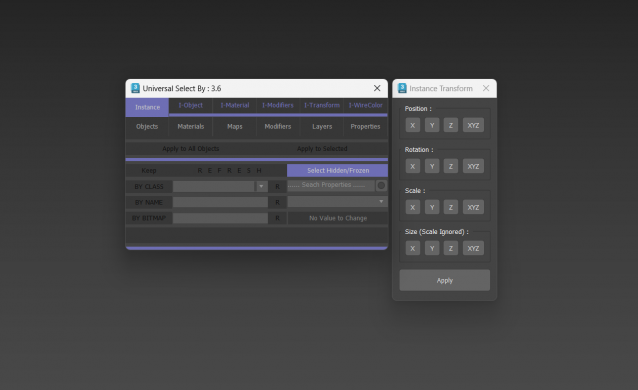
Universal Select By

9 votes

Biped Helper + Picker

7 votes

Biped Helper is a support interface designed to be used in conjunction with the main Biped panel.

It is intended to provide both quick access to existing Biped panel tools, as well as functionality that is not supported by the Biped panel.


See online guide in links section. 


Features include:

Delete UnRemovable Layer

2 votes

You might encounter a situation where you want to remove an empty layer that you created earlier, but the delete option is grayed out in the layer manager. and you are unable to remove that layer. After all you have to remember that 3Ds Max never allows you to delete a layer while it contains nodes or the default layer called “0”. But in some rare situations, even an empty layer that you created and then finished with, may not be deletable in 3Ds Max. This happens because of some unclassified nodes that come with your imported models from other programs. These nodes are not visible in the viewport or the layer manager. The only way to eliminate them is to select those nodes using MaxScript and delete them manually, so the layer’s delete option becomes available again.

DesignToolBox - tools for architecture & design

4 votes

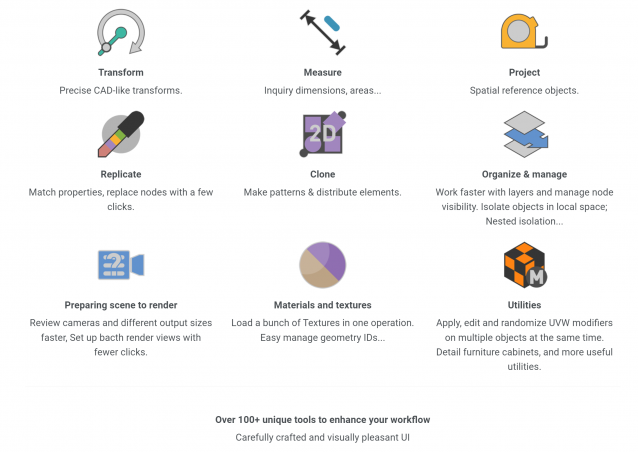
Design Toolbox is a collection of tools specially designed to accelerate and simplify basic modeling tasks for architectural models, furniture design, and other tasks where accurate modeling is needed. Professionals used to CAD or precision software will find it very familiar with some of the included transformation tools, like reference rotation, scale and position, measurement tools and reference guides.

The ability to place snapping points at polylines intersections, visual rulers, fast UVW mapping and random transform, cloning tools, scene management, panel grids, fast pivot placement, and workplanes are some of the tools included, and new ones are added with each update.

Syndicate content