3ds Max | All

3DS Max - ShapeBoolean - Part 1

0 votes

In this series we will learn about the powerful 2D tool called ShapeBoolean, where you can combine multiple shapes, closed or opened, to form a resulting shape using various methods. In this first part, we will learn 3 different methods: Union, Subtract, and Intersect. Also, we will see the importance of the order we choose the combined shapes, plus the nice feature of adding Fillet or Chamfer to those combined shapes.

Fence Generator

0 votes

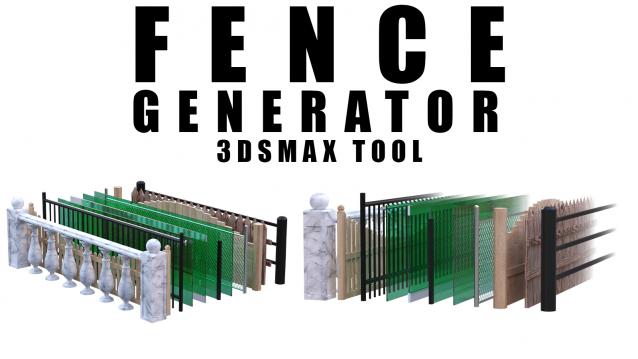
Enhance your 3D modeling workflow with our Spline-to-Fence Converter tool built with Maxscript. Easily transform splines in your scene into realistic fences and posts with just a few clicks. Choose from a selection of 11 fence types tailored to your project needs, and customize specifics such as fence height, number of posts, gap between planks, and more.

Aligned Box

2 votes

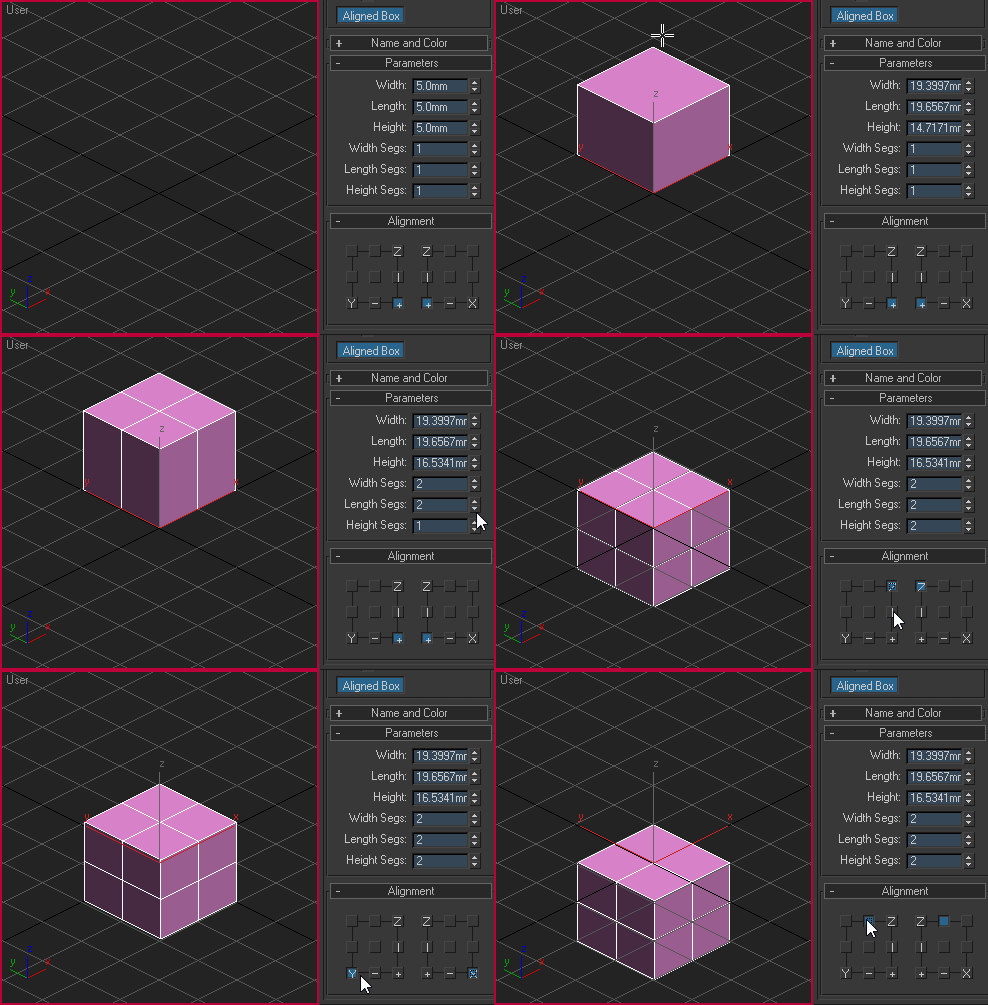
Custom box primitive where you can choose where the pivot point will be located while creating the object. You can place the pivot point visually by picking the location on YZ and XZ plane:

Aligned box

Rotate To Grid

3 votes

What this script do:

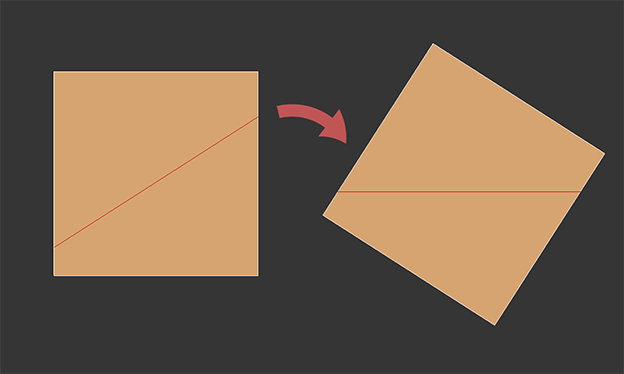
This script allow you to orient object along the edge.

Works both for Edit Poly and Editable Poly

How to use it:

Take an Editable Poly object or apply Edit Poly modifier. Select one edge. Call the script.

Object will be aligned to a closest axis along the edge using face normals almost the same way as Align to Edge works in Unwrap UVW but in 3d.

Custom Shortucts List

7 votes

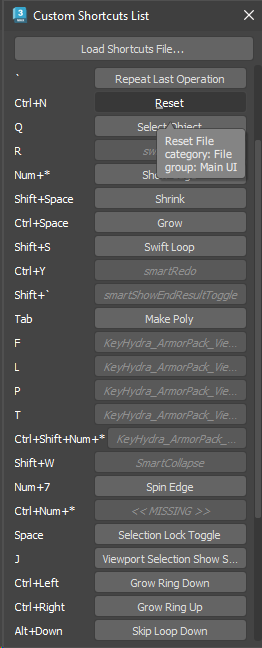
Simple dialog that shows all user-set hotkeys in one list. Hovering over each button shows the category and group of the action. Clicking the button executes the action - unless the button shows as disabled, which means that the action is not available (the macro might have got lost or it may belong to a plugin which is currently not installed).

Hotkey list

Modifier Preset Creator

16 votes

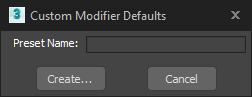
If you find yourself changing modifier parameters to the same same values over and over again, make your life easier and use the same modifier with preset values instead.

Vault-Online Assets Library

0 votes

This is a 3Dmax plugin based on PolyHaven online assets for the convenience of 3dmax users.

Features

1. Import fbx into 3dmax and convert to vray/corona material

2. Convert to vray/corona material according to texture

3. Support importing hdri into the environment


Inventor to Substance Painter

0 votes

Edit: fixed download link

Introduction:

InvToSP (Inventor to Substance Painter) is a script which prepares an Inventor CAD model for texturing in Substance Painter. It works around various bugs in 3ds Max, maintaining the explicit normals at all times.

The manual is in the InvToSP chapter in "Inventor for Game Design.pdf", which is located in the same rar file as the script.

Features:

-Significant workflow speedup.
-Automatically import high poly and low poly from supplied directory.
-Fix flipped faces using automated re-import.
-Dynamically adjust mesh resolution.

Toggle View/Local

0 votes

Biped Key Convert

0 votes

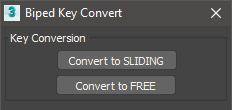
This script will convert all keys for the selected biped limb along the timeline to either sliding keys or free keys. Can be useful when making adjustments to mocap animations which typically have keys on every frame.

Syndicate content