3ds Max | All

3DS Max Plugin Update - Lights Switch V2.0

1 vote

This is an update for the plugin I wrote 6 years ago, called Lights Switch.
The reason behind the update was an e-mail from a user who had a small issue with a scene full of Cororna lights, where the script managed to turn all lights OFF, but for some reason failed to turn them ON again.
After inspecting the script, I recognized the bug and fixed it.

Basically, the script, when clicked, will go through all lights in the scene, and if any light is ON it will turn it OFF. On the other hand, if the script sees that all lights are OFF it will turn them all ON again.

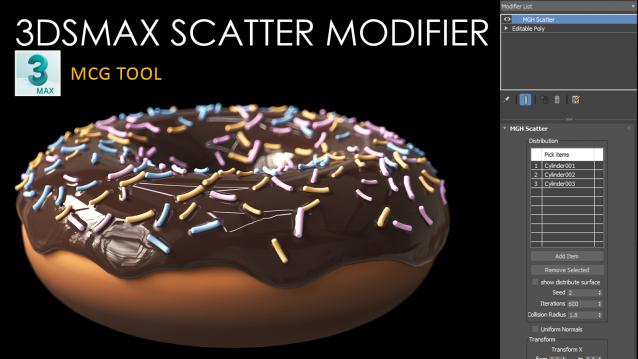
Scatter Modifier (3dsmax MCG)

2 votes

With the MGH Scatter Modifier, you can easily create beautiful, natural-looking scatter patterns in your 3ds Max scenes. It's like magic for scattering objects around your scene with just a few clicks!

3D R.n.D |MCG | Power Sockets

1 vote

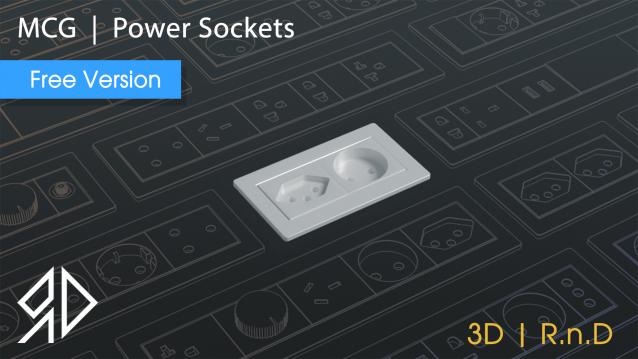
This MCG Tool will  Generates a power socket with minimal effort!.

Supported with 3dsmax 2016 - 2024


installation : 

to install run 3dsmax in the menu go to " Scripting " then " Install Max Creation Graph ( . mcg) package "


UI :

Unit : shows the current file units.

Slot (1-10) Type: choose between 28 different power switchs and sockets.

Slot (1-10) Flip ? : flip the current selected type.

3DS Max - RailClone - How To Distribute groups

0 votes

In this tutorial, we will learn how to distribute groups using RailClone.
I'm using RailClone 5.2.8, and this tip here will not work in the old versions like the 3 series.

3DS Max - V Ray 6 - Bring Back V Ray Quad Menu

0 votes

In V-Ray 6, the Chaos group decided to remove the V-Ray quad menu options, where you had many features. To find them, now you have to use the V-Ray menu on the main menu toolbar. But, if you like to have these options back again in your quad menu, this tutorial is for you.

Note: The solution that you'll find in the video I made 6 years ago, doesn't work anymore, I'm talking about this one: https://youtu.be/_TjxBNJaW_w

Viewport View Selector

1 vote


What this script do:

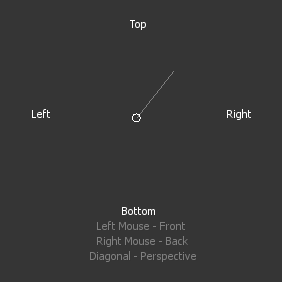
This script allow you to select viewport view using gestures and left/right mouse button.

How to use it:

 Assign shortcut. Press a button an interface will appear.

ShivaTools: ViewNavi (enhances viewport navigation with hotkeys)

0 votes

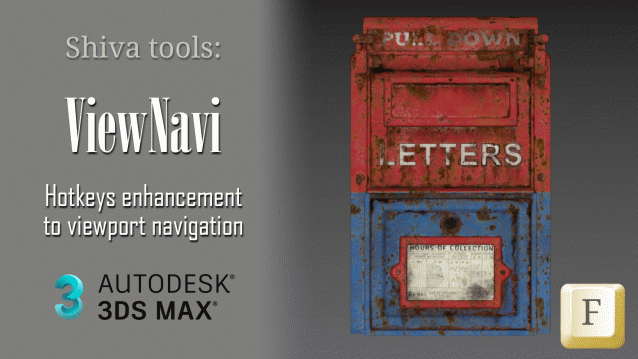
This is a small yet useful enhancement to viewport navigation in 3Ds Max.

This simple yet powerful macro enhances viewport navigation in 3Ds Max by allowing you to utilize all views with fewer hotkeys.

ShivaTools: ViewNavi (enhances viewport navigation with hotkeys)

1 vote

This is a small yet useful enhancement to viewport navigation in 3Ds Max.

This simple yet powerful macro enhances viewport navigation in 3Ds Max by allowing you to utilize all views with fewer hotkeys.

ShivaTools: ViewNavi (enhances viewport navigation with hotkeys)

0 votes

This is a small yet useful enhancement to viewport navigation in 3Ds Max.

This simple yet powerful macro enhances viewport navigation in 3Ds Max by allowing you to utilize all views with fewer hotkeys.

Randomize Wire Color 2

0 votes

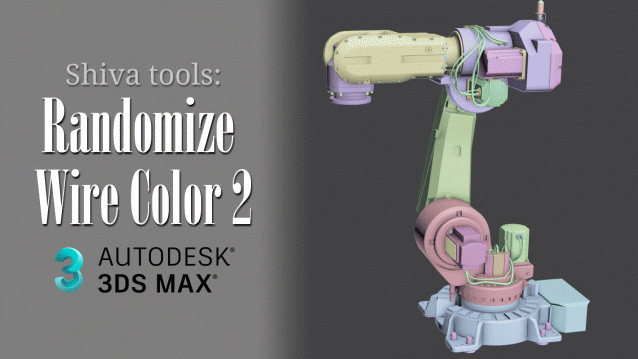
This free 3Ds Max script will randomize the wire color of selected objects. In this script, I have opted to use softer pastel colors, akin to Blender colors.

The script can prove useful when you've imported a CAD model where all wireframes are sometimes black or when detached geometry has numerous parts with the same wire color, making it challenging to distinguish between the detached parts.

Syndicate content