3ds Max | All

miauu's Script Explorer

5 votes


I am missing some tools which exist in other text/code editors, and which helps when writing code.
So, with a help of Sergey Pantaleev(Serejah) and Denis Trofimov(denisT) I have created this little, handy tool to help me writing, editing, and exploring my scripts.

Short description of what the tool can do:

Group Manager

1 vote


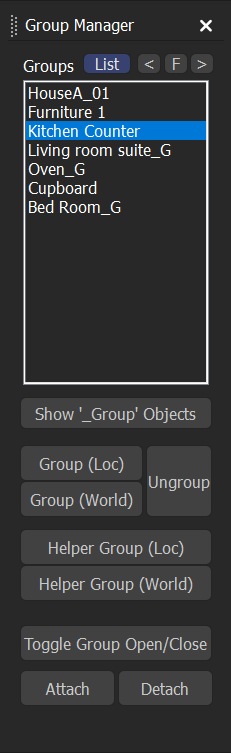
This is a tool for listing and managing groups.

Features

- Group in local space, and world space.

- Group by Point Helper, in local space, and world space.

- Toogle between regular groups and Point Helper Groups

- Toggle selected Group open/close

- Select the groups in the list

- Double click a group name to zoom to the extents of the group/helper

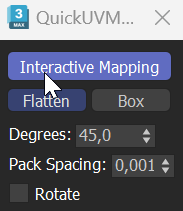
Quick UV Mapper - Interactive Unwrap

1 vote


Camera Array

1 vote

DESCRIPTION

Quickly create an array of cameras from the vertex normals of a mesh or spline.

FEATURES

Tri Fill Pro

2 votes

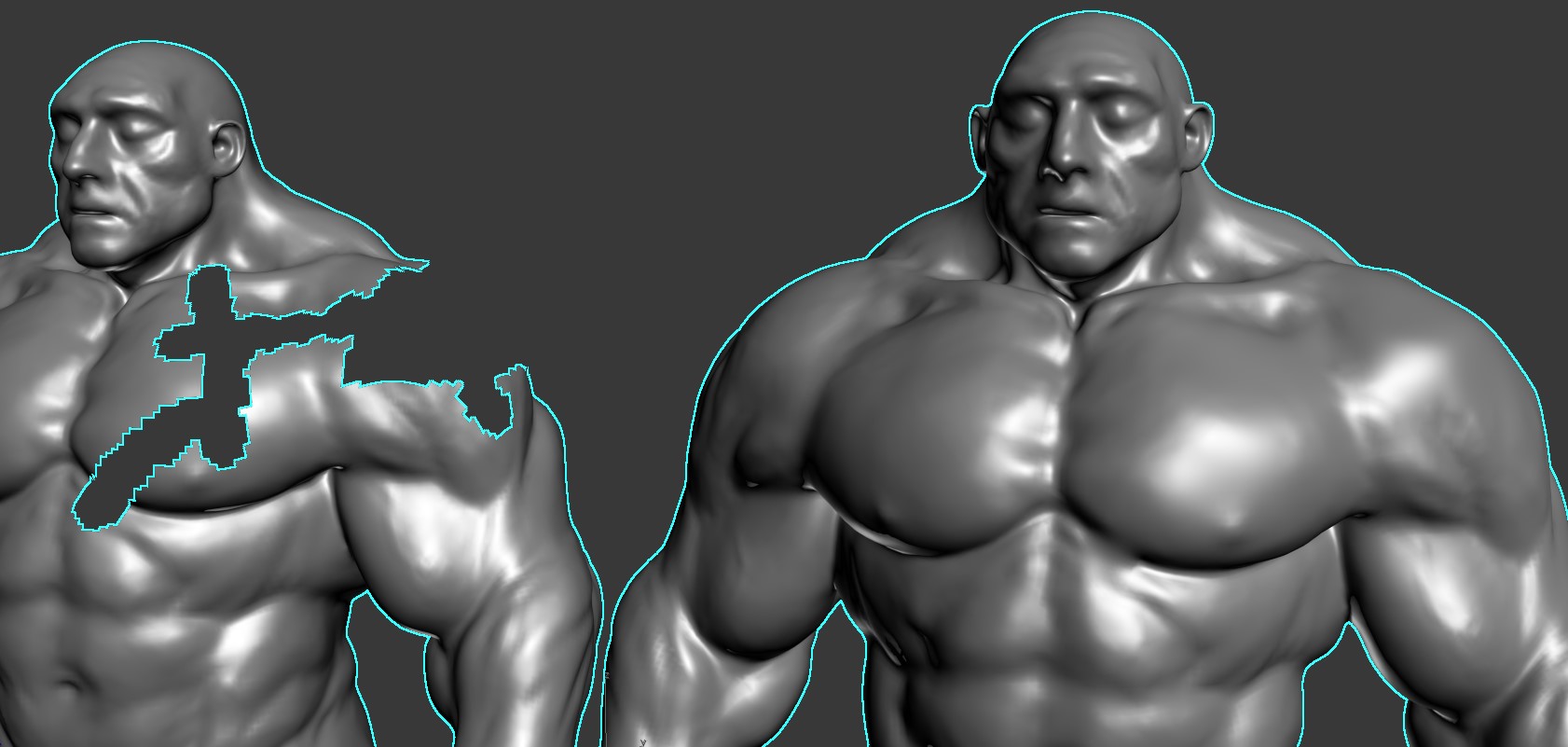
Tri Fill Pro is a modifier for 3ds Max that smoothly fills any shape holes with triangles while blending them nicely with the rest of the mesh. It takes into account even the polygon density, so it can smoothly blend from a low poly to a high poly region. Get it from https://mariussilaghi.com/products/tri-fill-pro

3DS Max - Spline Chamfer Modifier

0 votes

When you add fillets and chamfers to your 2D shapes, then add modifiers and start modeling, if suddenly you decide to adjust these fillets and chamfers it will be a problem. In this video, we will learn how to keep things parametric by using the Spline Chamfer modifier. This modifier also works on Sub-Object selections as you will see in this video. You will learn all the modifier's parameters.

ASvoe Tools 2.0

0 votes

ASvoe Tools 2.0. (kickHotBox 2.0 / ViewHotBox 2.0) - Script for 3DsMAX.

A script for quick access to modeling functions, also access to material and much more.

Скрипт для быстрого доступа к функциям моделирования, также доступ к материала и многое другое.

Max-选择集简易工具 Selection Set Editor

0 votes

PivotAlignTool V2.0

1 vote

https://www.youtube.com/watch?v=9JdOjsukmuk
show case video

A handy tool to help Align pivot point to object selection cage

Render Still Cameras

1 vote

VERY QUICK & SIMPLE BATCH RENDERER for STILL IMAGES. Just 2 clicks and ready to go!

This script is very useful to render many views from a single model or scene when you have already placed still cameras.

It combines many still cameras into one single animated camera that shows all those views sequentially, one per frame.

Then you just need to render the new camera to a sequence of images.


HOW IT WORKS:

The script lets you first select the still cameras to combine into one.

Syndicate content