3ds Max | All

Spline Cleaner

6 votes

Clean, repair and organize thousands of splines in no time!


Description

Spline Cleaner is an advanced batch processing tool for cleaning, repairing and managing spline curves in Autodesk 3ds Max.

Select, attach, detach and delete multiple shapes using smart filters: by size, by length, by proximity, by similarity, by wirecolor, by layer, etc.

3DS Max [BUG] - V Ray Sun Created Randomly In The Scene

0 votes

In this video, I will recreate the issue/bug in 3DS Max, that will cause a V-Ray Sun to appear in your scene randomly, explain why this is happening, and then explain how to deal with it.

Note: At minute 3:00 I wanted to say: "...And this file has a V-Ray Sky..." not V-Ray Sun, and just after it at minute 3:06 I wanted to say: "...there is a V-Ray Sun in the scene..." anyway, it's fixed in the video caption if you turn it On.

Lesson 18 - 3DS Max - Total Beginners - Lathe Modifier 2

0 votes

This is another example of using the Lathe modifier in the Total Beginners series, you can watch the first part for a deeper explanation.
Here we will create a bottle of water with a geometry representing a label(without a texture).
In addition to what we've learned in the first video, at minute 7:05, we will see how we can add an Edit Poly modifier, and subdivide polygons to create the label part.

VrayMtl Color Correction

2 votes

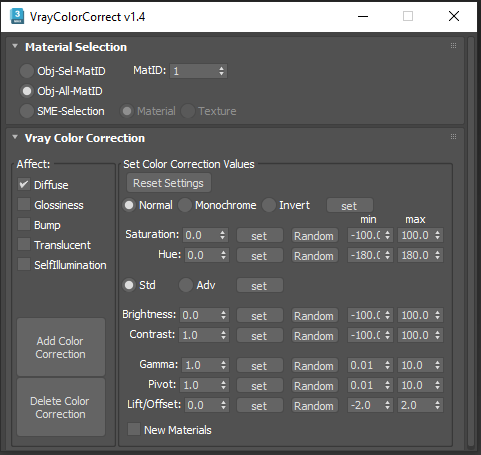
This script is intended to add and tweak settings of Color correction nodes for VrayMtl.

You can add some Color correction with any specified values on any selected material slot (Diffuse, Bump, Glossiness, Translucent, Self Illumination), the existing bitmaps will be kept inside the color correct.

You can change any parameter afterward.

i've added some randomization to each parameter.

TurboSplines

1 vote

TurboSplines 3dsmax script - banner

Automate and simplify the creation, edition and animation of multiple path deformed meshes!


Description

TurboSplines is a 3dsMax script for creating multiple spline wrapping animations (a.k.a. path deform animations) incredibly fast.

Lesson 17 - 3DS Max - Total Beginners - Lathe Modifier

0 votes

In this lesson for 3DS Max total beginners series, we'll learn about the Lathe modifier, we will learn how to use it properly, plus all its parameters, also we will see how to set up a background image to use for drawing the outline needed to model the geometry. We will learn how to draw the outline, fillet the corners, outline the segments,... At minute 15:17 we will learn the concept of Implicit geometry vs Explicit geometry.

miauu's Objects Replacer

4 votes

Tape Floater

3 votes

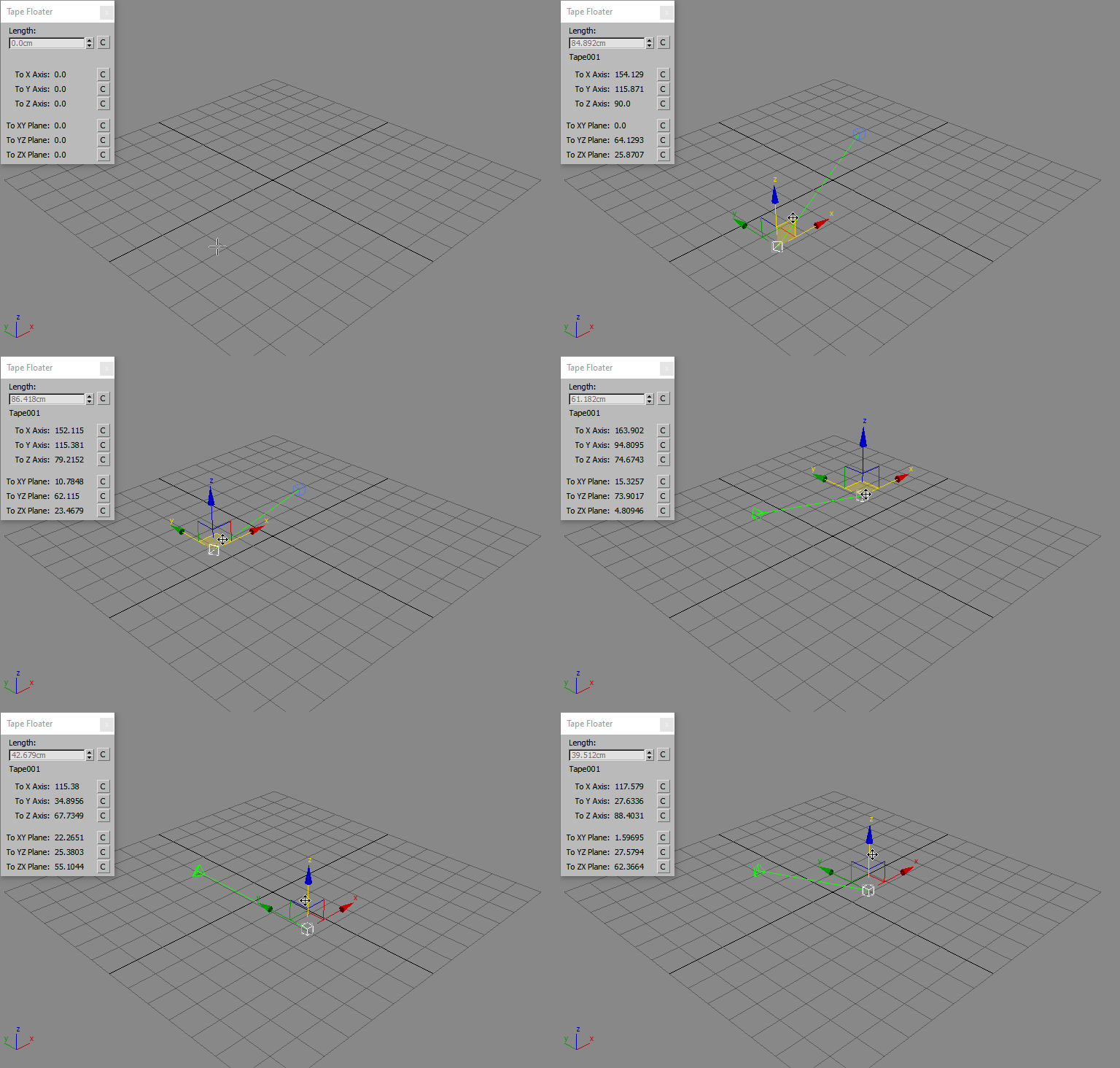
Tape Floater is a Free Script that creates a floater window for the 3ds Max Tape Measures Helper and displays the updated values while you drag either the tape object or the target.

Quad Chamfer Modifier

32 votes

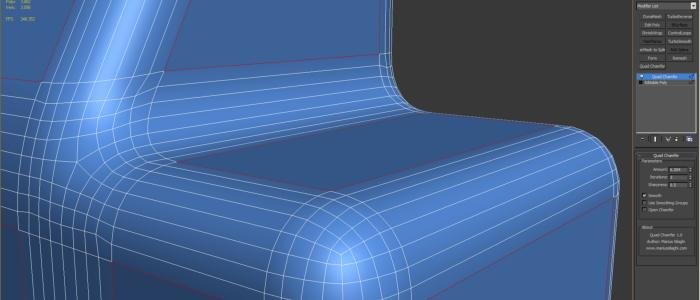
The Quad Chamfer modifier produces all quad chamfers, unlike the normal 3ds Max chamfer which produces a lot of triangles and ngons. Get it from https://mariussilaghi.com/products/quad-chamfer-modifier


3DS Max - Plugin - MatchMaterialAndUVs v2 0

0 votes

This script I created allows the user to match a source's material, UVW Maps, and Unwrap UVW(you can choose what you like to apply from those 3), with the possibility of preserving the targets existent similar modifiers or replacing those with the source's ones.
Please whatch the video to see all the features present in the dialog box that opens up, and how to use the script.

Note: This script is a major upgrade for a script I've done before: https://youtu.be/_Cl0L-6iyIs?si=ZoMj4x-qSSykWDmI

Syndicate content