3ds Max | All

Copy Paste Image

13 votes

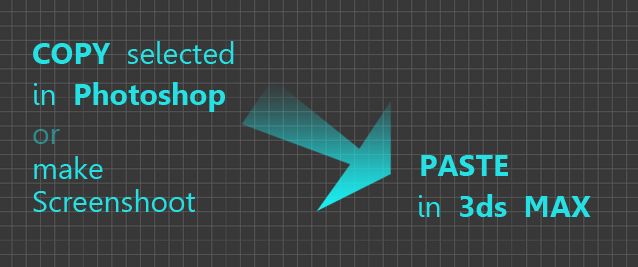
Just simple script to paste image form windows clipboard to 3ds MAX (as reference plate)

It can be used to copy paste selected from Photoshop, screenshot or web page

It reads proportion of image and creates plate with correct aspect ratio.

MAxTRIX

13 votes

"MAxTRIX is a Bullet Time Effect script with the following options:

Scripted controllers and object references in 3dsmax R6

13 votes

ReadCSM

13 votes

"Import utility for importing generic .CSM (Character Studio Marker) motion capture data as animated point helpers. New: fff"

SelectObjectsByMaterial

13 votes

This script extends and improves the functionality of the button in the material editor labeled "Select by Material". I was always frustrated by this button because to effectively get every object with a specific material applied I always had to unfreeze/unhide everything, and on heavy scenes, this proved to be difficult.

Not Anonther Bitmap Path Checker

13 votes

You know when you leave an animation test rendering at night so that you can see what the camera work looks like, and then the next morning you find that the scene had a bitmap with a bad path and nothing happened?

Rise your hand if that has ever happened to you!! How many times have you wished there was a way to avoid this?? WELL NOW THERE IS!!!

Copy/Paste transforms

13 votes

Copies the transforms of selected objects to a
buffer and then pastes them onto a new or existing selection.
It has the option to paste the position and/or the
rotation
and can paste it flipped around a world or custom object's
axis.
Handy for mirroring poses or animation rig components.

Toon Eyes quick setup for cartoon character rigs

13 votes

[DESCRIPTION]
setup ffd eyes for cartoon type characters so you can easily adjust those to fit character needs, it manage symmetry and instancing nicely. then hit finalize to make them independent.
symmetry setup is really useful for modellers and riggers in team to work on UTV india project efficiently.

[USAGE]
max customize>> lm_rigging>>tooneyes (quad / shortcut key etc)
type character code and create eyes
tweak ffd as you like
finalize eyes button to remove symmetry setup

AtmosphericMan

13 votes

Simple script that lets you enable/disable/delete multiple atmospherics at once.

NormalTexMap

13 votes

"NormalTexMap - can be used to create a normal map by rendering custom geometry. Useful for wall detail - adding - or touching up existing normal map details. Just create custom geometry - apply and standard material with Self Ilum at 100 - and NormalTexMap and the diffuse map. You can then render the geometry as normal maps."

Syndicate content