3ds Max | All

Star

8 votes

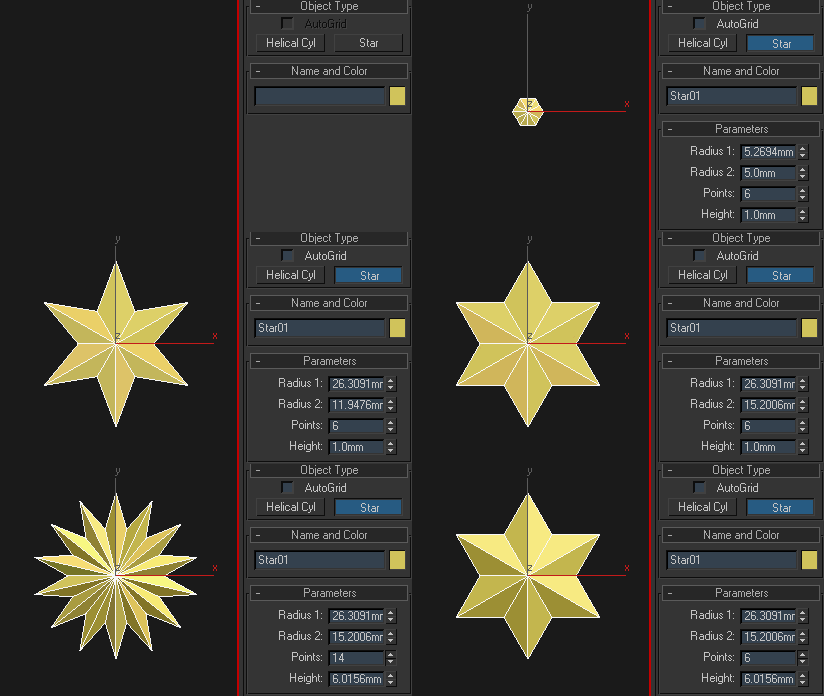
It's Christmas time! Well, almost. Anyway, this one is really simple and will be perfect as a starting point for anyone who wants to learn how to build a custom mesh primitive. Enjoy.

FoldFx v1.0

8 votes

FoldFx is a 3ds Max motion graphics tool for creating poly folding animations. The user has almost endless possibilities since every aspect of the animation is controllable.

Available for 3ds Max versions: 2010 and newer.


WhoIncludesMe

8 votes

Makes a list of lights that have the picked object in their Include list.

Maximum Vision

8 votes

"The Maximum Vision rollout lets game developers create scenes in 3DS Max (tested on version 3.0-4.2) and export the objects and textures in the scene. This tool also creates a comprehensive INI file that allows game developer to read the information into their custom game engine to recreate the scene on the fly."

Contact sheet

8 votes

Generate a HTML contact sheet of all objects in the scene.
For each object (or group) an image is created, and some information is displayed.
This script was originally created for a CGTalk challenge.

shareFFXdata 1.1

8 votes

With this script you can copy settings from one FumFx to many others, you can also select which settings you want to copy.
Double clicking in the scripts list will open the clicked FumeFx's UI. Rightklicking the Reference FumeFx in the scripts UI will open the Reference FumeFx UI.
Selecting a path and forcing it will create a separate folder for each FumeFx with its name inside the specified parent folder.
And finally running the simulation for all FumeFx in the list, or if desired, running the Reference FumeFx as leader of the list is possible.

enjoy!

Spherocam HDR point-cloud data importer

8 votes

Spherocam HDR point-cloud data importer, will let you import XYZ point-cloud data created with the Spherocam HDR spherical panorama camera.

Copy-Align-Link

8 votes

Copies aligns and links an object over multiple objects.

1. Select the Source object.

2. Select Destination objects. 

3.  Check "Unrenderable Targets" if you want to make parent objects unrenderable.

4. Give rotation offset values if necessary.

5. Press copy-align-link button. 

Nuke2Max

8 votes

Here is a script in case you want to bring in your camera animation or .chan file from Nuke (back) to 3ds Max. Camera parameters like fov / focal length not yet supported.

Just run it via MAXScript -> Run Script. It will ask you for a .chan file and create a new camera that corresponds to your Nuke camera.

FR_morphTool

8 votes

help you create a symmetrical morph targets and accelerate the creation of your morph targets

-pick your master object
-if your object doesnt have morpher modifier you can press "add Morpher" button
-set offset value, depend how far you want to offset your morph target
-press copy button to create morph target
-modify your vertex then press "mirror morph" button (the object will be a new object), make sure you have selected the object you want to mirror
-then press "send to channel" button to send your selected object to morpher channel

Syndicate content