3ds Max | Scripts

The Rig Vadar

1 vote

Simple Facial Animation script. Also provides a simple bone based rig.

Mega Aligner 3000XT

0 votes

This script can be used for aligning an object to another through the timeline, or a given time range. You can select the tracks what you want to be aligned (pos/rot/scale) and the interval where you want the script to put keyframes.

It is very usable if you don't want to use the built-in constrains for example when a character has to grab something (which is in my oppinion is a weak point of 3ds max).

It should work on earlier versions too, but I couldn't test it.

Flange

14 votes

Flange scripted primitive. Created with TurboSmooth in mind, so it's all-quad and has an Outline parameter to tighten the edge loops. The flange neck is optional, reducing its thickness to zero effectively gets rid of it.

Flange Scripted Primitive

V-Ray Material Presets Pro

357 votes

V-Ray Material Presets Pro is a powerful material collection for 3ds Max and V-Ray. It will includes shaders like: Metal, Glass, Leather, Liquid, Ceramics, etc.
SIGERSHADERS V-Ray Material Presets Pro version 4.1.5

FFTMAX

16 votes

This Script makes a 3D graphic equalizer type effect. The Script runs with a small program written in C++, the program reads an audio file and passes the data into a fft algorithm then outputs data to a text file the  max script then reads the data file and makes a  set of objects it then animates them. so you end up with a set of objects dancing to the music if your audio file was a music track.

Vray Script for randomizing Object IDs and Material IDs

1 vote

This is a script we use at work. One of the guys modified a script for Mental Ray. It gives random Obj IDs and Mtl IDs to all objects and materials in your scene. Unfortunately as there are a max number of 16 material IDs, that is all you get. Remember to change 'output type' from 'Integer (no AA)' to 'Color (with AA)' to have an anti-aliased pass.

When you run this script you will have no notification or messages, but it will have worked. If you check material IDs and Object IDs you will find they have all changed.

ViewDirection Mover

0 votes

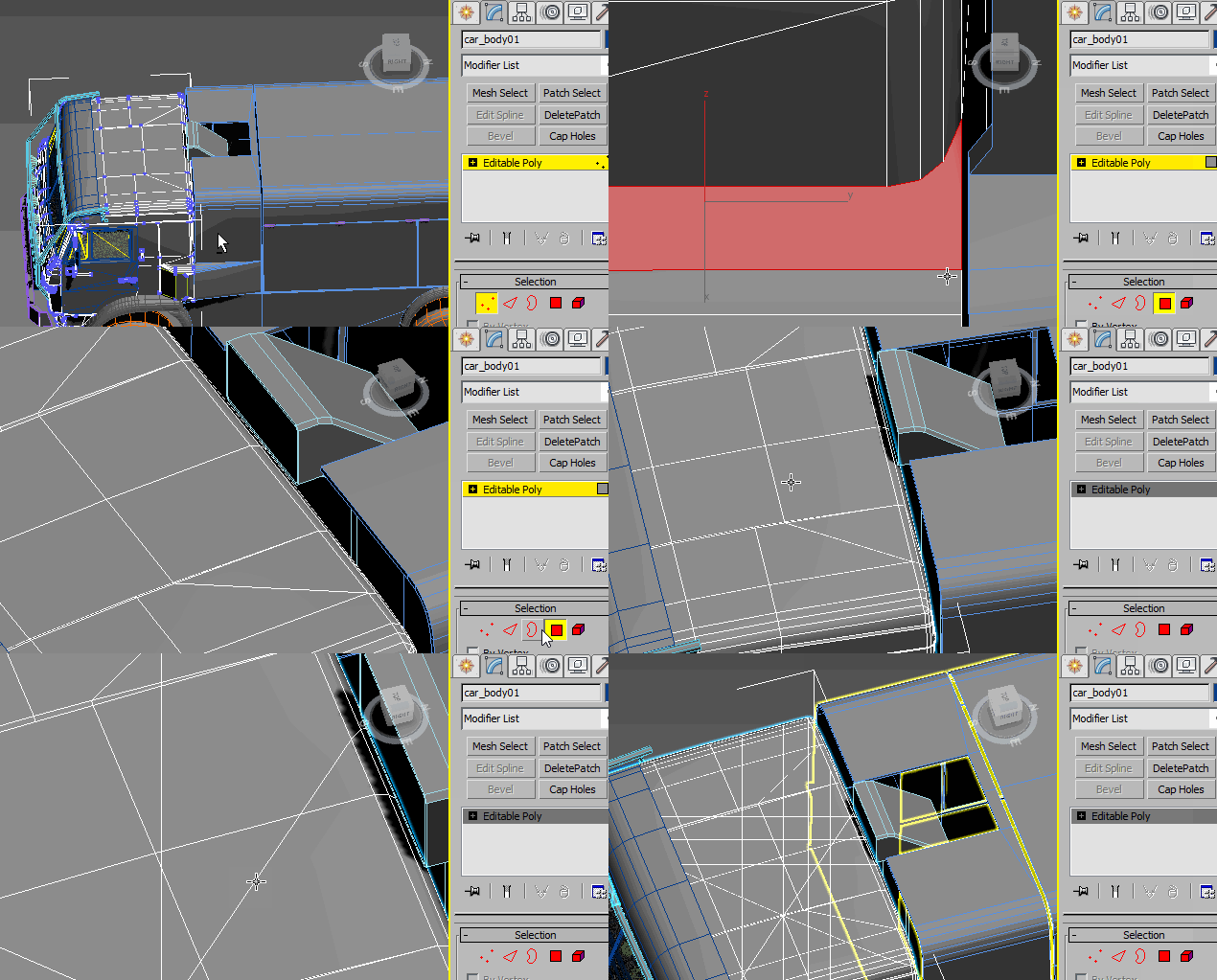
"Preview Video"

UVSetscale

3 votes

"Preview"

Slice by VerticalHorizontal View

9 votes

v1.2 Fixed bug if shifted Pivot point

"More Video - Ещё видео"

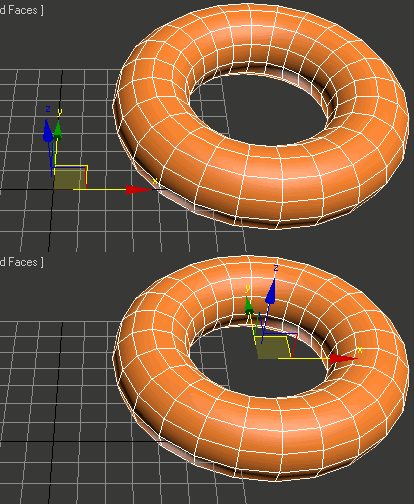
Zero-Center Pivot Unimover

3 votes

v2.17 Fixed bug of pivot point to knot of shape when command panel pull out of 3dsmax

Editable_Poly,
Edit_Poly,
Editable_Mesh,
Edit_Mesh,
Splines


"More Video - Ещё видео"

Syndicate content