
PolyFX
Version:
3.07
Date Updated:
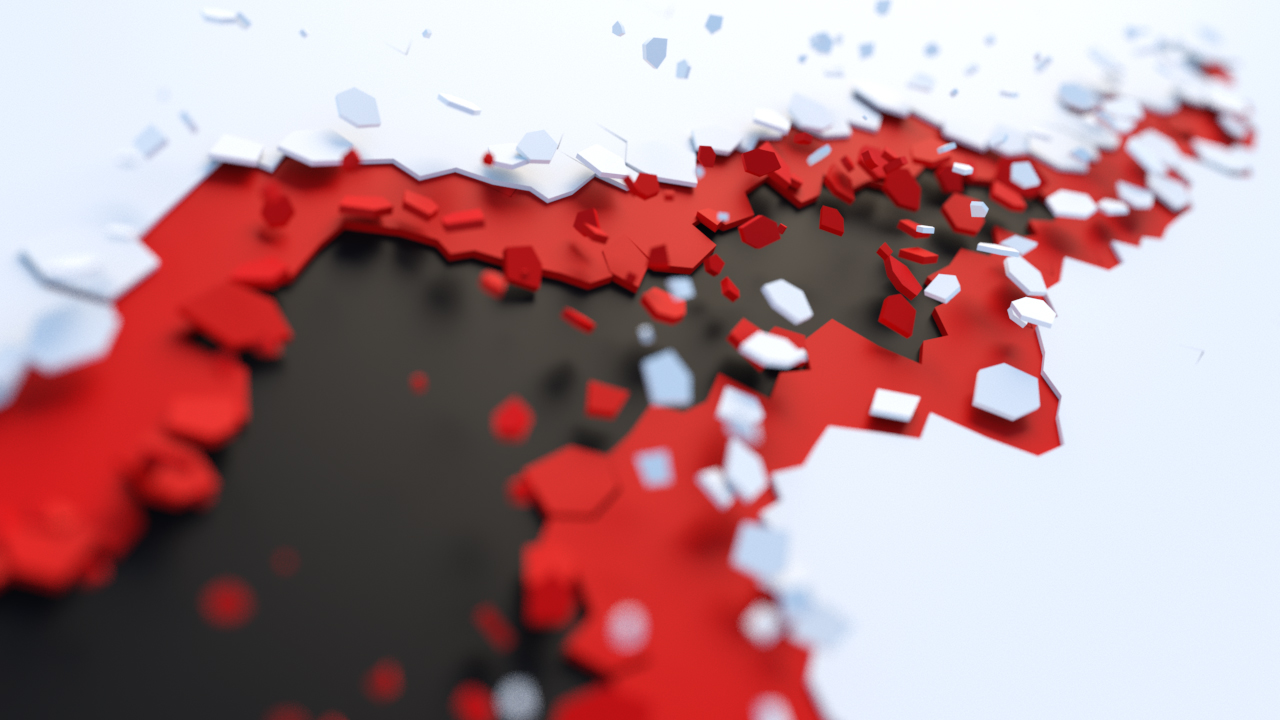
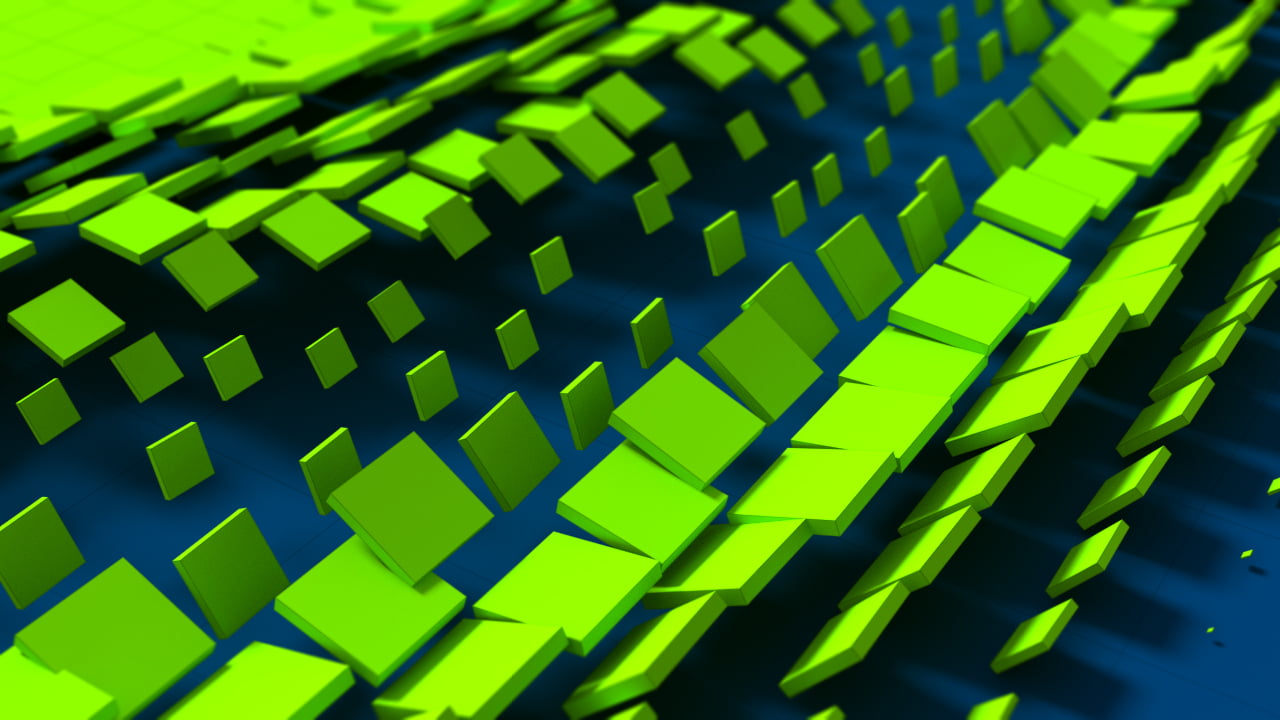
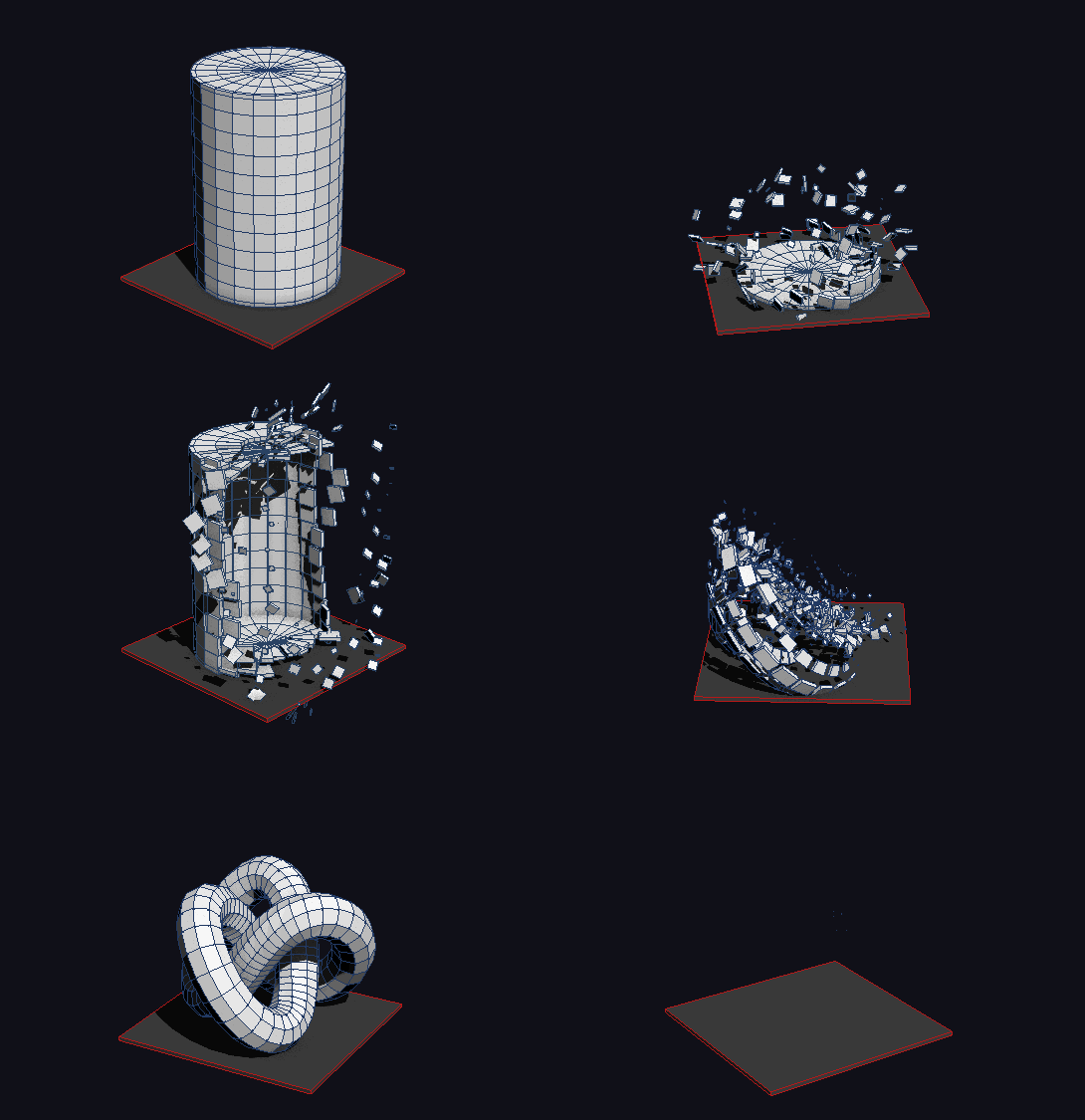
05/08/2020 PolyFX is a powerful tool that provides the ability to break an object into parts and animate them. It has many options for fine-tuning the animation and several additional tools. A great solution in the production of promotional videos, game development, etc.
Key Features:
- Modifier with many settings
- Animation by elements
- Built-in curve editor
- Three working modes: Key, Controller and Particle
- Support for texture maps in Particle mode
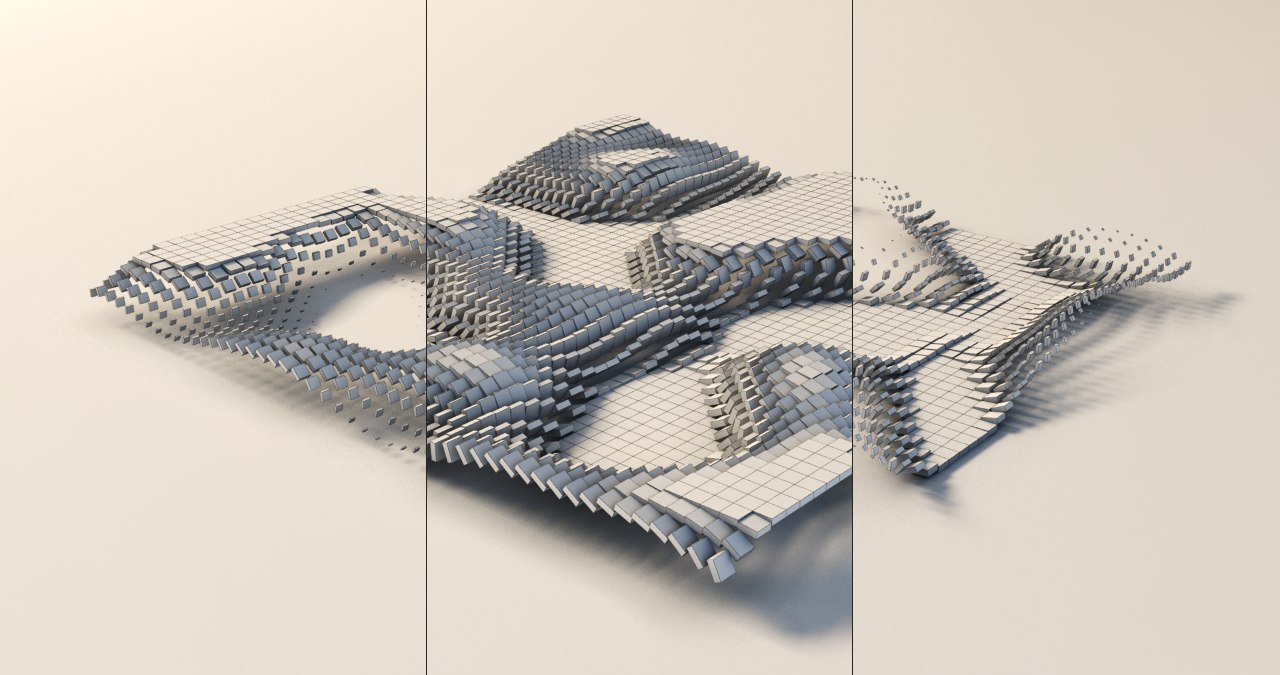
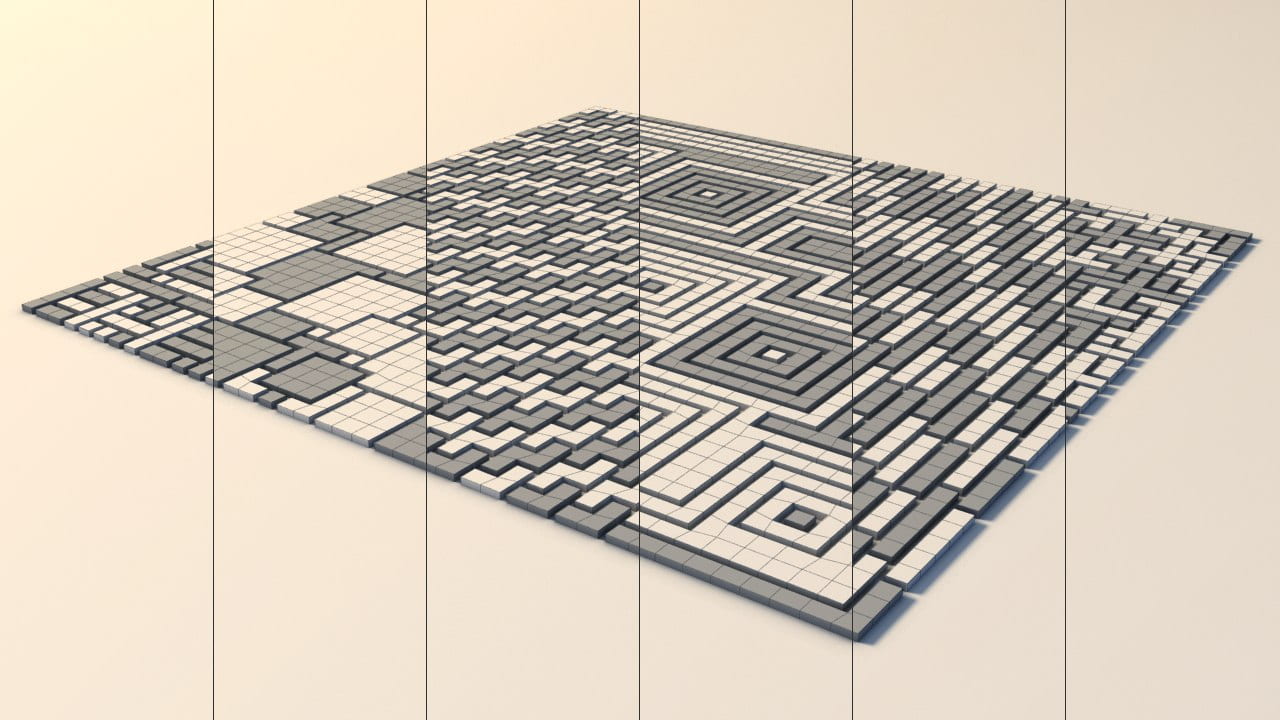
- Built-in tools: Slice Fragmentation, Pattern Fragmentation and Quick Detach
- Baking animations in modes Controller and Particle
Additional Info:
The demo version has the following limitations:
- You cannot animate elements.
- You cannot set the color and material from the main PolyFX window.
- The modifier does not save the settings with the scene file.


Changelog:
v3.07
- Added a new powerful modifier for 3ds Max 2016 and higher.
- Changed the default state of the scale curve.
- Slice tool has been redesigned and is now much faster.
- Fixed unstable behavior when undoing action in the Quick Detach tool.
- Fixed crash in the Controller and Particle modes when the window is closed in 3ds Max 2020 and higher.
v3.02
- Fixed bug with unstable work of curve editor.
- Fixed bug with controls "P. Type" and "Quantity" in mode "Particle" in 3ds max 2017.
v3.0
- Added mode "Particle".
- Added "Transform by Map" in "Particle" mode.
- Added tool "Pattern Frag.".
- Added tool "Quick Detach".
- Improved tool "Slice Frag.".
- Improved work with layers (Layers work only in "Key" mode).
- Saving all settings script to a file.
- Fixed many bugs.
v2.6
- Added mode "Controller".
- Added tool "Slice Fragmentation".
- Support for layers.
- Added tool "Collapse Controller" for "Controller" mode.
- Utility for cleaning garbage collection.
- Increased speed.
v2.51
- Fix Bug (Speed and StartFrame).
v2.5
- Added ability to set the name of the object / group.
- Added ability to set color and material objects.
- Added curve editor.
- Added modifier Normal.
- Increased speed of many parameters.
v2.1
- Added the ability to work with the elements.
- Added checkbox "Auto Time Range".
- Added three spinners: "Position X, Y and Z".
- Added spinner "Max. Scale".
- Modified to work with helpers.
v2.0
- Added ability to work with objects of class Helpers.
- Added the following spinners: "Min. Scale", "Random Rot.", "Random Pos.", “Normal Pos.", "Seeds" and three spinners to adjust the angle of rotation.
- Smoothness renamed to Falloff.
- Now checkboxes "Anim. Visibility", "Reverse", "Invert" and most spinners instantly show a change in the viewport.
- Partially rewritten interface.
v1.01
- Added spinner "Start Frame".
v1.0
- First Version.
Version Requirement:
3ds max 2010 - 2023
Comments
instalation problem
i cant find this polyfx after install this ???? plz help me ?
@horo
Ok, I'll try to do a few scenes.
bodyulcg.com
@forsaken_kingdom
Set the curve "Scale" as shown in the picture, and press Update.
http://s004.radikal.ru/i205/1404/8a/cd0d47fcca99.png
bodyulcg.com
Awesome script! keep up the
Awesome script! keep up the good work.
Could you upload all of your example scenes?
looks really great :)
Max 2014 problem
Thanks a lot, but I have another problem. I am following the steps for this tutorial, (http://www.youtube.com/watch?v=B5zTOxvMO_A) and my buttons are of different color. When I select my object in Poly / Elements type, auto time range, create animation, my object disappears from the scene. Thanks for the quick answer. (Im on Administrator)
@forsaken_kingdom
Not need to run "install.ms" through "Run Script".
To install, drag the "mzp" file in the viewport.
Before installing, make sure that 3ds max is running as administrator.
_______
At the moment, I made a help file only in Russian.
But in the nearest future I try to write a help in English.
bodyulcg.com
Can't Install
When I try to install the script, this error "Error Type: set bitmap requires BitMap, got:. Undefined" Any instruction or tutorial in English please?
I'm pressing "Run Script" on "install.ms" file
2013-2014 version
thank you very much
Help file
Added a help file (.chm) on russian.
In the near time will try to make an English version.
________________________________
Available on homepage -> PolyFX.
bodyulcg.com
Fix bug
Fixed a bug in the installer with install icons in 2014.
bodyulcg.com
Yeap!
Yeap: Everything pointed out that I never learned the by-zero multiplication table :)))
Thank you, Wlady for your advice and for your GREAT maxscript!