3ds Max | Scripts

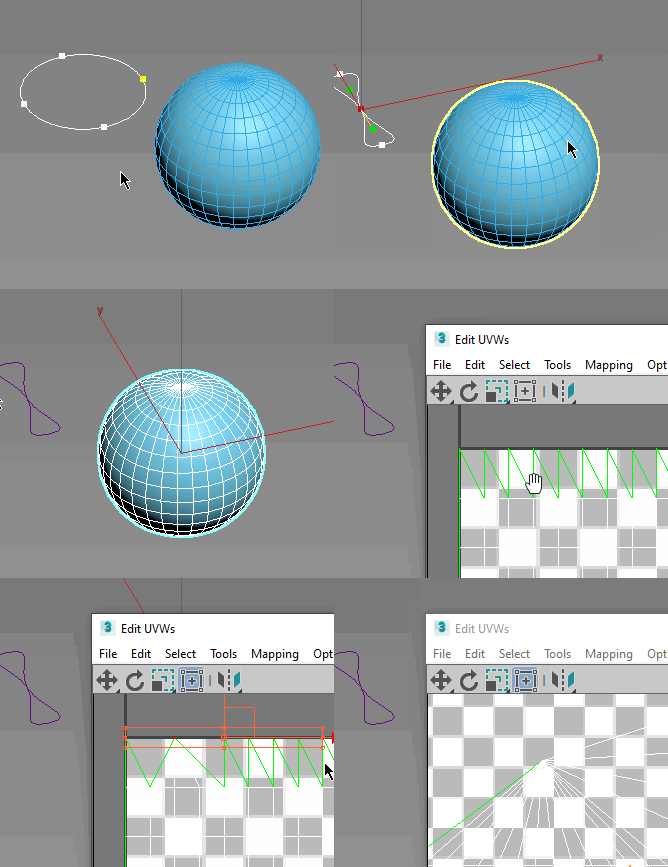
Slice Tool

13 votes

Vertex Color Tools

12 votes

"vcTools2 is a collection of many separate scripted tools for manipulating vertex colors. It includes 'Assign Vertex Colors' - 'Bake Radiosity' - 'Adjust R -G -B -H -S -V -Contrast' -'Scale/Clamp' -'Align/Weld Colors' -'Blur' -'Blend Edges' -'Pits and Peaks' - and more. The script works on individual objects as well as multiple objects. Be sure to view the helpfile for details."

QuickFrag

12 votes

Simply select the object you want to break apart and the amount of pieces to break into and hit the button!

Object Slicer

12 votes

This will slice a polygon object randomly. Good for creating fragments.

Tape Annotate

12 votes

updated:
fixed toggle on and off functionality.

Displays tape-length information in the viewport.

Effects all tapes currently visible. Displays the user defined tape length at the base of the tape and the distance to the target at the target. Updates in real-time.

Simple!

note:
I work in inches, so displaying "in." is hard-coded. Change that part ("+" in."")of the code, or remove it to make it go away.

UniCollapse

12 votes


ESC+KEY SCRIPT

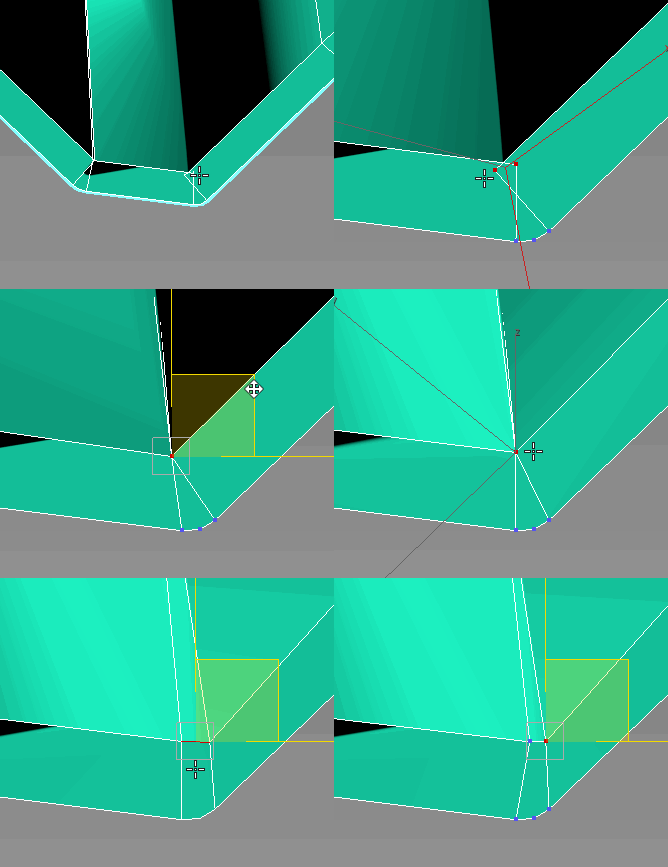
v2.6: Collapse on Edit_Poly modifier using Scale Transform Type-In

And all this works by single button

TurboManager

12 votes

Manage all turbosmooth modifiers in the scene.
apply/delete/modify turbosmooth values for either :
1..entire scene or
2..selected objects

Char Key All

12 votes

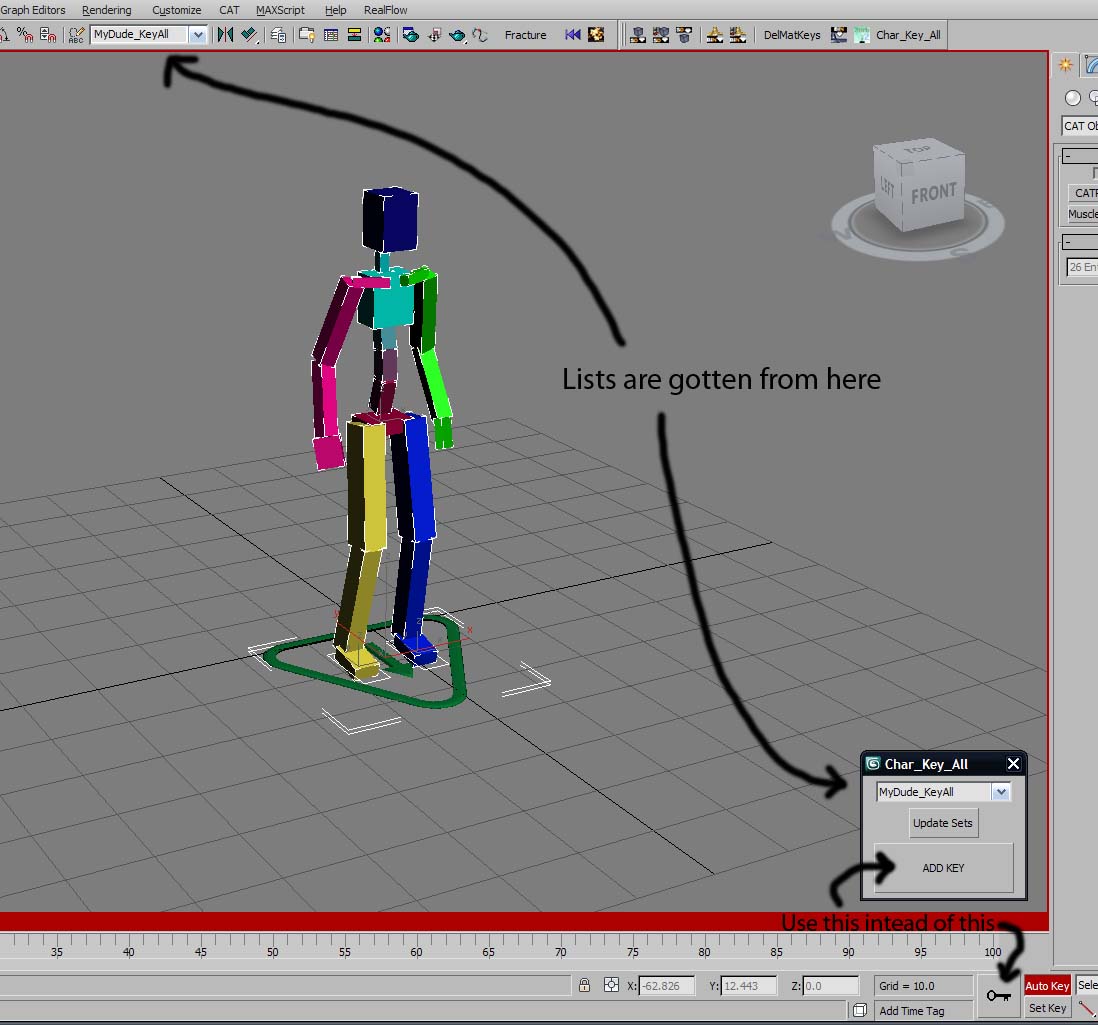
A very simple script that hopefully will help animators with their workflow.
01) Define a Named Selection Set with all your character's bones, controllers, IKTargets (eg.CAT Platform), etc...etc...whatever you need to animate your character.
02) run Char_Key_All script, the panel will pop up at the bottom near the big Key
button
03) Select the char that you are animating from drop down list.

Math Object

12 votes

Creates a 3D Object based on a math formula Z = F(xy)

Visibility Manager

12 votes

Visibility Manager is a very useful tool if you work with
visibility tracks. It's default controller is On_Off -
it is hardly configurable. VisiMan script lets you automatically
convert On_Off controller to Bezier_Float controller. Second part
of this script lets you quickly and easily add some fading effect
to object's appearing and disappearing.

Syndicate content