3ds Max | Scripts

Random Master 1.0

7 votes

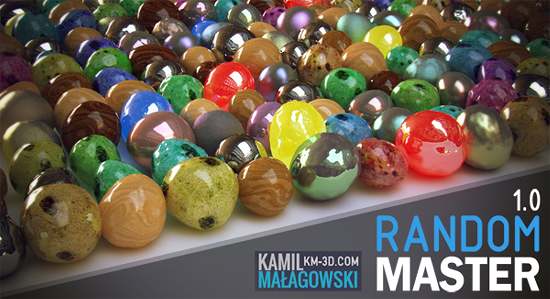
Random Master is an interactive and realtime tool for randomization in 3ds max.
Everything you need in one place, with just a few clicks you can create thousands of unique objects!

The tool allows you to randomize:
-Position
-Rotation
-Scale
-Material maps
-UVW Mapping gizmo
-Keyframes
-FFD modifier points
-Noise
-Selection of objects
-Selection of faces/vertices/edges
-Material ID

PowerCoreTools: 3ds Max's CPU management tool

8 votes

PowerCoreTools:

Just released version 1.2 of my PowerCoreTools CPU managment script for 3ds Max

A tool to control CPU usage while 3ds Max is rendering. Automatically sets process priority and affinity ( the number of  CPU cores the render process uses) at render start. Restores the initial settings when the rendering is done. Can be configured to run in a complete transparent  No-UI mode, which is launched right after 3ds Max has started.
This keeps your workstation responsive for other tasks while rendering. A second 3ds Max session stays responsive and can be used to continue work on different tasks.

A look at the following screenshot will probably tell more than thousand words:
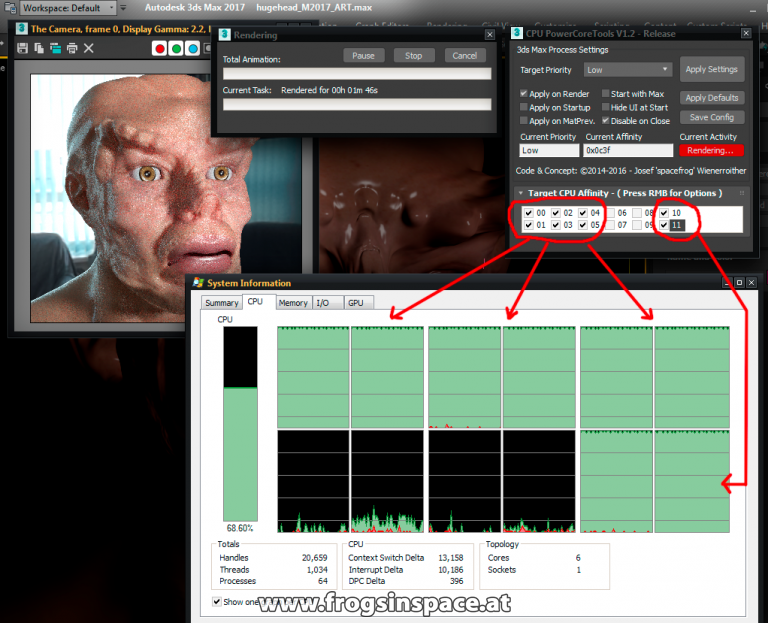
PowerCoreTools in Action

Edit curve control

6 votes

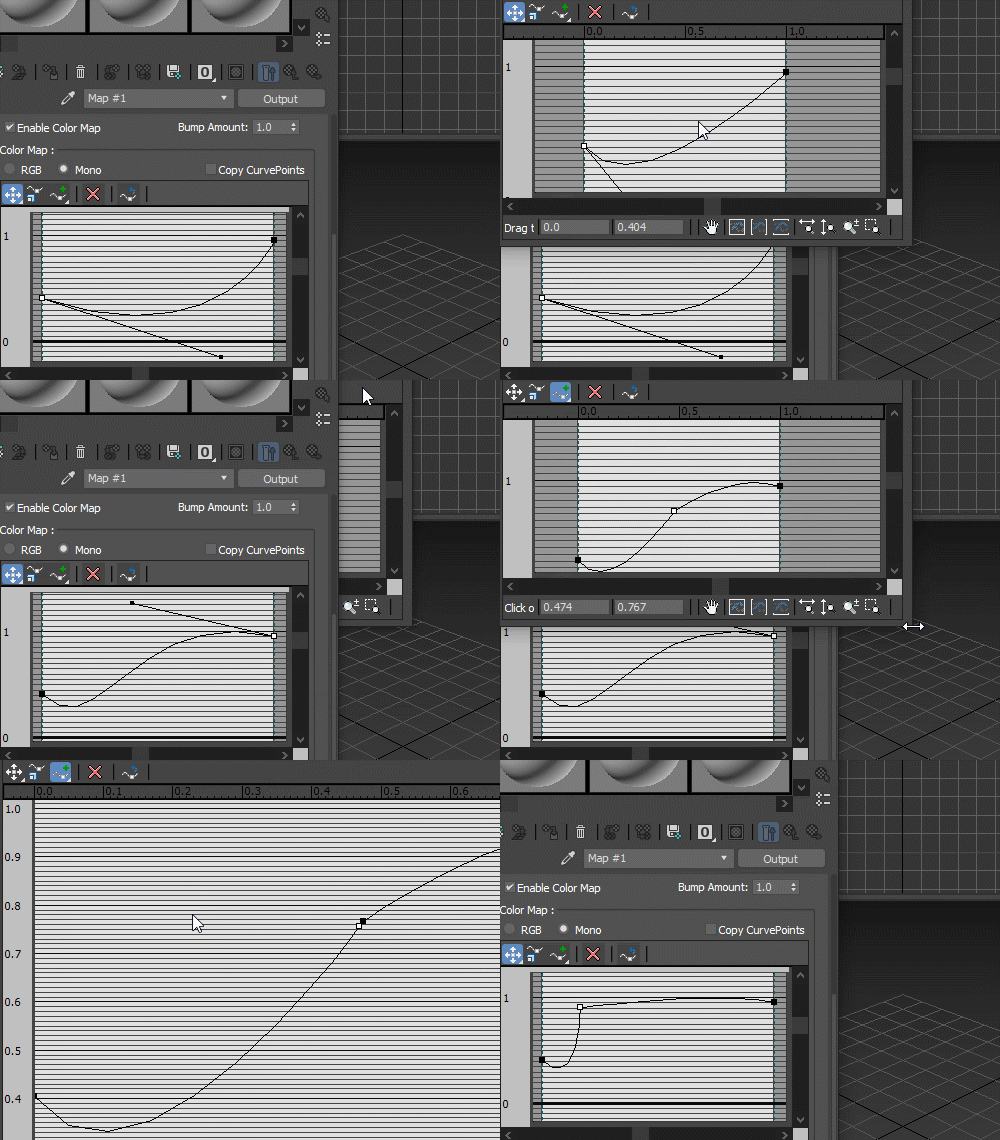
Edit curve controls in bigger, resizable window:

Curve edit

miauu's Edge Cutter

79 votes


Version 1.6 - added installator. Now the script is properly installed in OS: Windows VIsta, 7, 8

Version 1.5 - added Compact UI mode - idea by @Silix

Version 1.4 - added support for 3ds max 2012.

Pivot Manager

3 votes

Toggle Material

0 votes

Toggle Material is used to toggle material in viewport just by using 1 click.
It will show selected object material or toggle all scene material if there is no selection.

How to use:

  1. Run the script
  2. Select Object/s or Nothing
  3. Toggle Switch

Installation: Drop The file in max viewport and go to Customize > Customize User Interface > Toolbars > Category: .timo > .timo Toggle Material

Spline Control

14 votes

While working on a small fun project that involved animating splines (Montpellier Tramway Map morph), the limitations of Spline IK and general hostility of spline animation forced me to create my own simple animation-friendly spline control.

Multi Scatter

10 votes

With this tool you can Scatter object on top of other object up to 8 level,
you can use different object for each level and you can record face to use
for each level.

Smooth Manager

27 votes

This script helps you to manage Mesh/Turbo Smooth modifiers in the scene for all as well as selected objects in the scene

Polygon Coordinate System

4 votes

Lets you create new Coordinate System based on polygon selection in any geometric node.

Syndicate content