3ds Max | All

MCG AutoRings

3 votes

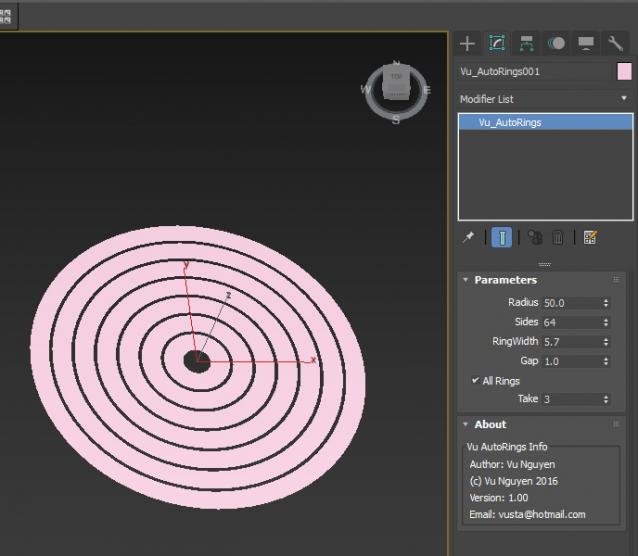
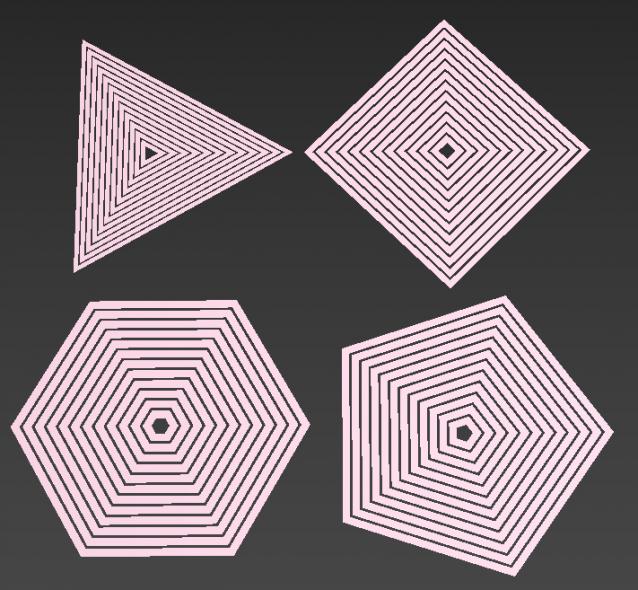
Why AutoRings ? coz based on the Radius, Ring Width and Gap combo, this will automatically generate as many ring as would fit inside the main Radius. If Ring Width or Gap is too big...no probs, it will auto adjust itself...

Ver 1.01: removed Gap restrictions..so Gap now can be as big as you like...

Ver 1.02: added Height Offset

MCG Gift Box

0 votes

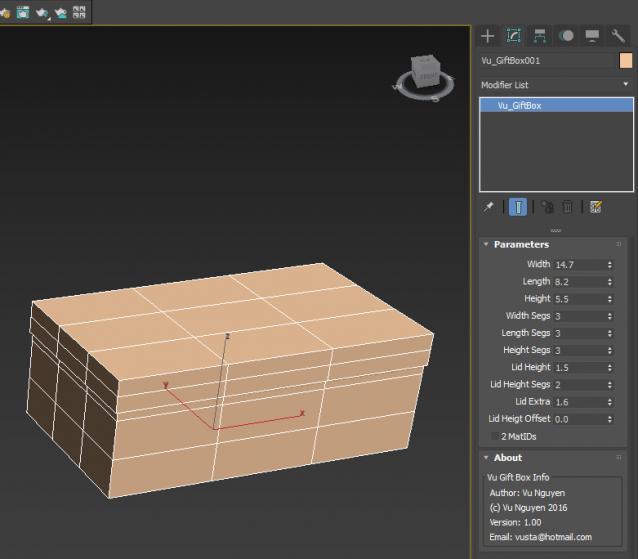
A very simple MCG Gift Box for beginners to dissect/study.

ctrlmaker

3 votes

dynamically creates scripted custom attributes...
sliders and spinner with linked values laid in a group with optional color tag and progress bars.

- update -
now with preset spinners for position/ rtation/ scale

Base Pivot

3 votes

This script will set the pivot point of all selected objects to be at the centre of their bases.

Random Selector

47 votes

This script allow you to select random vertex-edge-border-face-element parts of the object (it works on Editable Poly converted objects), or objects in the scene. There are three different selection algorithms in vertex-edge-face modes.

MCG Fluted Column

0 votes

REQUIREMENTS: Max 2016 + SP3, Max 2017

Installation: Scripting, Install Max Creation Graph... This MCG creates a fluted column geometry...with lots of controls so you're not STUCK with a static pre-made column.
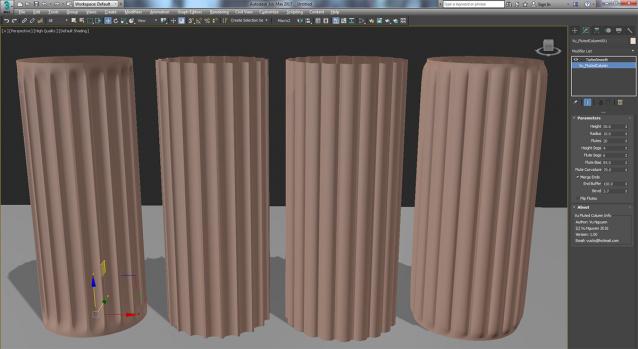
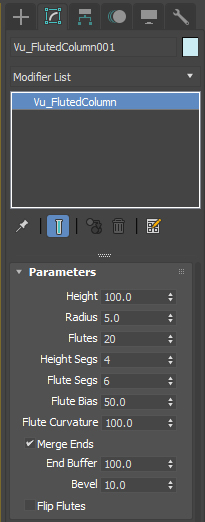
Ver 1.01: Added (non) Monolith option...see high res pic...

Ver 1.02: Added Precision control for gap (2nd pic).

Material Override Excluder

3 votes

Do you use the Vray Material Override to do chalk renders and wish that it would allow you to exclude certain materials? Like VRayLightMtl and any refractive materials like glass? Well now you can using this little script. It sets up a Shell Material which allows you to switch from one material setup to another. So even if those pesky VRayLightMtls and refractive materials are within Multi-sub materials then you’ll still be able to exclude them. Give it a go, test it out and let me know how it works for you!

RelaxBySG (Relax By Smoothing Group)

3 votes

Modifier to smooth meshes without destroying hard edges defined by smoothing groups.

RelaxBySG works on the same principle as the standard Relax modifier, but offers a greater degree of control.
Rather than relying on the modifier to find boundaries and corners and hoping for the best, you can use smoothing groups to define them yourself.


Export Camera to UE4

0 votes

Just select cameras(without target) and run the script. Script will create "Bake Cameras". Then you will need to export all cam in fbx(-z) and import in UE4.

--Support Target Camera, Free, and animation FoV

Script is free

PolySelections

12 votes

Lets you select polys by the number of verts that compose them. So - in an editable poly object - it is easy to select all the polys that have 4 verts - or all the polys that have more than 3 verts - etc...

Syndicate content