Tagged '3ds max'

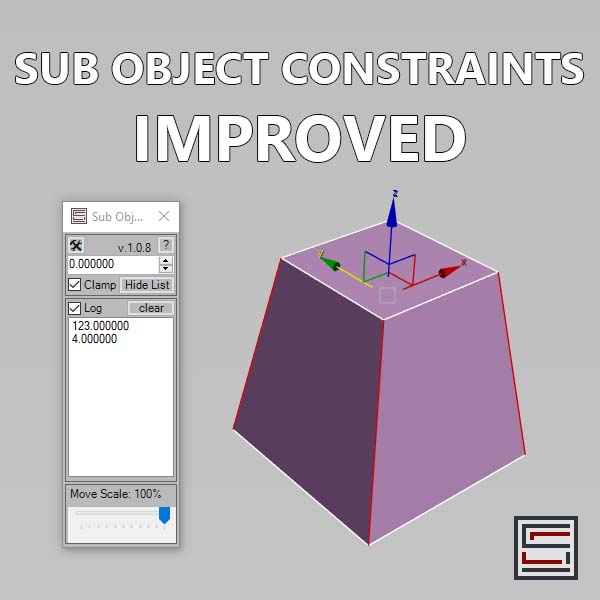
Sub Object Constraints Improved

2 votes

Description: Slide verts & faces along edge paths. Similar to the standard constraints, but works in both directions.

Spline Workflow Toolkit

0 votes

Spline Wokflow Toolkit for 3ds Max

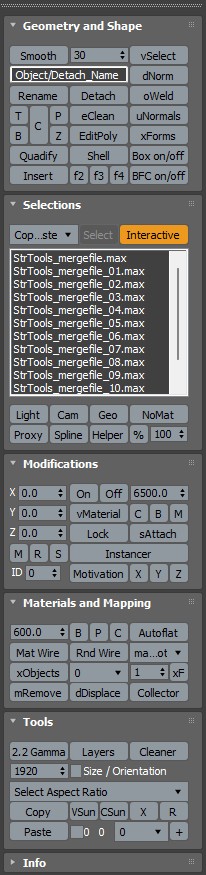
StrTools

14 votes

Quick tools in one place. Dockbar!

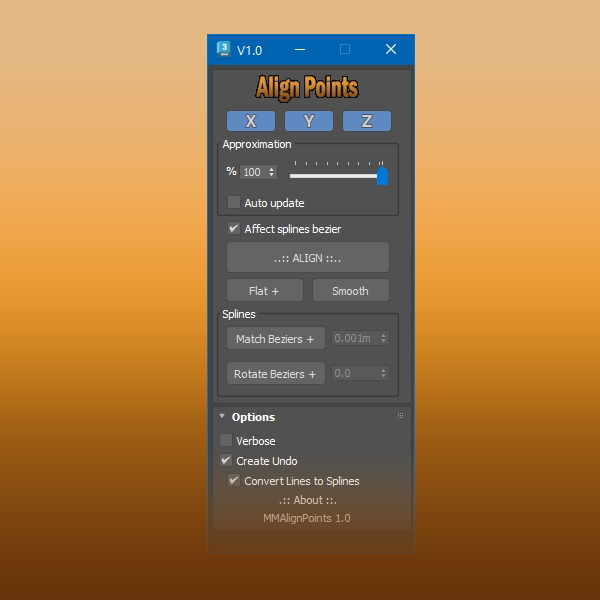
Align Points

1 vote


Free Tool

This tool aligns selected mesh vertices and spline points.

With splines you can align bezier vectors too.

available here


Group to EditablePoly

4 votes

This script is intended to convert group into editable Poly (It keep editable mesh as editable mesh when an editable mesh is in the group).if you have multiple groups selected it will create multiple editable poly(or mesh) objects ( one object per group). It support nested groups (group within group).the script has no interface, it's just a button, here is the default icon , once installed you just need to have one or multiple groups selected and click the button and that's it, no fancy options.

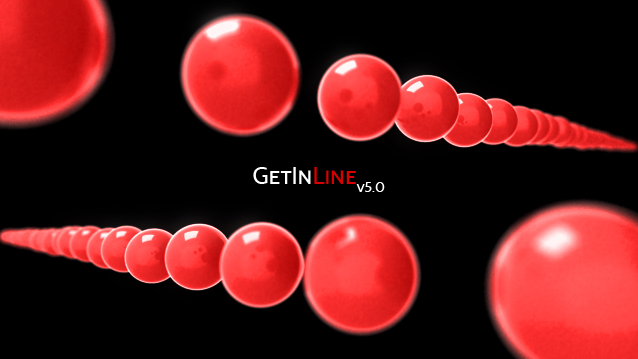
Get In Line! (May 9,2011)

35 votes

This script evenly distributes the selected objects based on the start and end target objects.

Anyone is more than welcome to add to this.
Things you could potentially add are qsorting, transform, scale, and rotation sorting as well.

Right now it just does position.

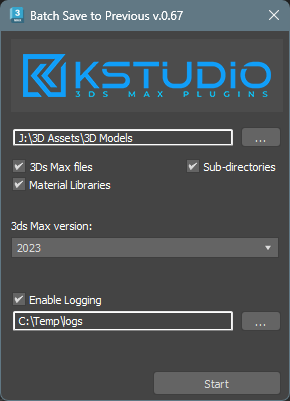
Batch Save 3ds Max Files to Previous Version

4 votes

Script for saving 3ds Max files and Material Libraries* to the previous version in batch mode

*Batch saving Material Libraries to the previous version requires 3ds Max 2023 Update 1 or newest


Content Browser

2 votes

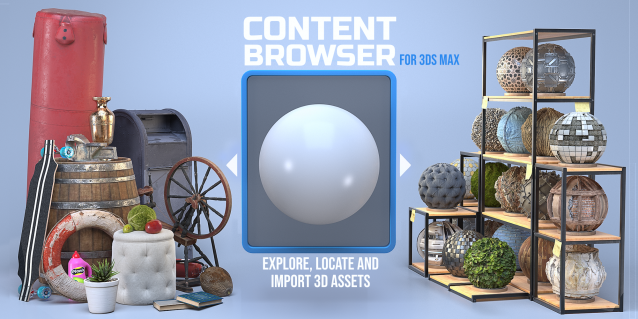
The Content Browser helps you quickly browse and import 3D assets on your computer.

Load any folder accessible on your machine and the Content Browser will find any materials, hdri’s, models, and max files. It will group, organize and display these files as assets, recognizing previews, LODs, mapping channels, resolutions and other important information automatically. 

It simplifies the importing and merging process for 3d models, max files, material creation and hdri environment maps by allowing you to directly browse, filter and drag all of your 3D assets from sources like MegaScans, PolyHaven, gameTextures, Poliigon, Arroway into 3ds max viewport or material editor. 

Main Features

  • Load any folder and find 3D models, max files, materials and hdri’s.
  • Show grouped files as assets, group matching assets and find preview images.
  • Drag and Drop asset into the 3ds max viewport or the Slate Material Editor
  • Import assets to Slate and Compact Material Editors
  • Default Merge and Import 3d files and max scenes, with automatic relinking filepaths
  • Choose LODs/resolution/variations and Import multiple assets at once
  • Folder hierarchy, File list and Preview Gallery

IFL Playback Manager

1 vote

Description

IFL Playback Manager is a really handy script for 3ds Max that helps you manage and control the timing of animated textures in your scene. It automatically lists all textures with assigned .ifl (Image File List) files and allows you to adjust their playback parameters directly.

MZP Maker

0 votes


MZP Maker it's the perfect tool when you're in a hurry and just need to package your script.

Description:

Syndicate content