Tagged 'modifier'

Edge Selection from SmoothGroups

5 votes

Modifier that converts smoothing group borders to edge selection. If you want to display the result, put a Mesh Select modifier below this one and make its edge mode active.

DeformByProjecting Utility

7 votes

DeformByProjecting is a scripted utility for 3dsmax that allows deform one or more objects by projecting mesh verticies on the surface of another object (preform). The basic idea is similar to Conform (Compound Object), but functionality DeformByProjecting utility has differences and features:

QuickTools

52 votes

QuickToolsA collection of useful maxscripts and max features combined into one tool window. Most of the scripts I wrote myself. Some I did not write - but included as I use them regularly and find them to be extremely efficient work flow enhancers - furthermore I found no need to reinvent already solid wheels. Full credit is given to all script's authors both in the code comments and on the about page - however if for some reason I have neglected to give proper credit please let me know and I will rectify any and all such oversights. Furthermore - should anyone be unhappy that these are included I can remove them from the public release version. Finally any tools not categorized by those first descriptions are just standard max affairs to which I have given more convenient access - or are standard max affairs that have been slightly altered to suit certain production needs.

World-Space to Local Animation

1 vote

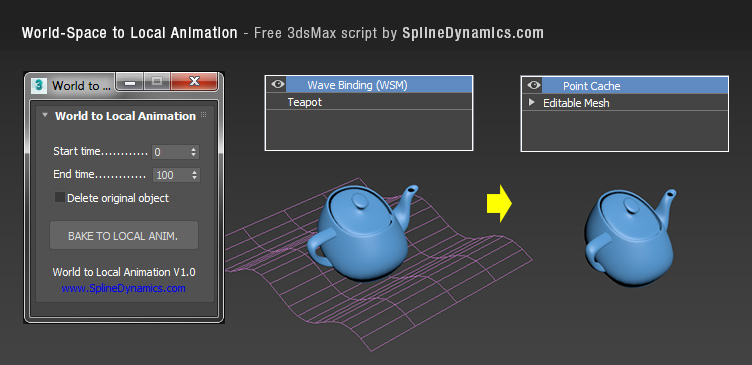
Bakes an objest's World-Space/Space Warp animation to a copy, using local Point Cache modifier. Then you can apply local modifers on top to continue animating the object's deformation locally.

Note: this is a preliminary version. It saves always a temporary .xml file for the Point Cache, wich you can rename, relocate and reload, to preserve it. In future versions, this could be set at the script’s UI by the user.

Compatible with 3dsMax 2012 and higher.

Modifiers Clipboard

5 votes

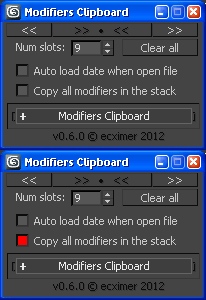
Clipboard for modifiers.

!!! UPDATE !!!

Inset by Smoothing Group

12 votes

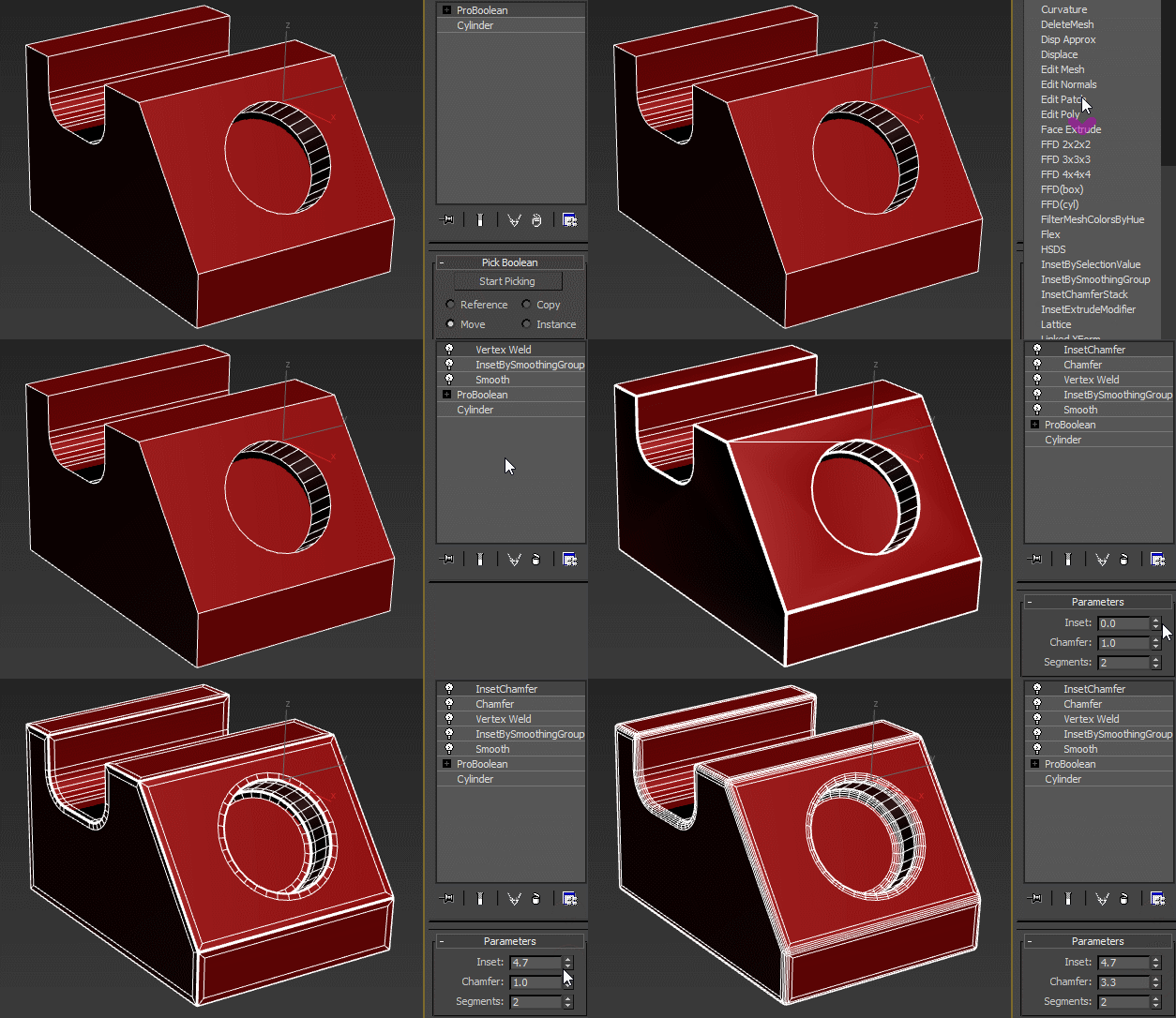
As the mcg installation process was pretty convoluted, I decided to redo the InsetBySmoothingGroup modifier in maxscript - the speed is the same and you don't have to care about different versions of max behaving different, connecting disconnected nodes and all that stuff. Now it's just one .ms file, and there's no vertex weld needed either.

Bake vertex position from modifier stack

30 votes

I was wondering on how I could achieve a footstep-like effect on a mesh without some fancy softbody/physics/plugin-action, and I came up with this script. It basically bakes the vertex position from the modifierstack on each frame to a keyframed editable_poly object. It keyframes only the modified part of the mesh, and does not change it back, hence the "track-effect". See the example image:

example


Grow Vertex Selection

2 votes

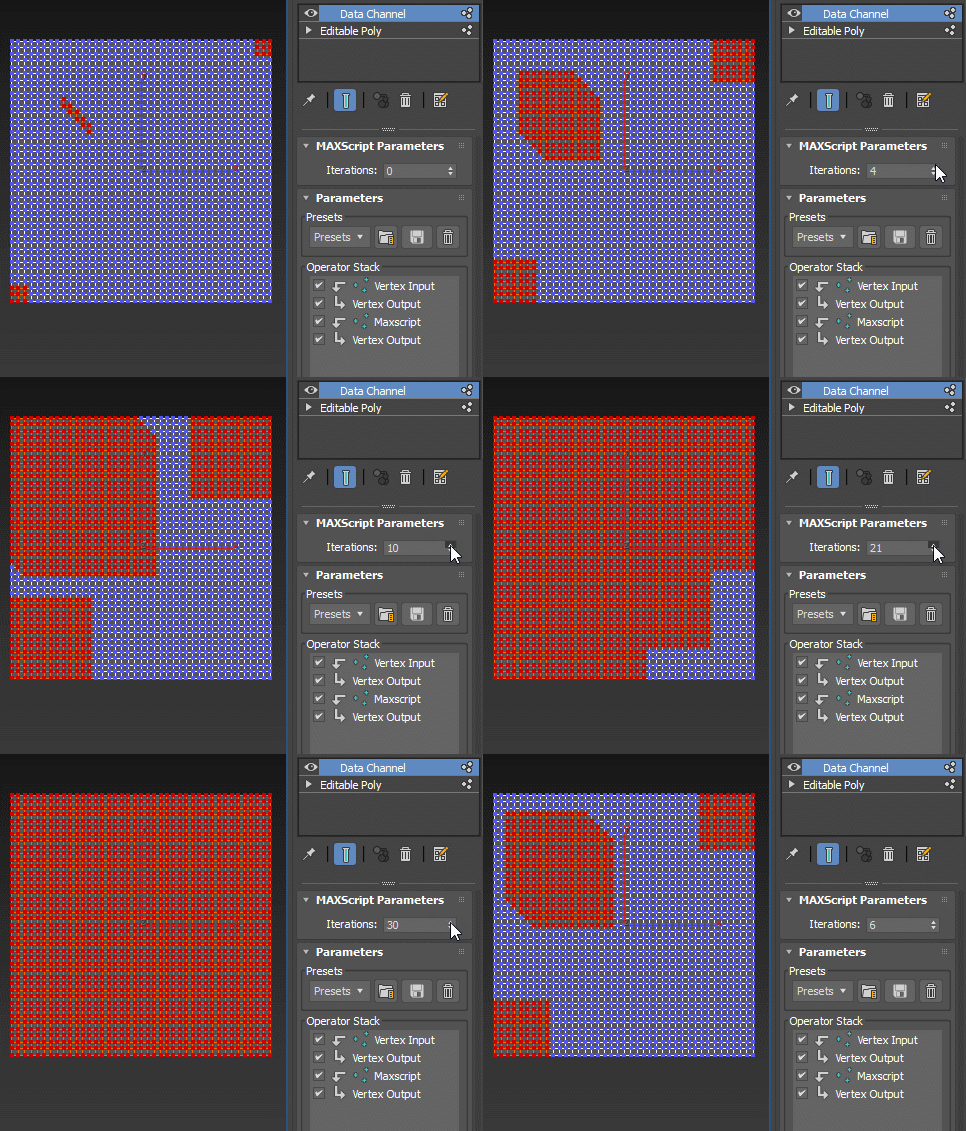
Grow selection leveraging the Data Channel modifier. For more information, refer to the original discussion.

: DataChannel GrowVertSel

This is a self-contained modifier and is applied as such, it's not a Data Channel preset.

Delete Faces Modifier

2 votes

The DeleteFaces modifier allows you to delete faces on a mesh without having to add topology dependent modifiers like Poly Select.

V2 is now a compiled C++ plugin for Max 2015-2018.

Changelog:

Version 2.1

* Added support for Max 2018.

* Fixed some problems with Delete Faces.

* Fixed isolated vertices not being deleted.

* Added button in Custom Attribute to delete the rollout when it persists after the modifier list has been collapsed.

Version 2.0

* Adds new options for how to handle smoothing groups: match any, match all, match none.

Modifier Auto-Select

51 votes

This is a tool I put together because sometimes you have to work with modifiers on multiple nodes and the modifiers aren't at the very top of the stack. You’re constantly having to select the node and then selecting the proper modifier. Prime example of this is when you have a turbosmooths on top of all of your geometry while you are either skinning or modelling. It would be much easier, and save quite a bit of time, if every time you selected a node you just automatically were on the skin modifier or edit poly modifier.

Syndicate content