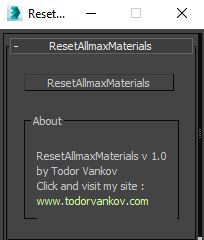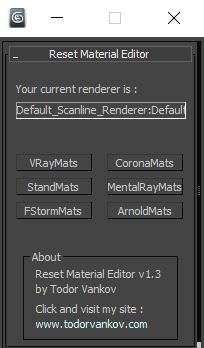
reset
zsTools
Submitted by zinken on Fri, 2008-12-12 13:09.A simple script I wrote for my daily work. Maybe it will be useful for someone.
Rotation and Scale transormations are restricted to "geometry" and "helper" objects to avoid any errors.
- RESET position / rotation / scale of selected objects in selected or all axes.
- ALIGN position / rotation / scale of selected objects to min / average / max in specified axes
- apply a RANDOM (with given min and max values) position / rotation / scale in specified axes to selected objects.
Reset XForm
Submitted by Admin on Tue, 2008-07-15 23:45.PEN Reset Xform is designed to make the task of resetting xforms on objects easier. This is done by automating the process of locating objects that need to have their xforms orthogonalized and or normalized. Objects that have been mirrored at the object level or scaled at the object level in any way will result in a transform matrix that doesn't have all of its axes at right angles to each other or the axes are not one unit in length.
MatClean
Submitted by MarkD on Wed, 2008-06-25 09:18.MatKill v1
A little script I wrote to control materials and wire colors.
I'm sure I'm not the first jr script writer to think of this...
MatKill is now MatClean v1.1

Here’s a break down of each button.
Clean Editor: Resets all material editor slots (does not pay attention to selection)
MeditCleaner
Submitted by Michele Bousquet on Sun, 2007-03-04 06:06.Cleans unassigned materials out of the Material Editor, replacing them with a gray standard material with default name. Leaves assigned materials intact.