3ds Max | All

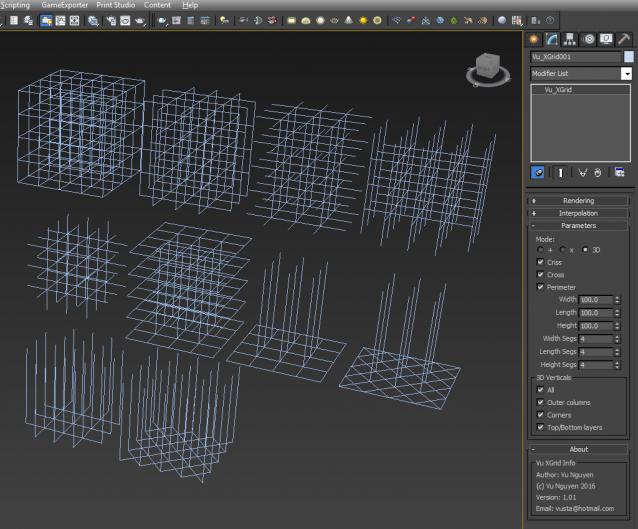
MCG XGrid

5 votes

Installation: Scripting>Install Max Creation Graph...

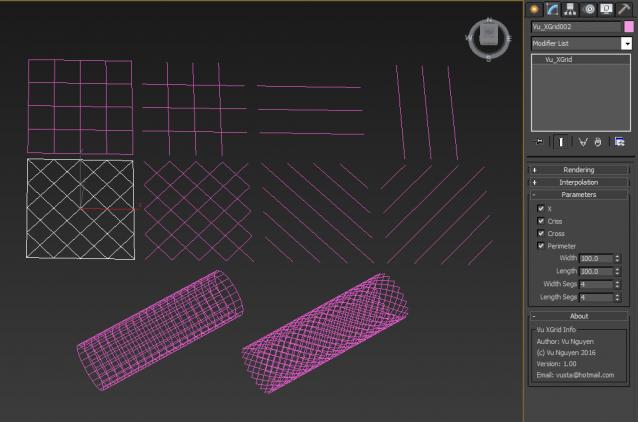
Creates Spline Grid or X Grid

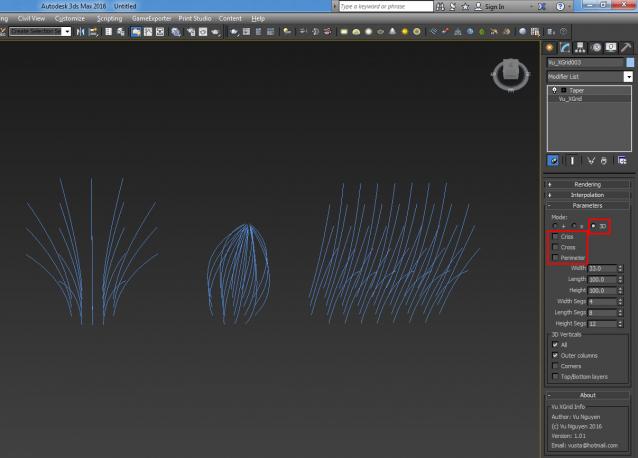
ver 1.01: added 3D.....True Grit...I mean Grid...

(detour: https://onedrive.live.com/redir?resid=B2A6F1C4EEB10DF8!279&authkey=!AO2tZoKxHSqaWpc&ithint=video%2cmp4)

quick hair guides...

VRay Render Mask Maker

2 votes

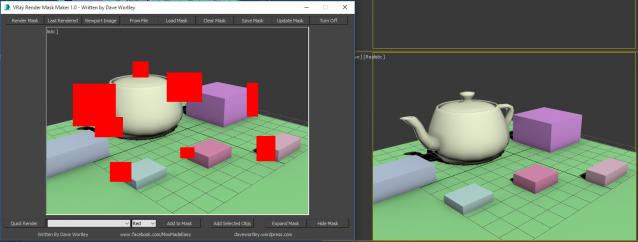
This script allows you to paint multiple render regions based on the viewport or the last render. It feeds the mask information to the Vray Renderer Mask and you can optimise your rendering time massively!

I've had this one under wraps for a while (I forgot I hadn't uploaded it).  

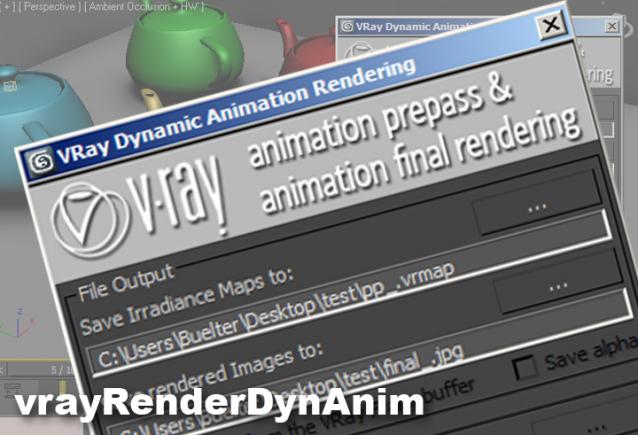
VRay Dynamic Animation Renderer

2 votes

PolySpline

34 votes

Helps to draw a spline - like a AutoCAD Polyline tool by free or precisely coordinates - but works faster.
Syntax of the coordinate input is the same as AutoCAD Command Line.

New features:
1. Correct button-trigger to turn script on or off.
2. Freehand mode to draw splines by hand on XY-plane or surface of the Base-object (Hotkey F).

Angle Limiter

1 vote

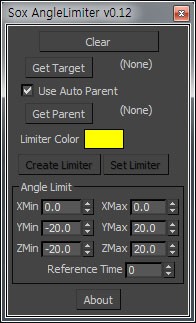
This tool creates a 'Helper' that has a limited angle, with reference to other 'bone'.

metamesh Asset Manager

3 votes

a simple to use asset manager, similar to "openPipeline" for maya, but for 3dsmax. First release on it. feel free to send comments and feedback.
How to: Run the script and then go to customize-> customize user interface.You will have a new entry called metameshTools. Assign it to a hotkey or toolbar.
The first time you run it you will have to pick a folder to store projects. You can create new projects, create new assets, new disciplines, save the files etc, open merge and xref files by right clickinging on them etc... Is fairly straight forward!

3DS Max Hot Box

201 votes

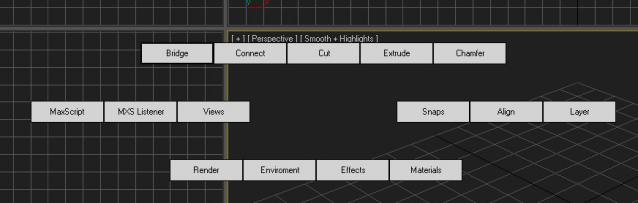
After being inspired by the video I saw of a Max hot box here on Script Spot I decided to work on my own. So here is the first version, its only a beta so some bugs or problems are to be expected. I am giving it out early as I want to get as much feedback as possible  I am currently debating whether to follow the Maya route or do something a bit different. 

Patchy

4 votes

MCG GetQuadInfo

0 votes

This is a generic compound so people can call it and make use of it in their MCG. To simplify things, this assumes your mesh is pure quads (it would still work if it has tris in it, as can be seen in my ParseQuads MCG, however there can be no guarantee if it 'looks' right if you have a random mish mash of tris/quads) So because it is a compound, you can't 'install' it so I've supplied here a dummy MCG to clone on quads, those who know the rename to zip trick then drag/drop...just do so otherwise install the MCG to get the compound Vu_GetQuadInfo.

Create Quick Studio Setup

1 vote

This simple and naive script, allows to create a quick and basic "Studio" setup.

Syndicate content